TadaTuck for iPhone
Home inventory apps compared: pick by what you actually need

Home inventory apps compared is a how-to-choose page, not a category definition. Public materials point apps at different jobs: barcodes and team access → Sortly; quick capture plus serial, warranty, or receipt fields → Home Contents or Nest Egg; box labels → Boxes; home maintenance plus items → Under My Roof; flexible receipts and warranties → Itemtopia; light photo-and-place on iPhone, on-device by default → TadaTuck. No rankings or scores.
If you still need the category explained in plain English, start with What is a home inventory app?. That page defines the class; this one helps you pick a route by what you actually need.
Public competitor info checked October 2026; features may change.
Download TadaTuck on the App Store01
How to read the comparison
Every cell below restates something the app's App Store listing or official site already says in public, or notes when that page is silent. Where a public page does not spell something out, the cell says not stated on its public pages—never “does not support.” Source markers (P1–P7, S1–S2) point to the Sources section at the end.
A deeper Sortly-only walkthrough lives on Sortly alternative for home. This page keeps Sortly as one column among several home-leaning options and does not repeat that page's full table.
Leaving a spreadsheet behind is a separate habit; see home inventory without a spreadsheet if that is your question.
02
Side-by-side public positioning
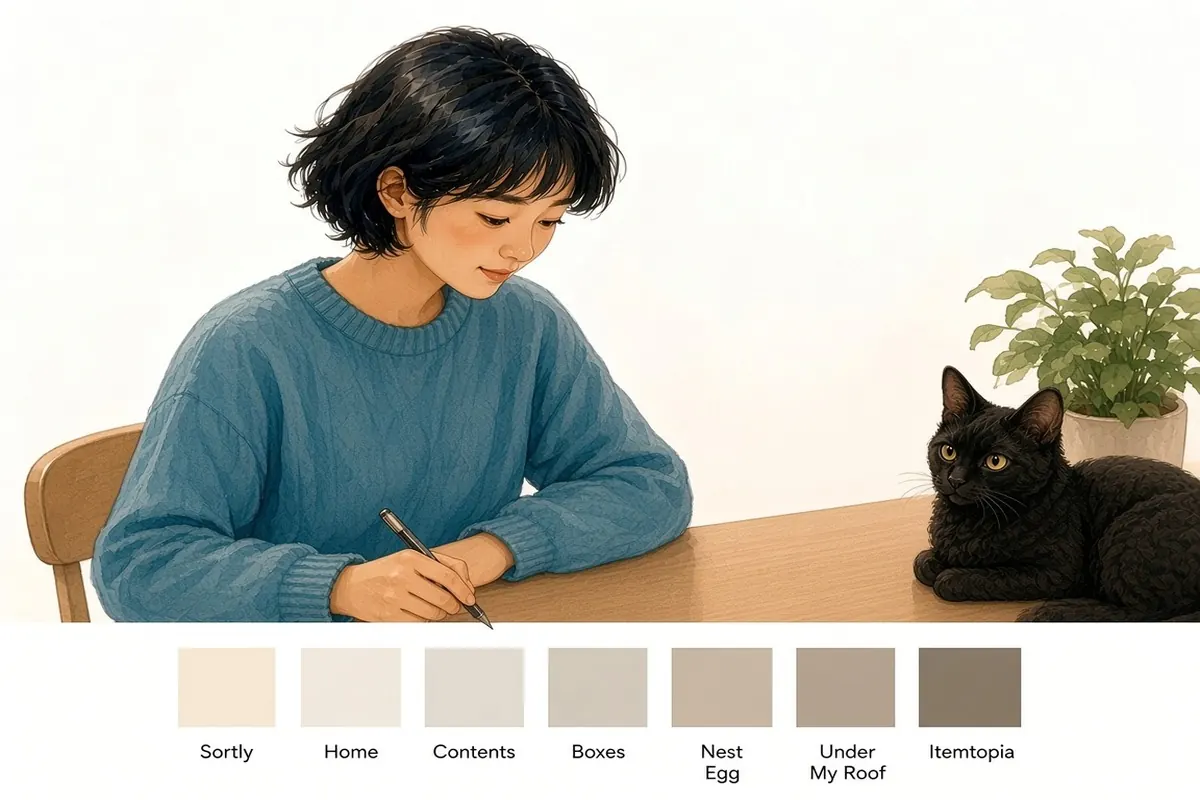
| Dimension | Sortly | Home Contents | Boxes | Nest Egg | Under My Roof | Itemtopia | TadaTuck |
|---|---|---|---|---|---|---|---|
| Public focus | Business inventory first, with a home organizing solution (P1, P2) | Household contents capture for claim, move, and estate scenes (P3) | Storage, spaces, and labeled boxes (P4) | Home inventory catalog across several listed scenes (P5) | Home management plus items—“Beyond Home Inventory” (P6) | Home contents; also business equipment and multi-person assets (P7) | Household photo + place records (S1) |
| Platforms (public) | Phone, tablet, computer (P2) | iPhone and related App Store listing (P3) | iPhone (P4) | Web, iPhone, and Android (P5) | iPhone, iPad, Mac with its own iCloud (P6) | As listed on its App Store page (P7) | iPhone (S2) |
| Photos | Item photos (P1) | Quick Capture photo-per-item (P3) | Photos (P4) | Photos, including from barcode lookup (P5) | Photos (P6) | Photos (P7) | Photos; add by hand also (S1) |
| Place / spaces | Customizable folders and location fields (P1) | Organize by room or property (P3) | Spaces by room or location; boxes (P4) | Location-related fields (P5) | Locate items in boxes (P6) | Locations (P7) | Nested storage spaces (S1, S2) |
| Barcodes / labels | Scan and generate barcodes and QR codes (P1) | Barcode-related capture mentioned (P3) | Printable labels (P4) | Scan barcodes to catalog (P5) | Not stated on its public pages | Not stated on its public pages | — |
| People / access | Customizable user access; sync across users (P1) | Not stated on its public pages | Team members and roles (P4) | Not stated on its public pages | Own iCloud account narrative (P6) | Multi-person assets mentioned (P7) | On-device records for one person (S1) |
| Where data defaults | Sync across devices and users (P1) | Not stated on its public pages | Sync across devices (P4) | Stays on your device (P5) | Own iCloud (P6) | Not stated on its public pages | On device by default; Pro can turn on iCloud sync (S1) |
| Start without an account | Not stated on its public pages | Not stated on its public pages | Not stated on its public pages | No account (P5) | Uses its own iCloud (P6) | Not stated on its public pages | Start without an account (S2) |
Encircle is left off the main grid on purpose. Its public materials lean toward restoration, field documentation, and estimates (P8)—useful after a loss for that workflow, not as a daily “where is the umbrella” home list.
03
Pick by what you actually need
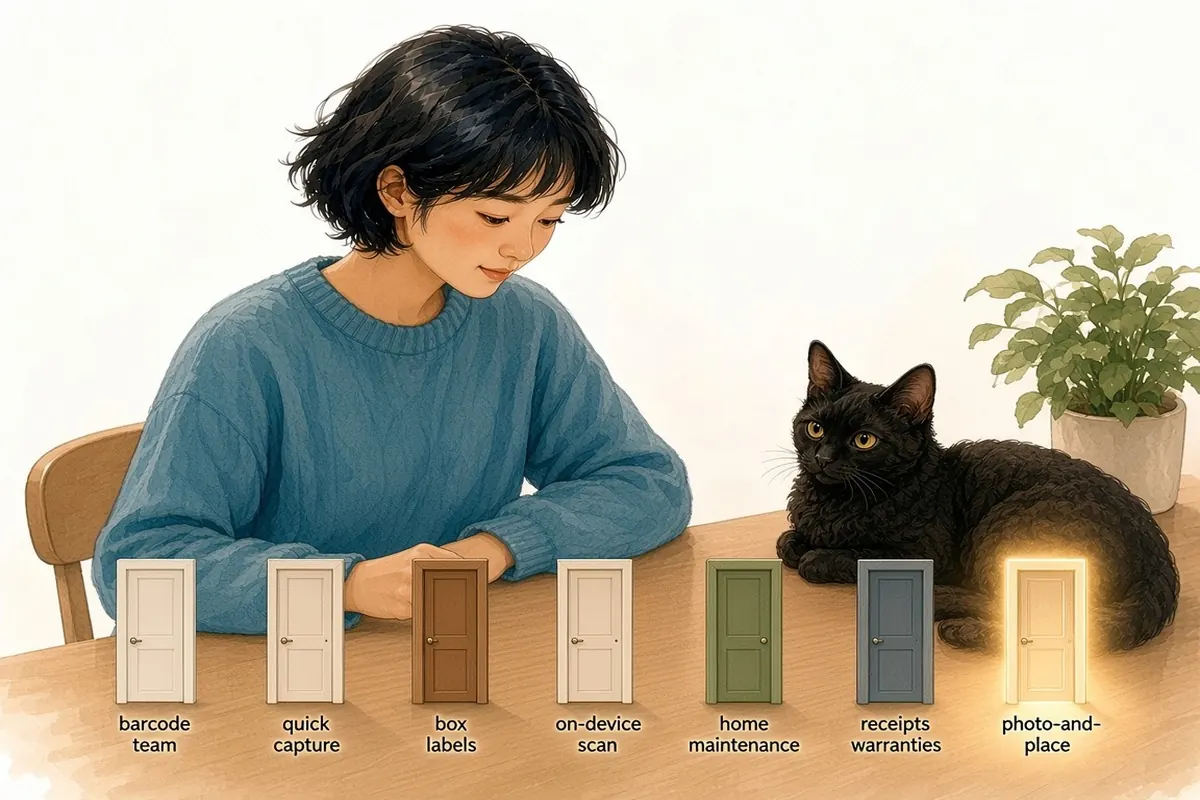
Choose the public positioning that matches the job, not a scoreboard.
- Barcodes, low-stock style alerts, multi-user access, many business scenes → Sortly's public materials are built for that breadth (P1), and it also publishes a home organizing page (P2). When those enterprise-leaning tools are the point, Sortly is the sincere pick; the longer Sortly comparison is on Sortly alternative.
- Fast per-item capture plus serial, warranty, receipt, or value fields → Home Contents emphasizes Quick Capture and those detail fields for claim, move, and estate scenes (P3).
- Box numbers, printable labels, team roles while moving storage → Boxes describes spaces, numbered boxes and items, labels, and team roles (P4).
- Barcode scanning to fill a catalog, with a public “stays on your device” line → Nest Egg's listing highlights scan-to-catalog and on-device data (P5).
- Home maintenance, repairs, or renovations kept with the items → Under My Roof positions itself beyond a plain inventory, including locating items in boxes (P6).
- Flexible item records with receipts, warranties, notes, and reminders across mixed scenes → Itemtopia lists those document-style fields and locations (P7).
- Only “where did I put it?”, starting from one drawer, defaulting to your own iPhone → TadaTuck: photograph or add by hand, nest storage spaces, search by name, category, location, or a clue, start without an account, keep records on-device by default (S1, S2).
After you pick a tool, a garage shelf of bins is a typical first scene—see garage inventory for how a photo-and-place habit looks in one room. If your question is a claim-oriented photo habit rather than which app to install, read home inventory for insurance; that page keeps a non-acceptance tone, and this comparison does not promise any insurer will take a given app's records.
04
Pitfalls when you compare these apps

- Treating review counts as download counts — public rating tallies change and do not measure how many people use an app. This page leaves those numbers out on purpose.
- Calling Sortly “not for home” — Sortly publishes a Home Organizing Inventory Software page (P2). The honest split is feature breadth, not a ban on home use.
- Rewriting this page as a category definition or as a Sortly-only redo — definitions belong on what is a home inventory app; the deep Sortly route is on Sortly alternative.
- Implying an insurer must accept any app's file — public positioning may mention claim or estate scenes; acceptance still depends on the insurer, not on this table.
05
What TadaTuck will not cover for you

Honesty for the TadaTuck column:
- It is built around a photo, a nested place, and search—not barcode workflows, low-stock alerts, or home-repair schedules.
- It will not nudge you about items you never updated after a move.
- It does not invent records for things you never photographed or typed in.
- It does not promise a multi-person household list, and it does not promise any insurer, landlord, or mover will accept what you saved.
- Cloud AI is optional; on-device recognition can suggest a name and category among thirty options, and you check details before you save either way (S1, S2).
A FEW GOOD QUESTIONS
FAQ

How is this different from “what is a home inventory app”?
That page defines the category in plain English. This page compares public positioning across several apps so you can pick a route by need—barcodes, box labels, home maintenance, document fields, or a light photo-and-place habit on iPhone.
Which home inventory app is best for iPhone?
There is no single answer for every household. Match the job: barcodes and team access, quick capture with serial or warranty fields, labeled boxes, home maintenance plus items, flexible receipts and warranties, or a light on-device photo-and-place list. TadaTuck fits the last of those routes.
Is Sortly only for businesses?
No. Sortly's public materials emphasize business inventory, and it also publishes a home organizing solution page. When you need barcodes, multi-user access, or stock-style alerts, Sortly's broader toolset is the closer public fit.
Do I need barcodes for a home inventory?
No. Many home scenes only need a photo and a saved place. Choose a tool whose public pages emphasize barcodes when you want to label and scan bins or stock as part of the workflow.
Does TadaTuck replace every home inventory app?
No. If you only need to remember where something lives, TadaTuck can be enough. If you need barcodes, team inventory access, home-repair workflows, or document-heavy fields, use the public positioning in the table above and pick accordingly.
Where are TadaTuck records stored?
By default your records stay on this iPhone. If you use Pro, you can optionally turn on iCloud sync for your own devices. That is device sync for one person, not a multi-person household cabinet.
07
Sources and trademarks
Public pages checked for this comparison (October 2026):
- P1 Sortly on the App Store — https://apps.apple.com/us/app/sortly-inventory-simplified/id529353551
- P2 Sortly home organizing page — https://www.sortly.com/solutions/home-inventory-software/
- P3 Home Contents on the App Store — https://apps.apple.com/us/app/home-contents/id420151922
- P4 Boxes on the App Store — https://apps.apple.com/us/app/boxes-storage-made-simple/id1335784284
- P5 Nest Egg on the App Store — https://apps.apple.com/us/app/nest-egg-home-inventory/id431188993
- P6 Under My Roof on the App Store — https://apps.apple.com/us/app/under-my-roof-home-inventory/id1524335878
- P7 Itemtopia on the App Store — https://apps.apple.com/us/app/itemtopia-inventory/id952405279
- P8 Encircle (restoration footnote only) — https://apps.apple.com/us/app/encircle/id604527488
- S1 / S2 TadaTuck site and App Store — https://tadatuck.com/ · https://apps.apple.com/us/app/tadatuck/id6786318142
Sortly, Home Contents, Boxes, Nest Egg, Under My Roof, Itemtopia, Encircle, and related marks belong to their respective owners. TadaTuck is not affiliated with those brands.
Start with one drawer on iPhone
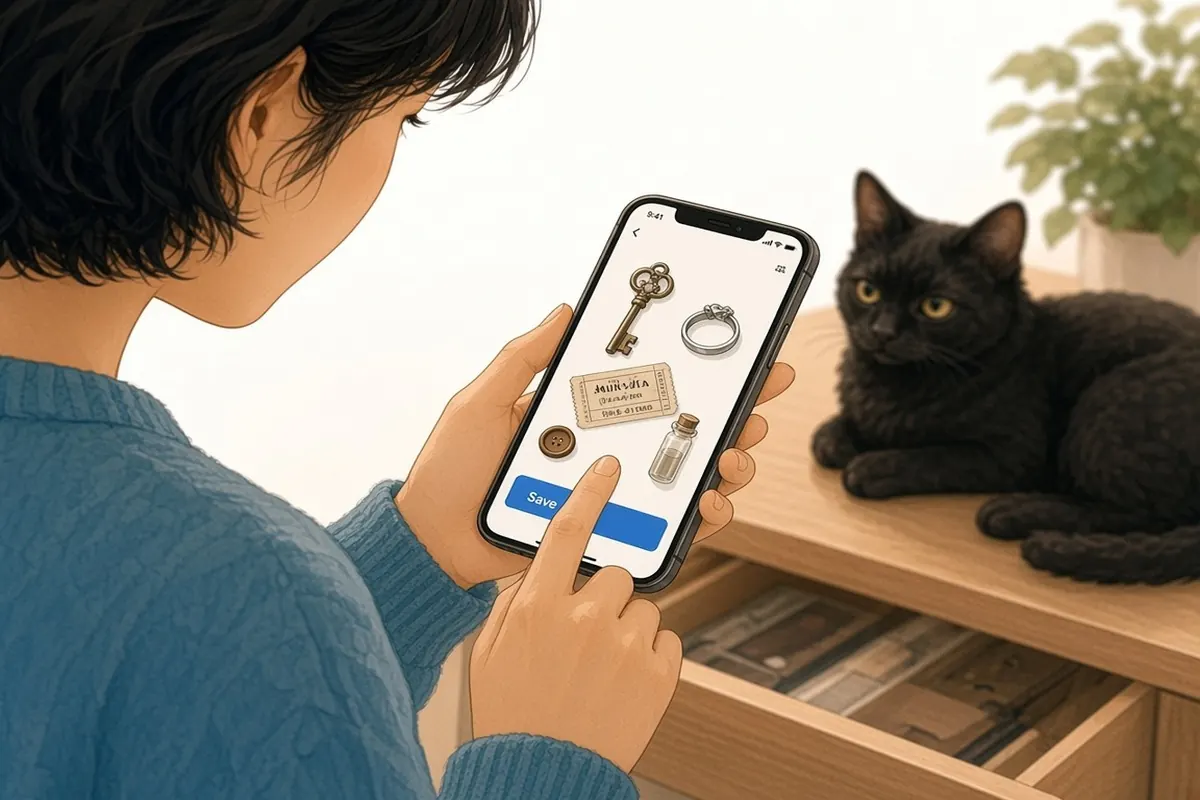
If the job is remembering where a few hard-to-find things live, start with one drawer: photograph each item, name the space, save the place, and search later. You can begin free to start.
Download TadaTuck on the App StoreOr open the TadaTuck home page.