TadaTuck for iPhone
Garage inventory: photograph the bins before they go up on the rack
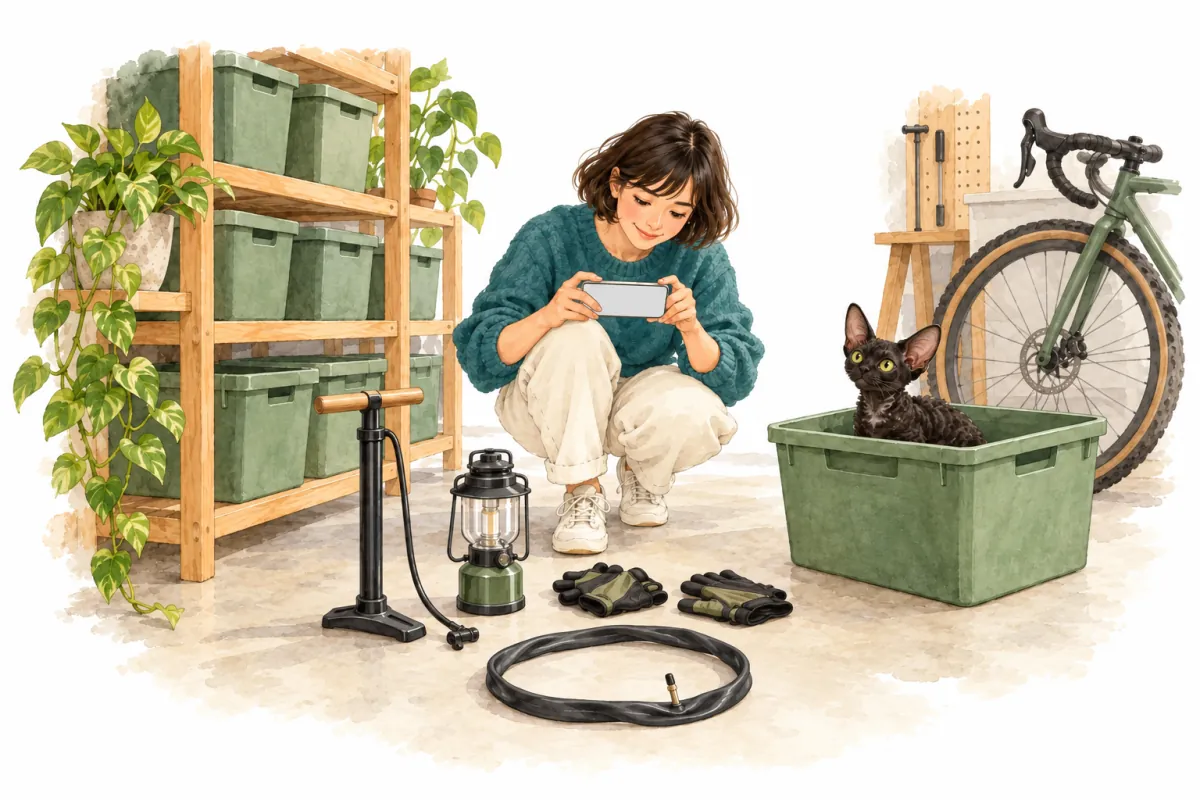
A garage inventory tells you what's in each bin and which rack and shelf holds it. In TadaTuck for iPhone, you take photos as items go into a bin, file them under a storage space such as "Left rack, Shelf 2, Red bin", and search those records before you take anything down.
You maintain this record. The app has no way of seeing into a sealed bin; it finds only what you recorded.
View TadaTuck on the App Store01
The snow shovel in November, the tent pump in May
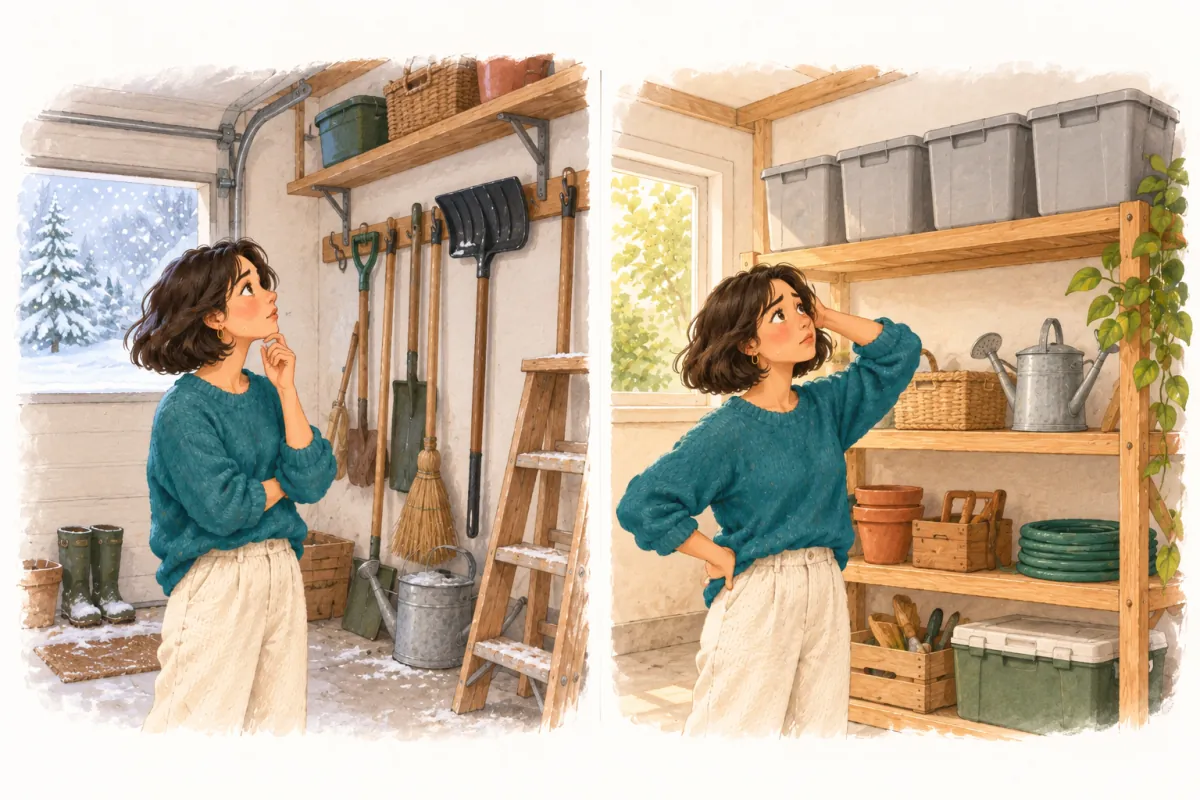
The first real snow comes overnight. Before you can get the car out, you need the snow shovel and the ice scraper, and you last saw both in March, somewhere along the back wall.
Six months later it's camping season. The tent is easy to spot. The pump for the air mattress is in one of four grey bins on the top shelf, and from the floor they all look the same.
Garage things get used a few times a year and sit high or deep. By the time you need them again, you've forgotten which bin you picked. If you're new to this kind of app, what a home inventory app is covers the basics.
02
Name the garage the way you'd walk through it
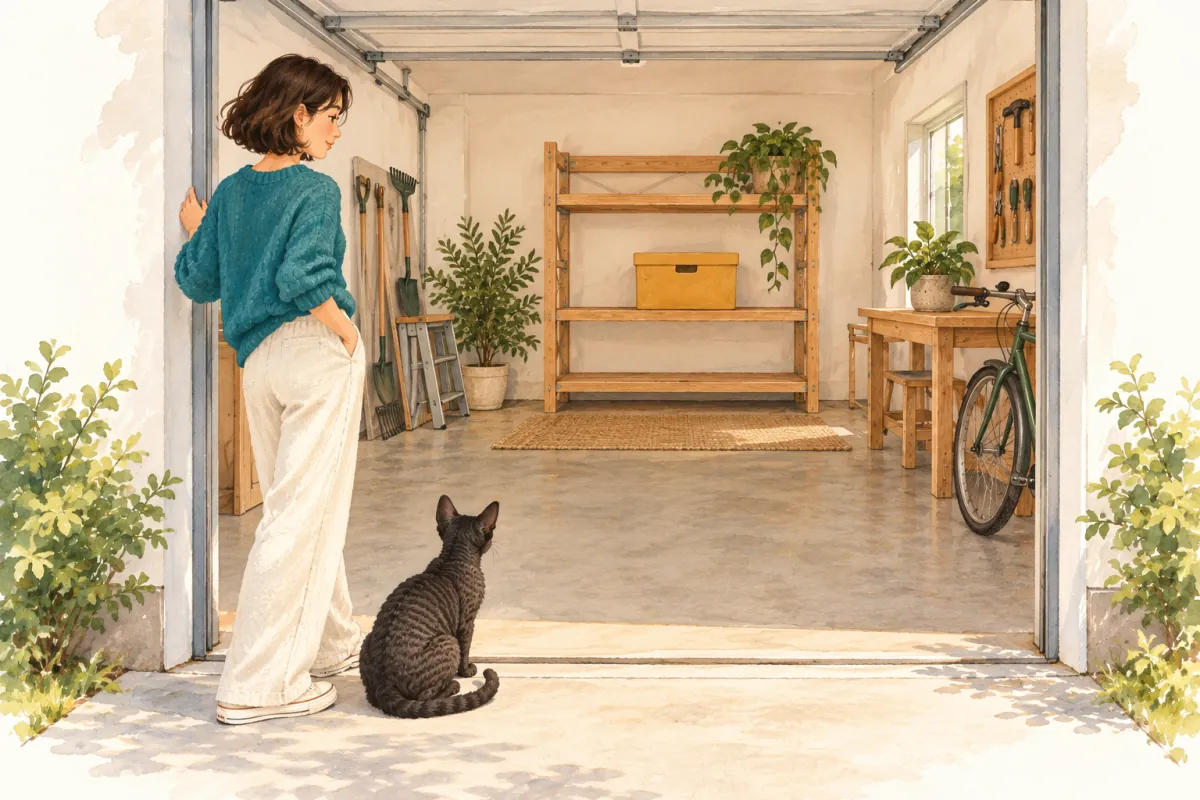
Name storage spaces in the order your eyes move from the doorway: zone, rack, shelf, bin.
- Example
- Garage · Left rack · Shelf 2 · Red bin
One space inside another
In TadaTuck, storage spaces can sit inside each other, from a room down to a single box, and you can reorder them at each level. You could make "Garage" the top space, put "Left rack" inside it, then "Shelf 2", then "Red bin". Or keep it flat and put the whole path in one name. Either way, use the words written on the bin itself.
Keep each name short
A storage space name can be up to 40 characters. That's room for "Back wall · Shelf 1 · Clear tote" and not much more. Leave the contents to the item records and their photos.
03
Two photos before a bin goes up on the rack
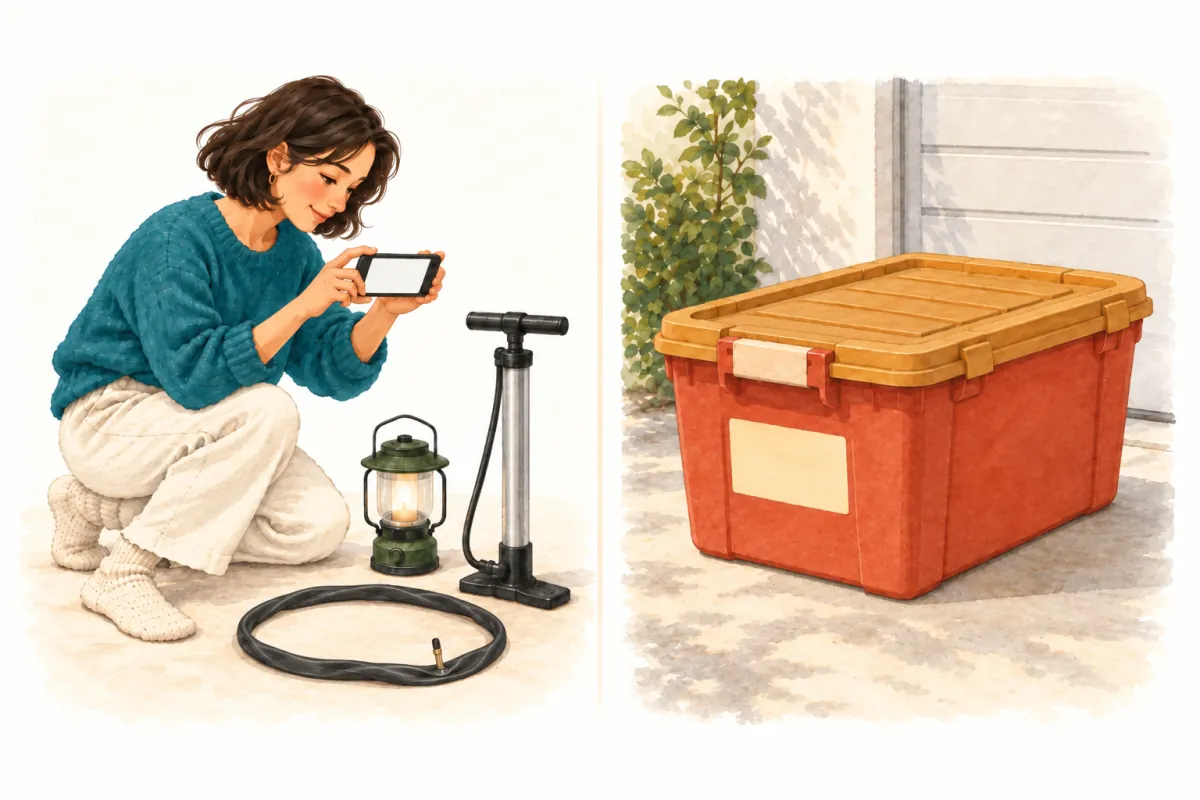
What goes in
Lay the items out on the floor before they go into the bin. Photograph the ones you'll look for later: the mattress pump, the lantern, the spare inner tube. Each one gets a record and a name you'd type, like "Air mattress pump".
Add items manually if you like, or have on-device recognition suggest a name and category. Check what it fills in before saving.
The outside of the bin
Bins often come in sets, so six of them look identical from the floor. Take one more photo of the outside: the label on the end, the lid color, the tape on the handle.
You could save that photo as its own record inside the bin, named something like "Red bin, outside". When a search turns up the pump, that shot tells you what to look for on the shelf. You can also search by a detail you remember, such as a color.
04
Start with six kinds of things
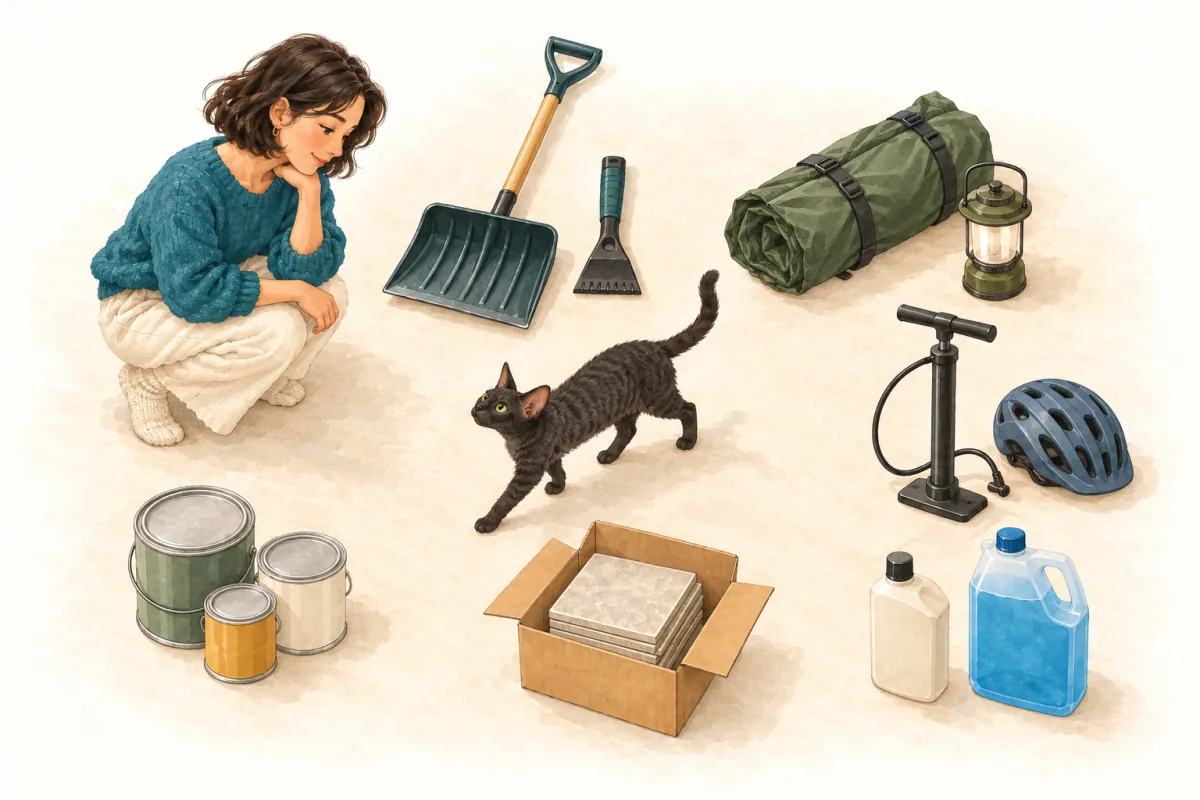
You don't need to record the whole garage. Start with what you use a few times a year and always end up hunting for.
- Winter gear. Snow shovel, ice scraper.
- Camping gear. Tent, sleeping bags, lantern. Photograph the stuff sacks so you can tell the small tent from the big one without unrolling either.
- Bike accessories. Floor pump, helmets, spare inner tubes. Put the tube size in the name.
- Leftover paint. Photograph the label on each can where the color name and code are printed. You'll want that photo the next time a wall needs touching up.
- Spare floor tiles. Photograph the end of the carton and type the product name or model into the record.
- Car care. Car wax, washer fluid.
05
Where garage records go wrong
Bins that all look alike
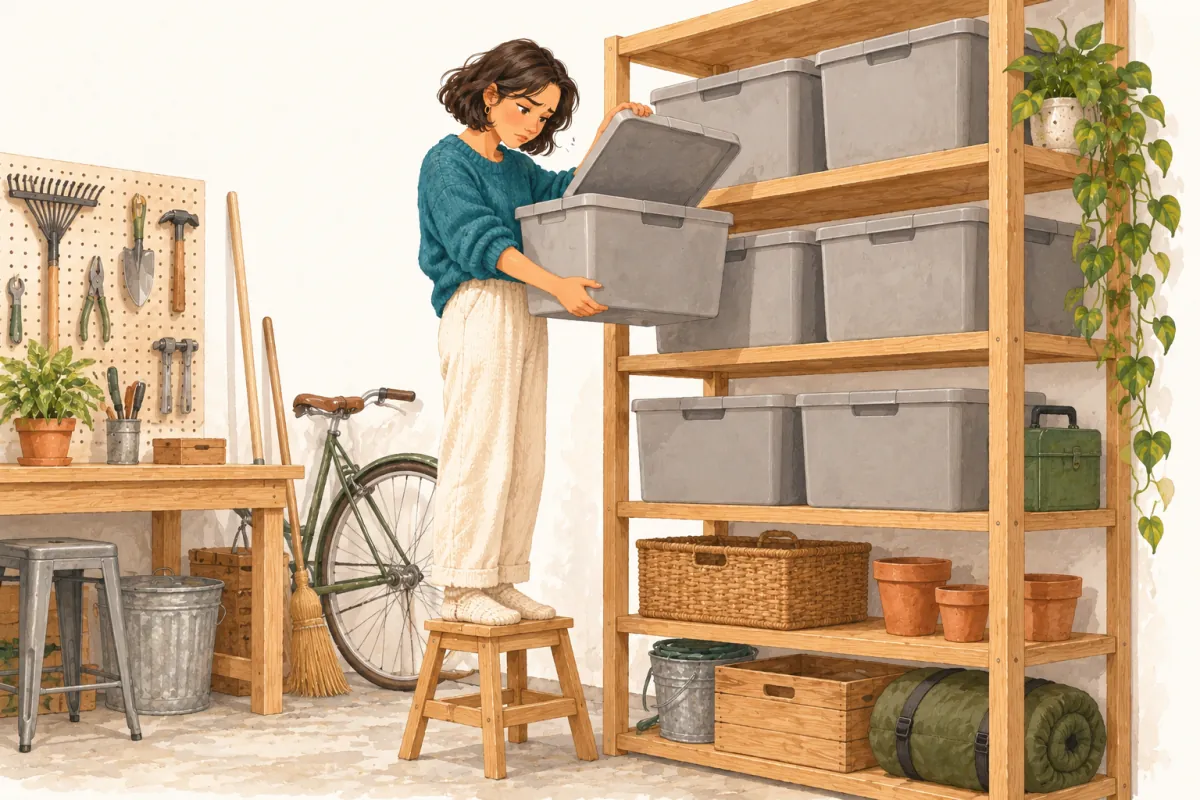
If the record says "grey bin" and there are four grey bins, it hasn't helped. Give each bin a distinct label or color, and photograph the outside.
Things leave the garage
The pump goes into the car trunk for a weekend trip and stays there. The record still says Shelf 2. When something moves to the car or the hallway, change its location when you put it down. A storage space called "Car trunk" is worth having.
The bin you need is on the top shelf
Lifting a bin down and finding the wrong one is the part to skip. Check the record and the outside photo while you're still on the floor.
Heat and damp
Garages get hot in summer and damp in winter, and some things don't keep well in either. This page sticks to where things are.
06
When things move, update the record
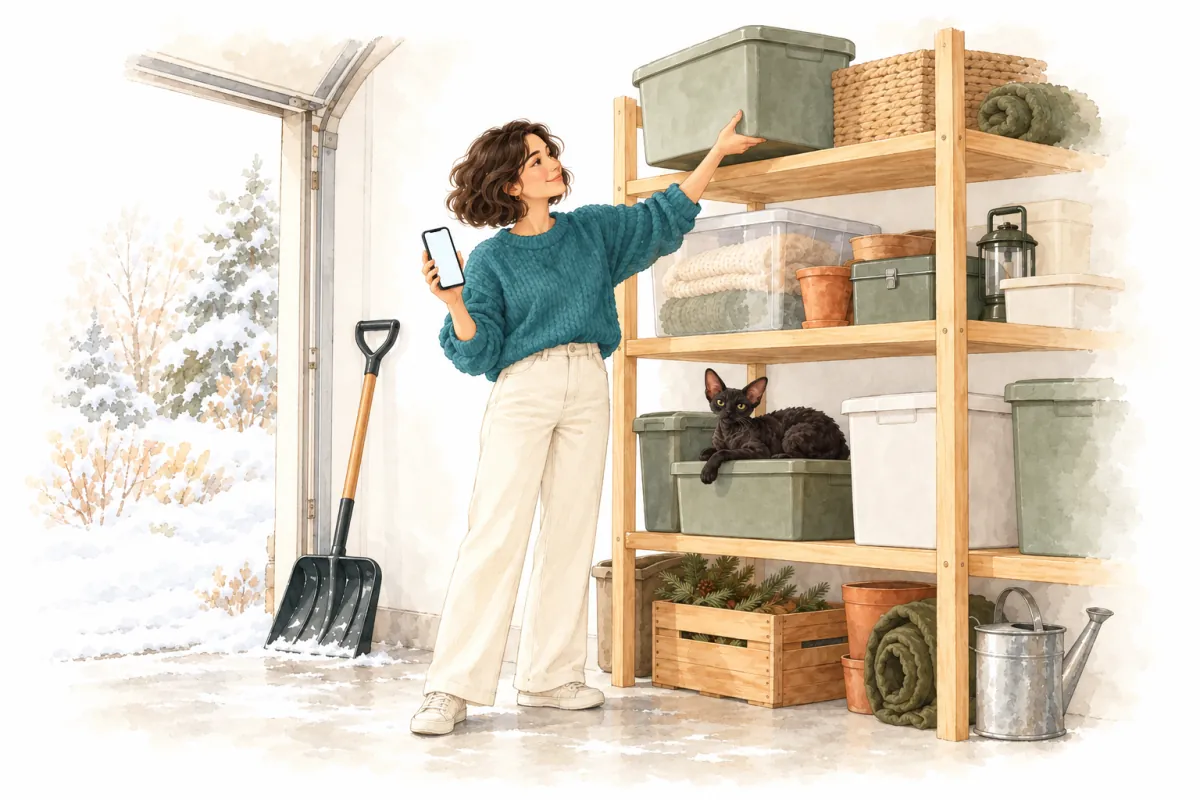
When the snow shovel comes down in November and leans by the door for the season, change its location. When it goes back up in spring, change it again.
If your garage swaps a whole shelf twice a year, with winter gear coming forward and camping gear going up, change each bin's records to the new spot as you move it. Do it while the bin is still in your hands, and nothing gets skipped.
If you're packing up the garage for a move, the same habit works box by box.
07
What this doesn't do

It won't count how many of something you have. If the number matters, like how many spare tiles are left, type it into the name and keep it current. It won't tell you when paint or washer fluid is getting old.
And it knows only the bins you recorded. A bin you skipped won't show up in a search.
A FEW GOOD QUESTIONS
FAQ
Do I need to record everything in my garage?
No. Start with the things you use a few times a year and have the most trouble finding, like the snow shovel or the mattress pump.
Can TadaTuck tell what's inside a closed bin?
No. It can only find items you recorded. Take the photos before the bin goes up on the rack.
How should I name shelves and bins?
Follow zone, rack, shelf, bin, for example "Garage · Left rack · Shelf 2 · Red bin". Use the same words as the label on the bin, and keep names short: a storage space name can be up to 40 characters.
What if I move a bin to another shelf?
Change the record to the new shelf. If the shelf is part of the bin's name, rename the bin. If several items moved together, update each one as you put it down.
Do I need Cloud AI?
No. Adding items by hand or using on-device recognition is enough. If you use Cloud AI, it uploads only the photos you choose, and only with your permission. Check what it suggests before you save.
Where are my records stored?
On your device by default. Pro users can choose to turn on iCloud sync.
Photograph the next bin before it goes up
One bin, open on the garage floor. A few photos, one of them of the outside. A name that matches the label.
You can start free on iPhone, without an account.
Get TadaTuck for iPhone and photograph the next bin before it goes up on the rack.