TadaTuck for iPhone
LEGO inventory: remember where each set, bag and booklet went
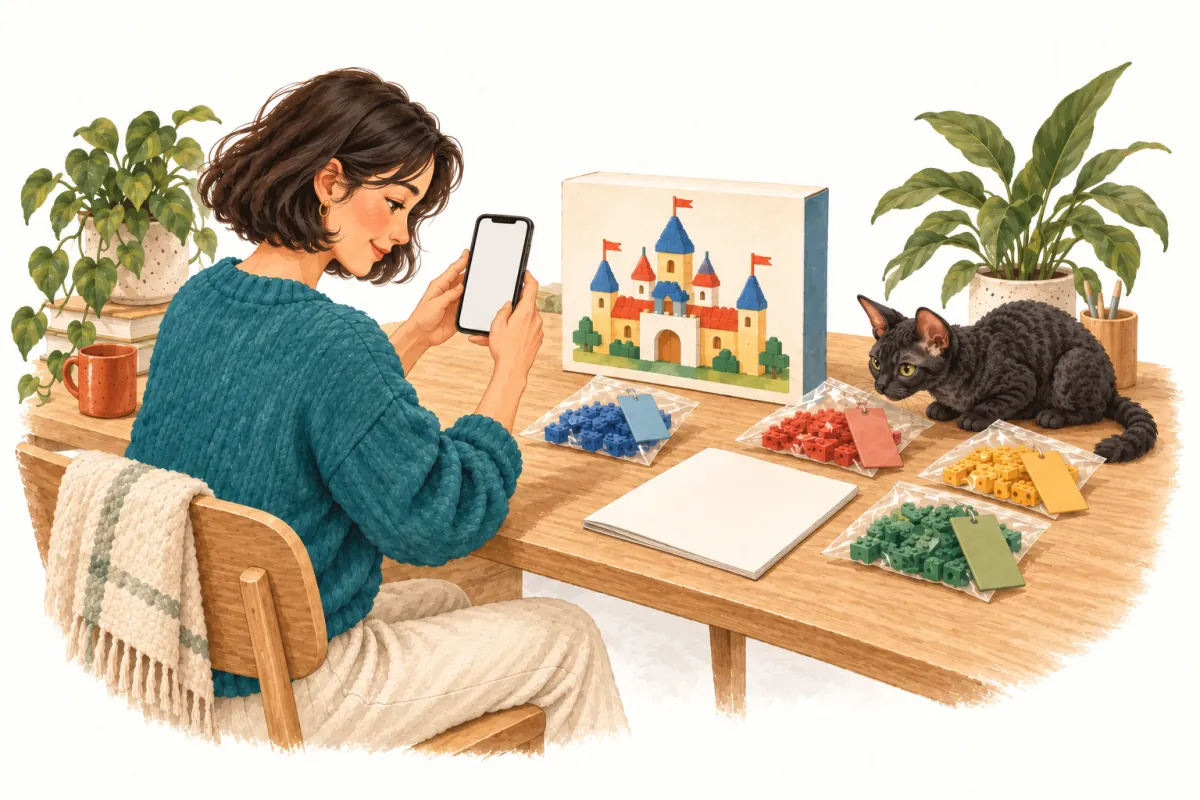
A LEGO inventory in TadaTuck is a record of sets, not pieces. You photograph each set, save it under the bin or shelf it lives in, and search by the set name or the number printed on the box when you want it back.
It will not count pieces one by one, and it will not read piece numbers off a brick. If you need a full piece list, a dedicated LEGO piece database is the better tool. This page is for knowing where each set, bag, and booklet went.
View TadaTuck on the App Store01
The castle you took apart last year
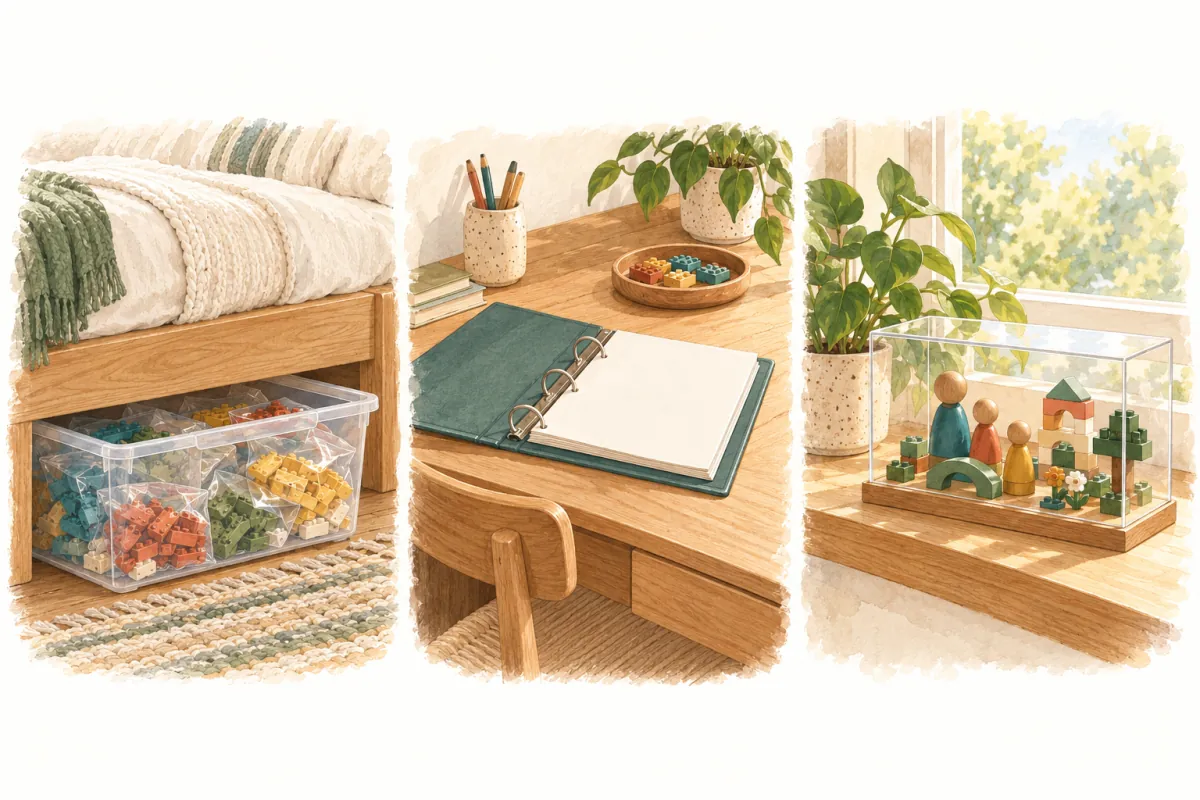
You want to rebuild a castle you finished last year and then broke down for space. The numbered bags are in a clear tote under the bed. The instruction booklet is in a binder on the shelf by the desk. The minifigs and their tiny accessories are in a display case on the windowsill.
Same set, three places. That split is ordinary with LEGO and rare with almost anything else you keep at home. A garage bin holds one kit of camping gear; a LEGO set often splits into bags, booklet, and figures the moment you open the box. If you're new to this kind of app, what a home inventory app is covers the basics.
02
One record per set
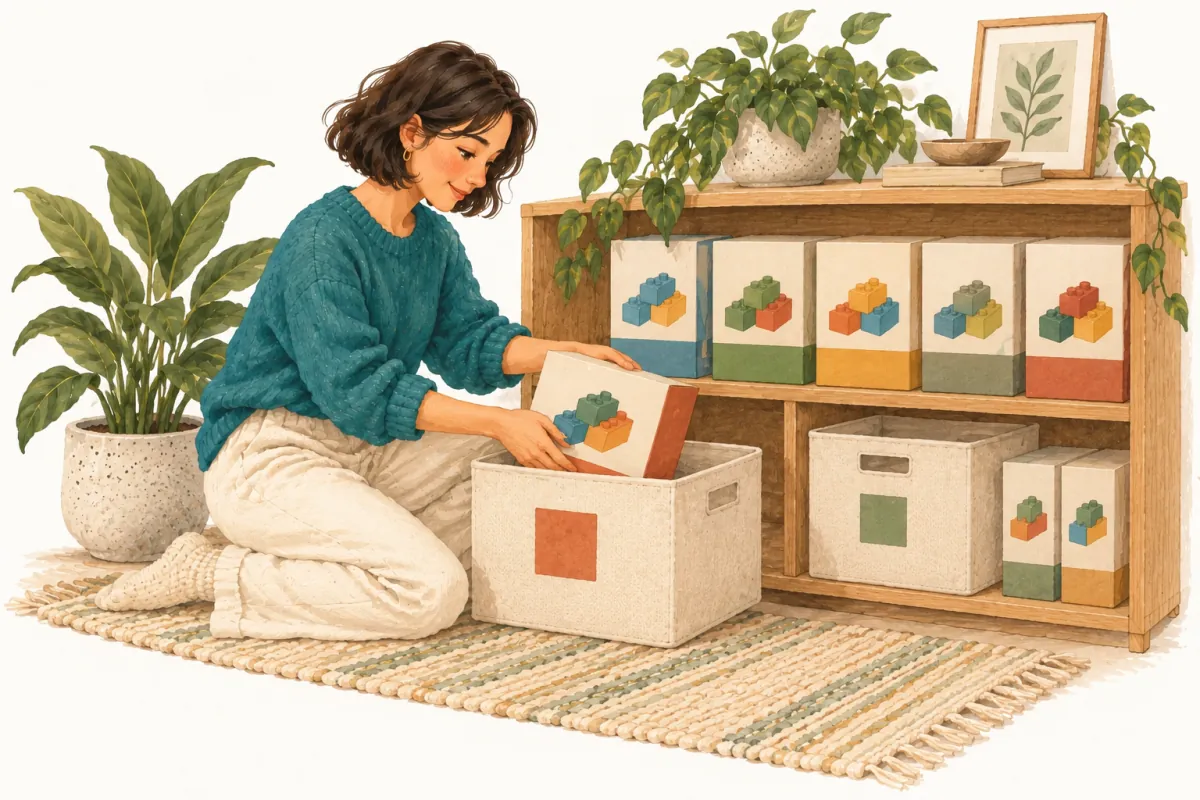
Start with the sealed or still-boxed sets. Make one record for each set. Put the set name and the number printed on the box into the name field. Read that number from your own box; don't invent one from memory.
Photograph the front of the original box, or the finished build if it's still together. Add the item by hand, or let on-device recognition suggest a name and category. Check what it fills in before you save.
File the record under a storage space that matches how you'd look for it:
- Example
- LEGO shelf · Bin 3 · Sealed sets
In TadaTuck, storage spaces can sit inside each other, from a room down to a single box, and you can reorder them at each level. A storage space name can be up to 40 characters, so keep the path short and leave the set details to the item record.
You can pick a fitting category from the 30 categories in the app. Use whichever label matches how you already think about the set; this page doesn't prescribe a category name.
03
When a set is already split
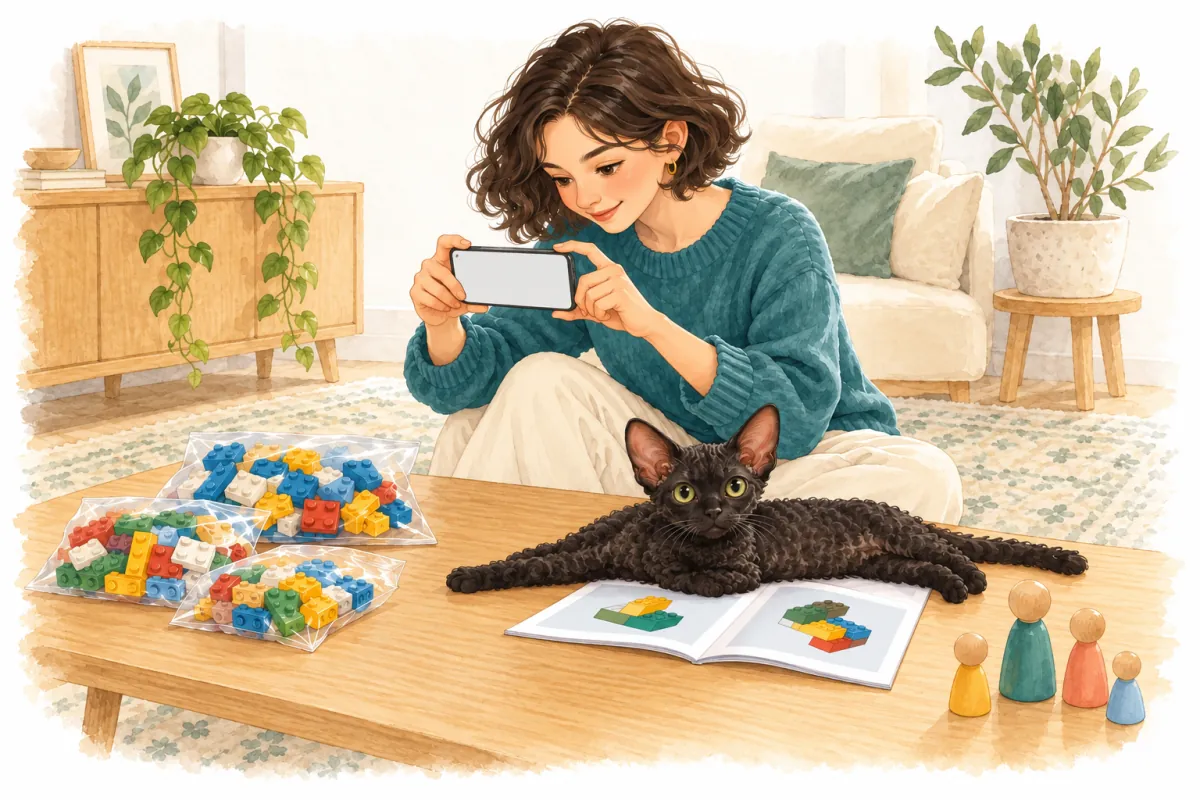
Once a set is open, bags, booklet, and minifigs often live in different spots. You could make a separate record for each part and still keep them findable together.
- Numbered bags →
LEGO shelf · Bin 3 · Bags 1–4 - Instruction booklet →
Desk shelf · Booklet binder - Minifigs and accessories →
Window display · Case A
Put the same set name in every record. Search once by that name and all three come back. Splitting a set into several records is up to you; the app doesn't do it automatically.
Photograph the bags with their printed numbers visible, the booklet cover, and the figures in their case. When a search turns up the bags, the booklet photo tells you which binder to open.
04
Loose pieces by color or type
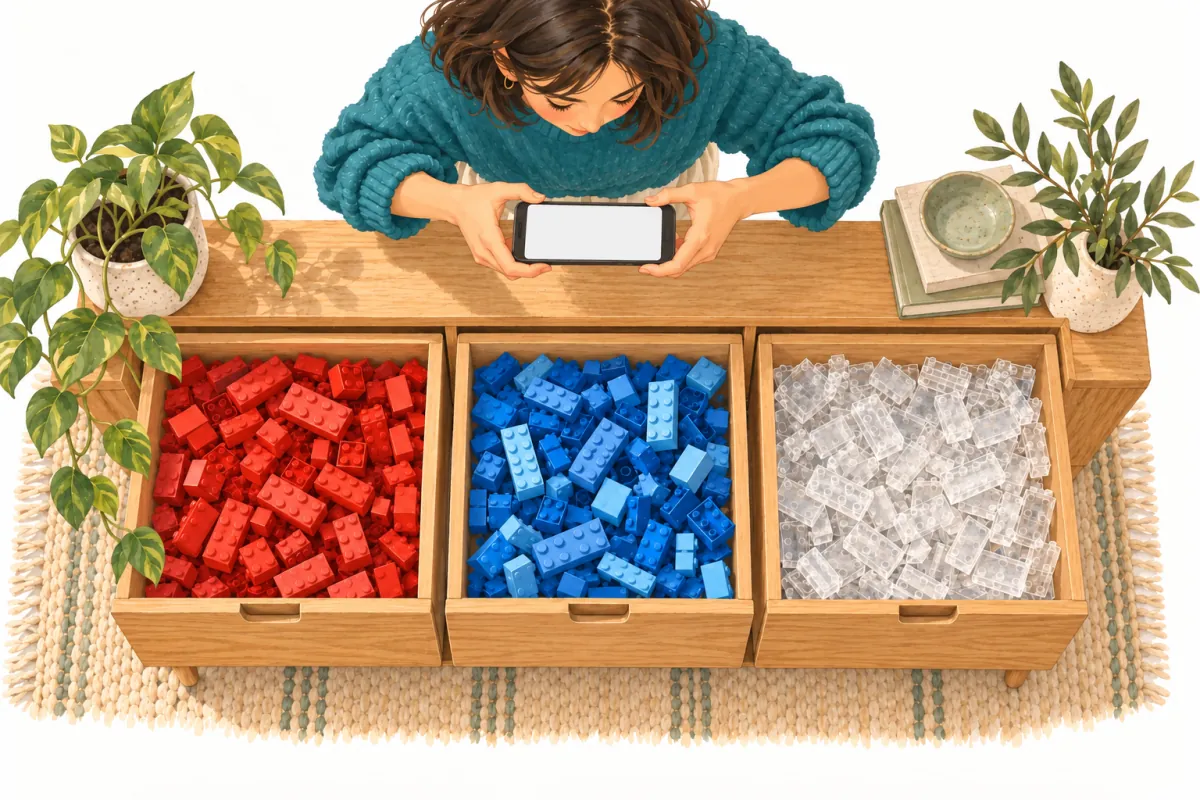
Loose bricks don't need a record per piece. Sort them into bins by color or by type if you like, then make one record per bin: "Red bricks · Drawer 2" or "Plates · Clear tote". Photograph the open bin so you remember what "Red" actually holds.
Piece-by-piece counting belongs in a dedicated piece database, not here. TadaTuck only finds what you chose to save.
05
Display shelf and storage bins
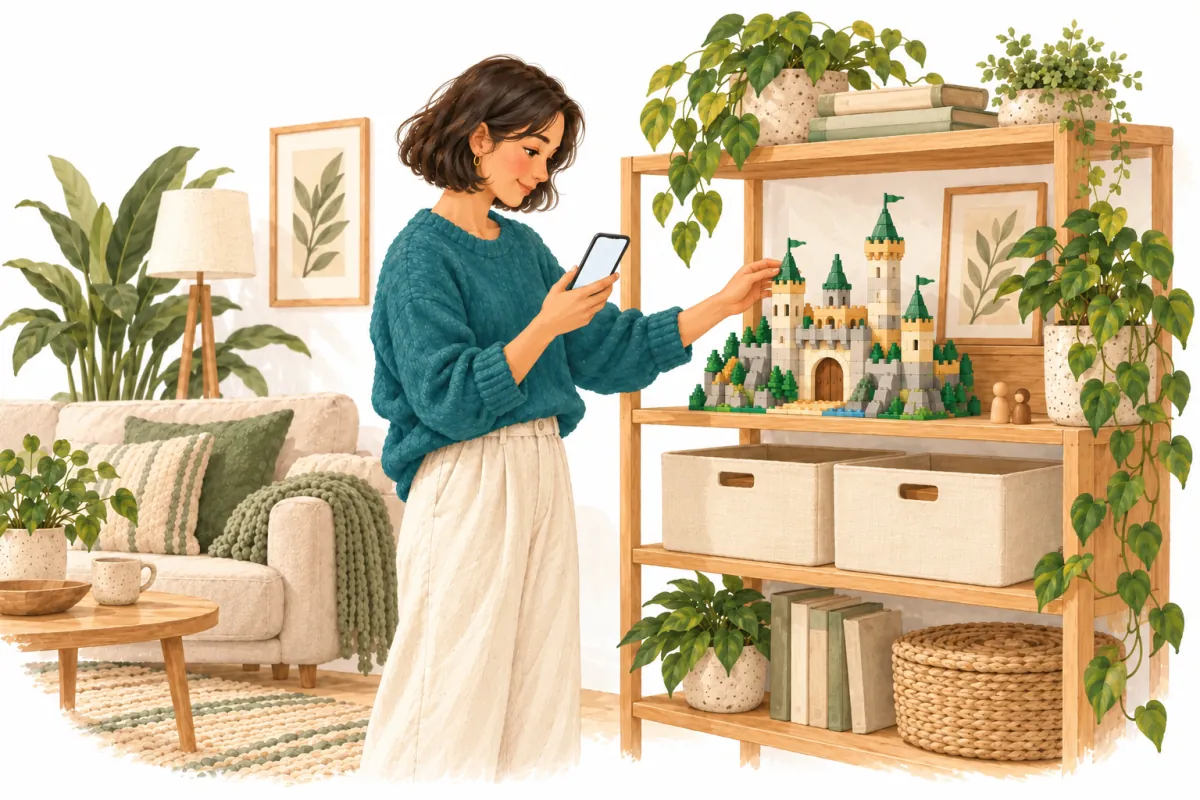
Finished builds on a display shelf get a different location from sets packed away:
- Example
- Living room · Display shelf · Tier 2
Sets broken down into bins keep the bin path. When you take a model apart and put the bags back in storage, change the location on those records while the pieces are still in your hands. When you rebuild it and put it back on the shelf, change it again.
Large totes of LEGO that live in a garage or storage room follow the same habit as other bulky boxes; the garage inventory page covers rack-and-bin naming if those totes sit high on a shelf.
06
Where LEGO records go wrong
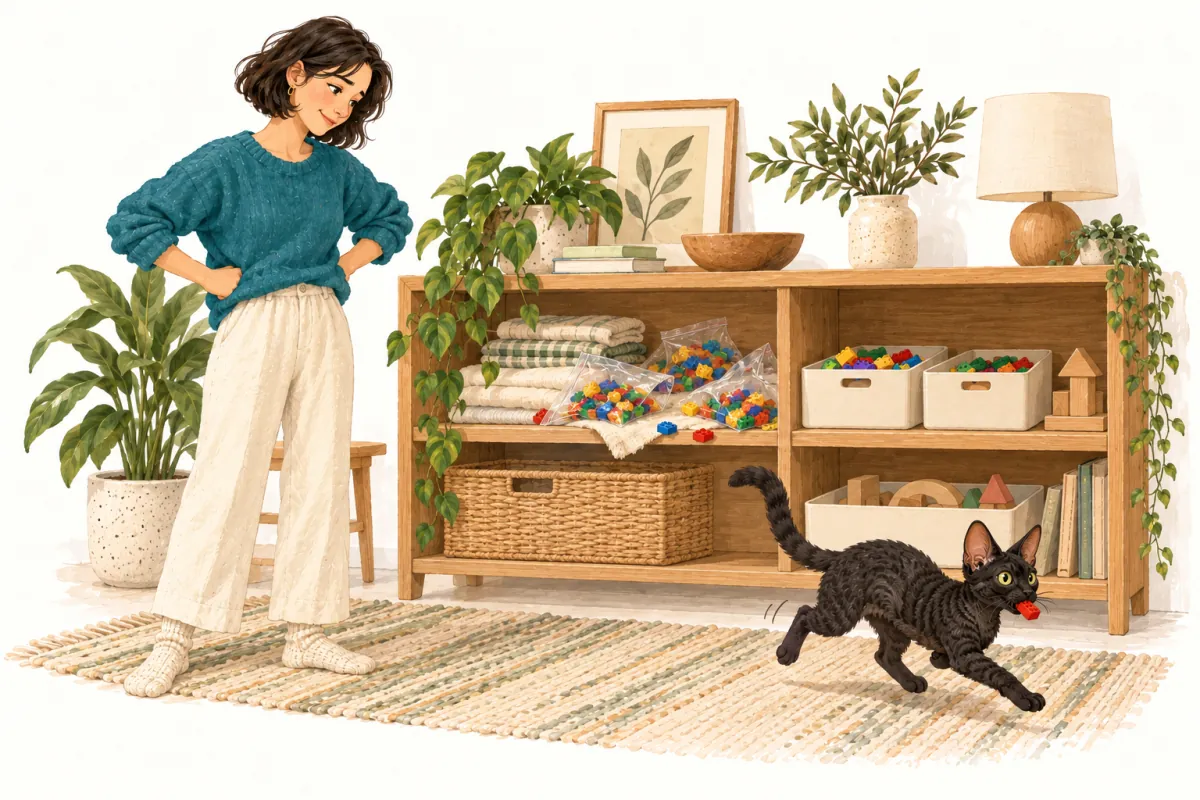
Booklet and bags drift apart
The bags end up in Bin 3 and the booklet slides into a random drawer. Months later you find the bags and have no idea which instructions go with them. Keep the set name on both records, and update the booklet's location when you move it.
Minifig accessories vanish into other sets
Helmets, tools, and food pieces are tiny. They migrate into the wrong bin during a tidy-up. Photograph the figures with their accessories in frame, and name the record so a search for the set still finds them.
Original boxes go, and so does identity
Original boxes take shelf space. Once everything moves into plain storage bins, sets look alike from the outside. A photo of the box front, saved on the set record before you recycle the box, is what you'll rely on later.
Kids put things back somewhere else
After playtime, bags land on a different shelf. Change the location when you tidy, not weeks later when you're hunting for them.
If you'd rather not keep LEGO in a spreadsheet, photos plus named storage spaces are enough for "where did that set go?"
07
What this doesn't do
It does not value sets, track missing pieces, connect to any official LEGO database, or scan barcodes. It does not recognize set numbers for you; if recognition suggests a name or category, type the number from the box yourself and check it before saving.
It knows only the sets and bags you recorded. A tote you never photographed will not appear in a search.
A FEW GOOD QUESTIONS
FAQ
Can TadaTuck count my LEGO pieces?
No. It records where sets and bins are. Piece-by-piece counting needs a dedicated LEGO piece database.
Should I record each set or each bag?
Start with one record per set. If a set is already split, make separate records for the bags, the booklet, and the minifigs, and put the same set name in each one.
Does it recognize LEGO set numbers?
Not reliably. Recognition can help fill in a name and category, but type the number from your box yourself and check it before you save.
What about sets on a display shelf?
Save them under the shelf tier they're on. When you take a set apart and store the bags, change the location to the bin.
Do I need Cloud AI?
No. Adding items by hand or using on-device recognition is enough. If you use Cloud AI, check what it suggests before you save.
Where are my records stored?
On your device by default. Pro users can choose to turn on iCloud sync.
Photograph the box before you take the set apart
Next time you open a sealed set, photograph the box front first. One record, a set name plus the number on the box, and a storage space that matches the shelf or bin.
You can start free on iPhone, without an account.
Get TadaTuck for iPhone and photograph the next set before the bags scatter.
LEGO® is a trademark of the LEGO Group, which does not sponsor, authorize or endorse this page.