TadaTuck for iPhone
Closet inventory: photograph seasonal bags before they go under the bed
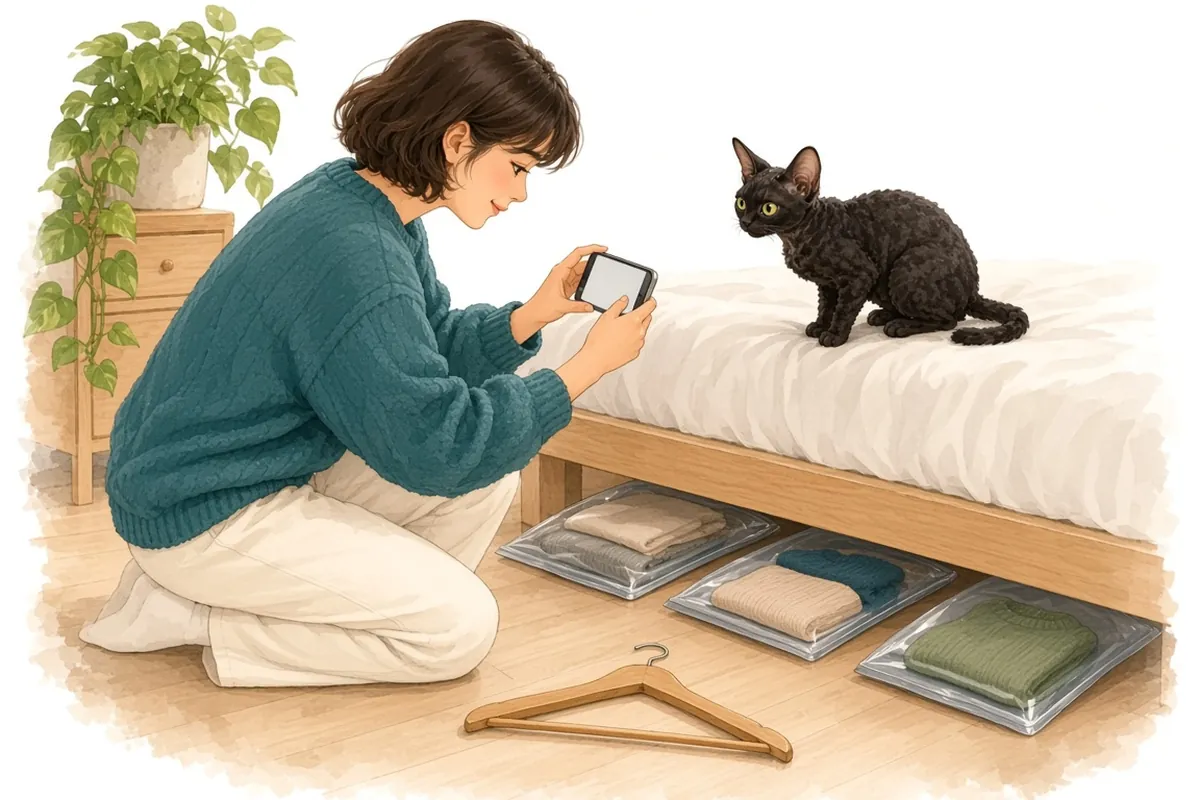
A closet inventory in TadaTuck is a photo record of the clothes you rotate out of sight: seasonal bins, vacuum bags, boxes under the bed. You save each one in a storage space like Closet · Top shelf · Bin 2, then search before you start pulling things down.
It's a record you keep yourself. The app can't know what's inside a sealed vacuum bag; it only knows the photo you took before you sealed it.
View TadaTuck on the App Store01
The coat that isn't on the rail
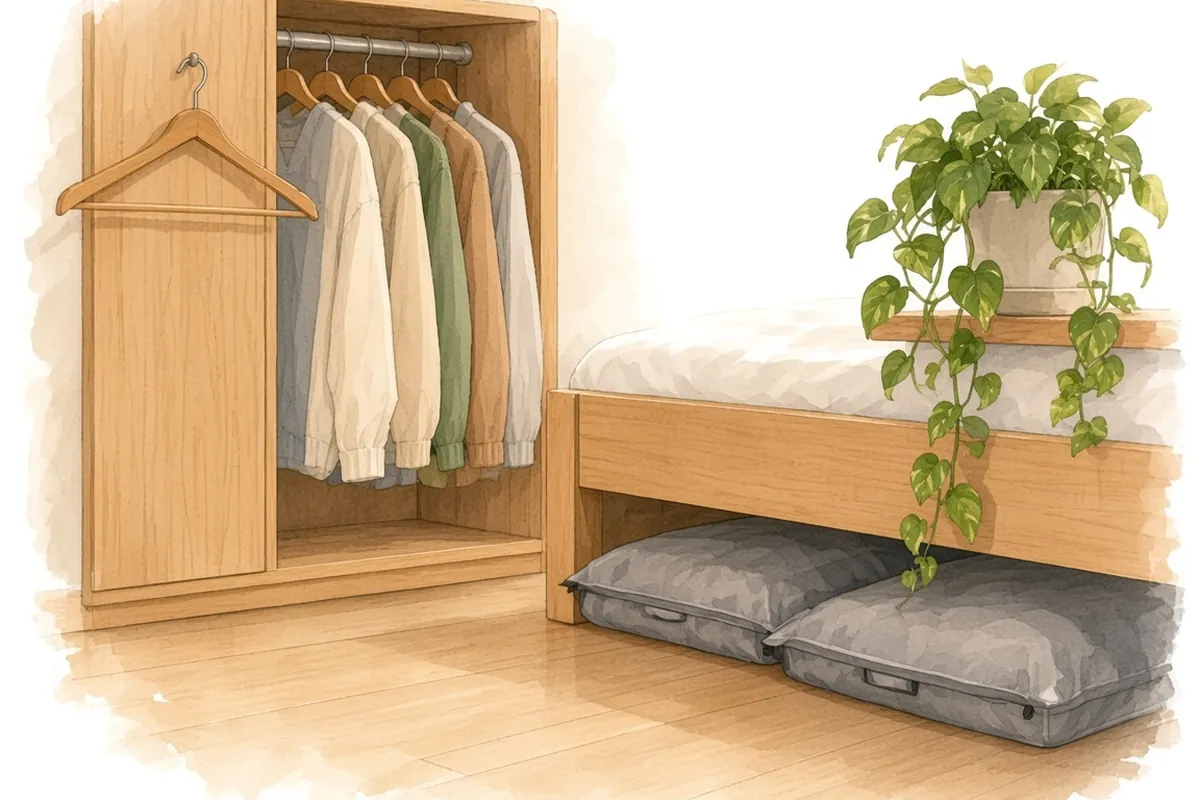
On the first cold morning you go for the heavy wool coat. It isn't on the rail. In June you rolled it into a vacuum bag with two sweaters and pushed it under the bed, next to two other bags that now look the same: flat and grey.
In spring it runs the other way: the leather shoes you wore once at a wedding. Top shelf, or the storage bin by the door? You can't say.
Clothes you wear every week don't get lost. The ones put away for six months do. First time hearing of these apps? Read what a home inventory app is.
02
Name spots in the order you reach
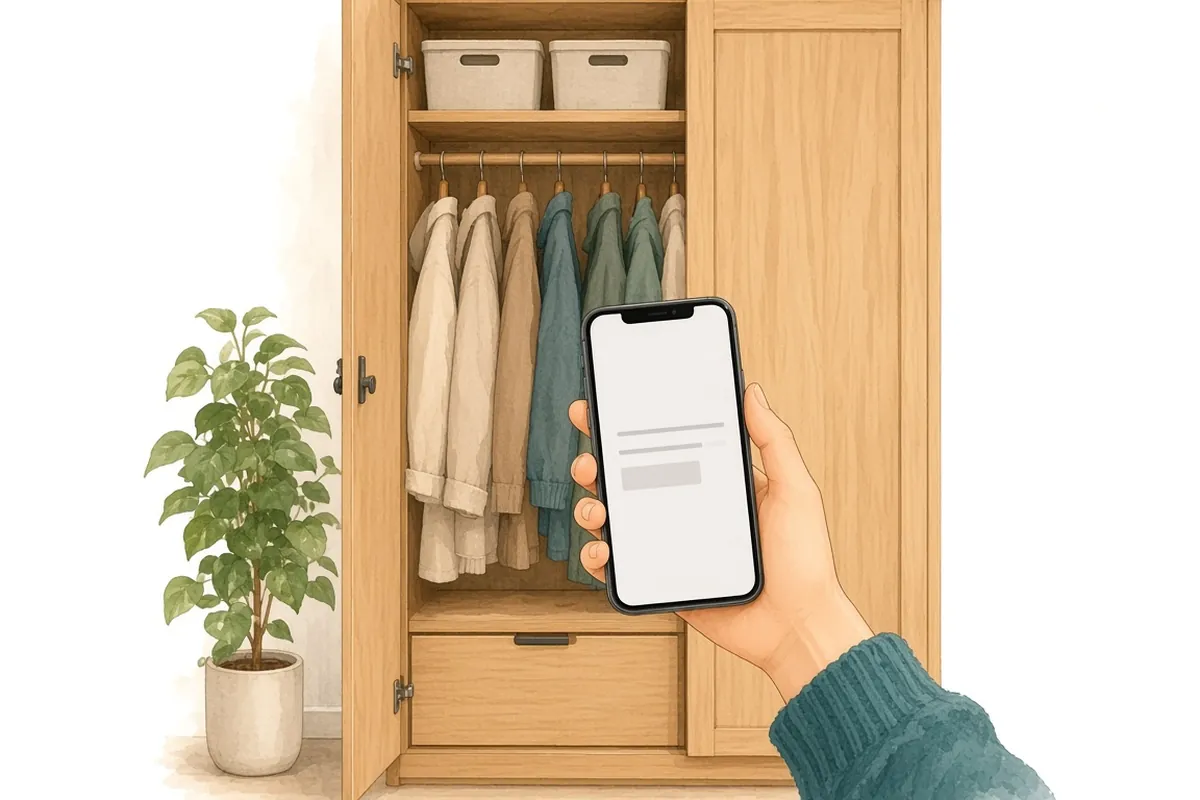
Use the order your hand moves in: room, piece of furniture, rail or shelf, container.
Closet · Left rail · Seasonal binCloset · Top shelf · Bin 2Bedroom · Under bed · Left vacuum bag
TadaTuck lets you nest storage spaces (wardrobe inside bedroom, bin inside wardrobe) and reorder each level. Each name can be up to 40 characters, so "Top shelf" is plenty. Leave the detail to the photo.
03
Seasonal bins: shoot the fold, then the lid
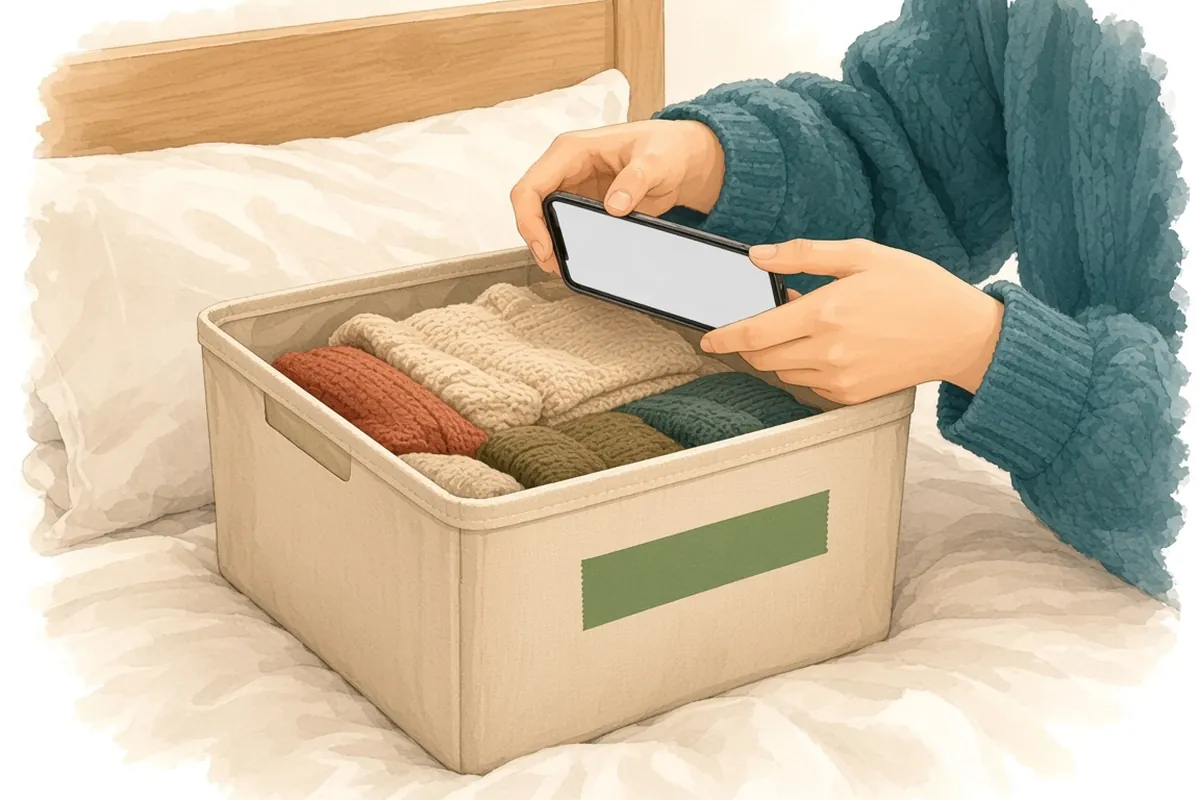
Two pictures per bin, before it's lifted: the folded clothes from above with the lid off, then the outside, with the lid colour, the label, the tape on the handle. Bins bought as a set look identical once stacked.
One record per bin is enough. Give it a season and a hint of what's inside, like "Winter coats · Bin 2" or "Summer linen · Blue lid". No need to list every sweater; the top-down photo shows them.
Type the details yourself or accept what on-device recognition proposes for name and category; look it over first. You can also search later by a remembered clue, such as "blue lid".
04
Vacuum bags: the photo comes before the air goes out
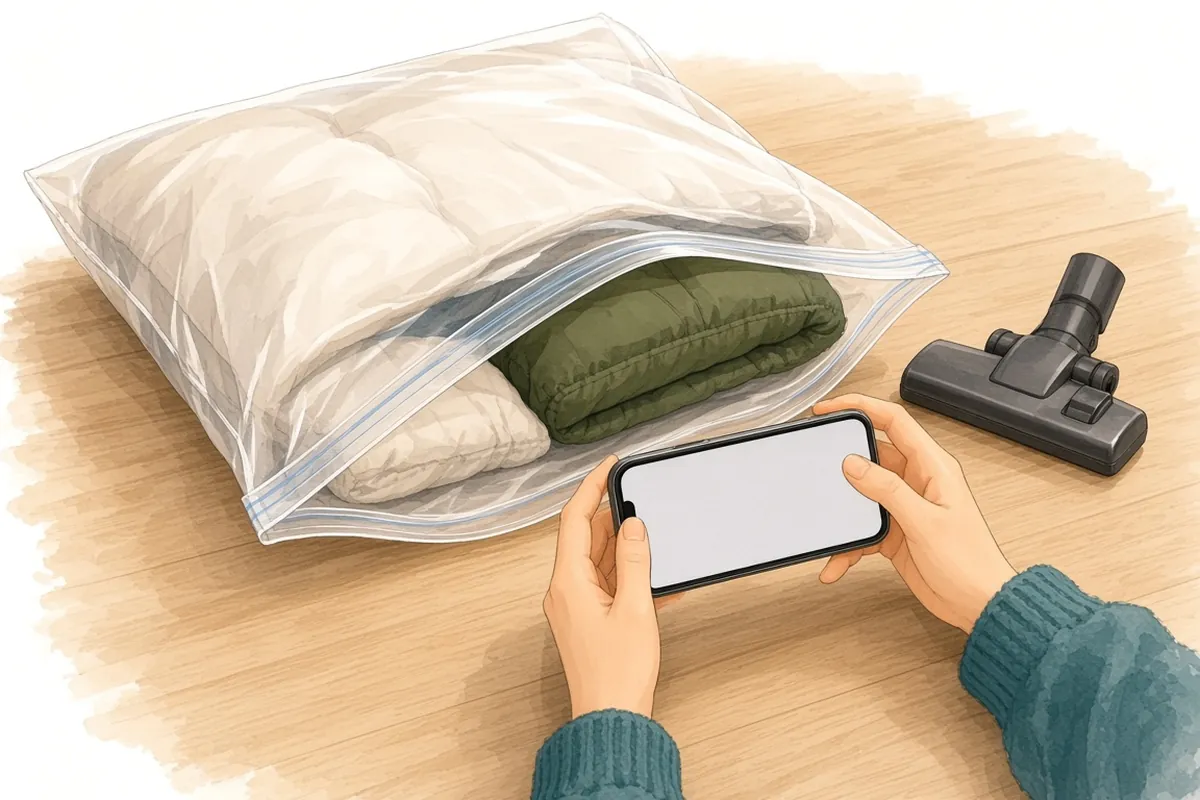
Once the air is out, duvets and puffer jackets become the same flat rectangle. Photograph the bag while the zip is still open.
You can make a separate record for every vacuum bag. Put the season or the type of clothing in the name: "Duvet · Winter · Bag A", "Puffer jackets · Bag B". Write A or B on the bag with a marker so it matches the name.
The app does not look inside the bag. It finds the bag because you named it and saved the photo.
05
Under the bed: left, right, against the wall
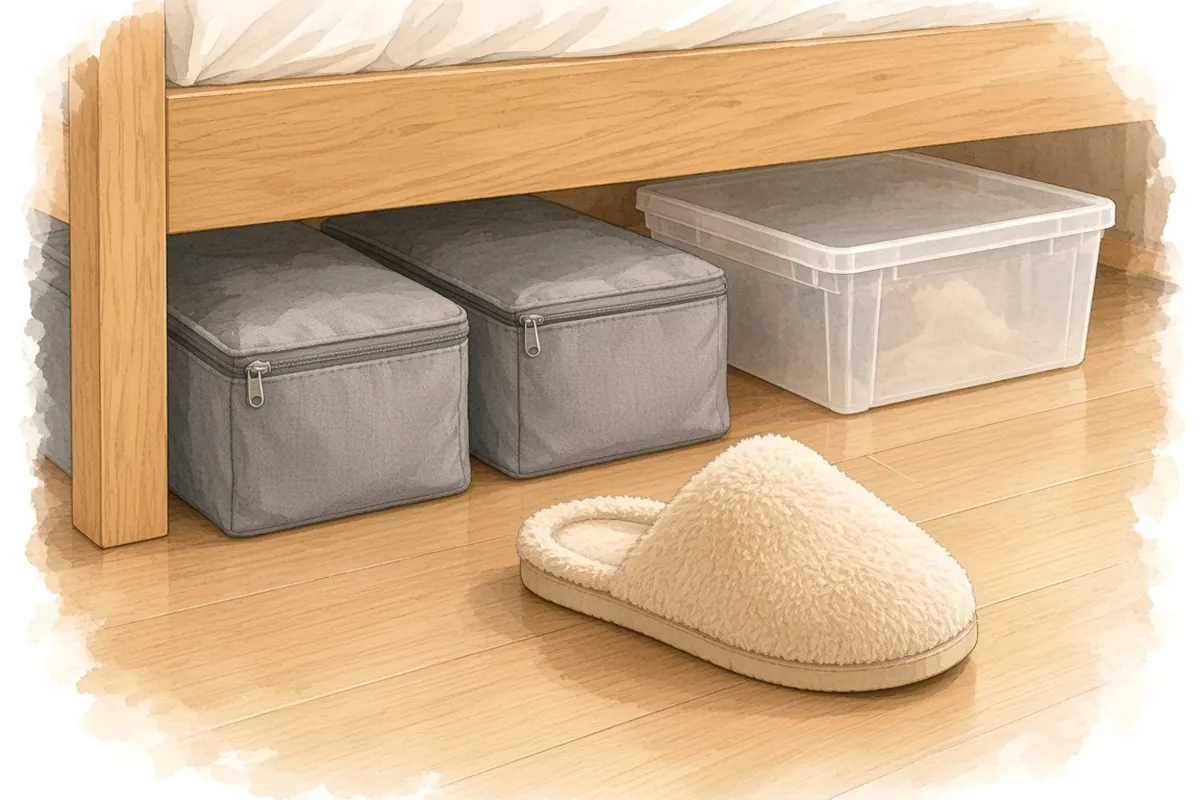
Under-bed storage has sides and depth: the left foot of the bed and the right wall side are very different reaches. Put that in the name:
Bedroom · Under bed · Left · FrontBedroom · Under bed · Right · Wall side
Photograph each bag or box before you slide it in, and save the spot. When you pull it out at the change of season and leave it elsewhere, change it then.
06
What to record first
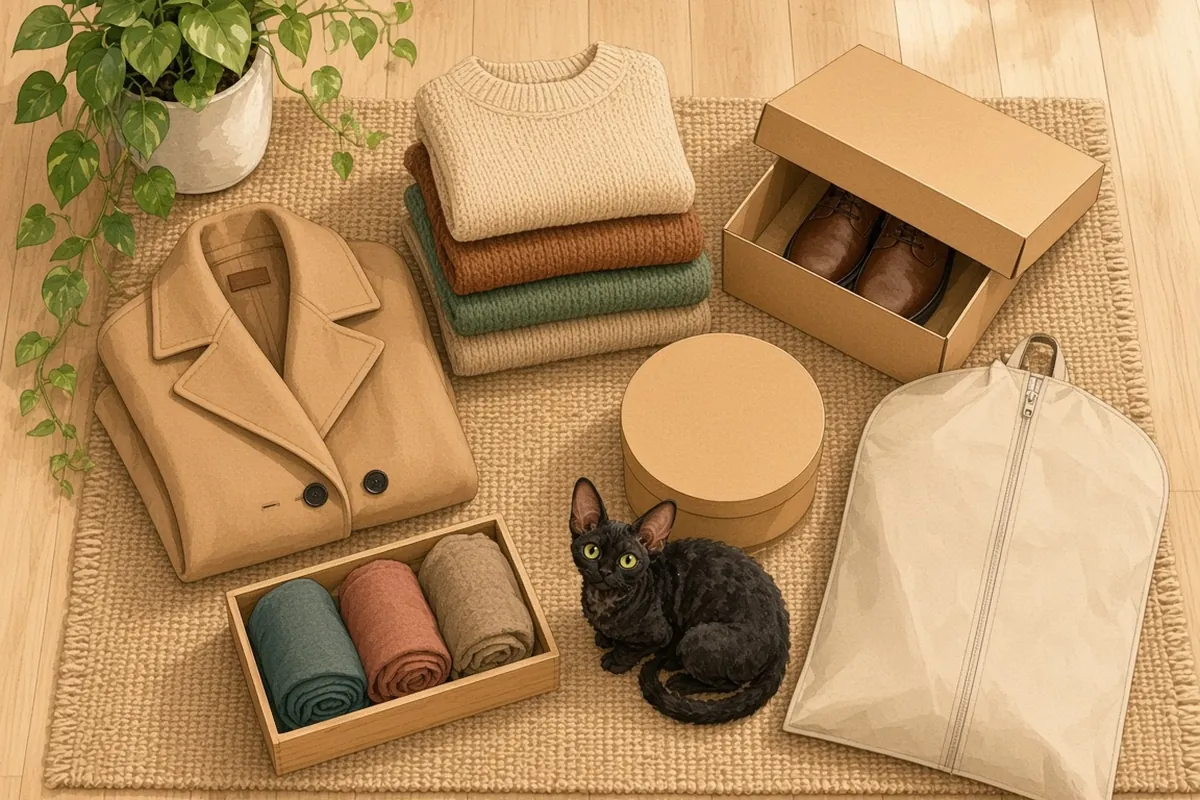
Begin with what you open rarely and hunt for every time:
- Seasonal coats and knitwear bins: the ones that trade places with summer clothes.
- Vacuum bags: winter duvets, thick coats, ski layers.
- Under-bed boxes and flat bags.
- Shoe boxes you rarely open: boots, formal shoes. Photograph the shoes, not just the box.
- Hat boxes: usually on the highest shelf.
- Garment bags: a suit or dress, zipped and opaque.
- Scarf, tie and accessory boxes (optional).
07
When the season turns
The swap usually takes one afternoon: winter bins come down, summer bins go up, a few bags move under the bed. Edit each record's spot before you put the bin down.
If a batch moved to the same place, you can search for them, select several in the results, and edit them in bulk. Bulky boxes parked in a garage or storage room for the season follow the garage inventory habits.
08
Common closet record mistakes
Every vacuum bag looks the same
After sealing, there's nothing to read on the outside. Without the open-bag photo, you unzip them one by one. Photograph first, then pump.
The whole bin moved, the record didn't
In April the winter bin moves from the top shelf to under the bed. The record still says "Top shelf", so in November you climb up for nothing. Update it during the swap.
The same coat in two places
A coat hangs on the rail in winter and sits in a bin in summer. Record it twice, update one, and search shows a spot it left months ago. Keep one record and move it.
Someone puts it back on the other side
Someone at home pushes the box back under the right side instead of the left, and the record goes stale. Fix it when you notice.
09
What this method won't handle
It doesn't count items, won't remind you the season is changing, doesn't scan hangtag barcodes, and doesn't suggest outfits or sizes.
Search can't surface a bag you never saved. When you can't place a coat at all, where did I put it covers the wider hunt.
A FEW GOOD QUESTIONS
FAQ
Do I need to photograph every item in my closet?
No. Begin with what you only open a few times a year: seasonal bins, vacuum bags, and whatever is under the bed. The clothes on the rail you can already see.
Can TadaTuck tell what's inside a vacuum bag?
No. It finds only the bags you photographed and saved. Take the photo before you seal it.
How should I name under-bed bins?
Include the side or depth, such as left, right, or wall side, and match it to how the bin looks or what its label says. Storage space names max out at 40 characters, so keep them brief.
What if I move a seasonal box to another spot?
Change its location. If you moved a batch together, you can select them in the search results and edit them in bulk.
Do I need Cloud AI?
No. Adding items by hand or using on-device recognition is enough. If you use Cloud AI, check what it suggests before you save.
Where are my records stored?
On your device by default. Pro users can choose to turn on iCloud sync.
Photograph the next bag before you seal it
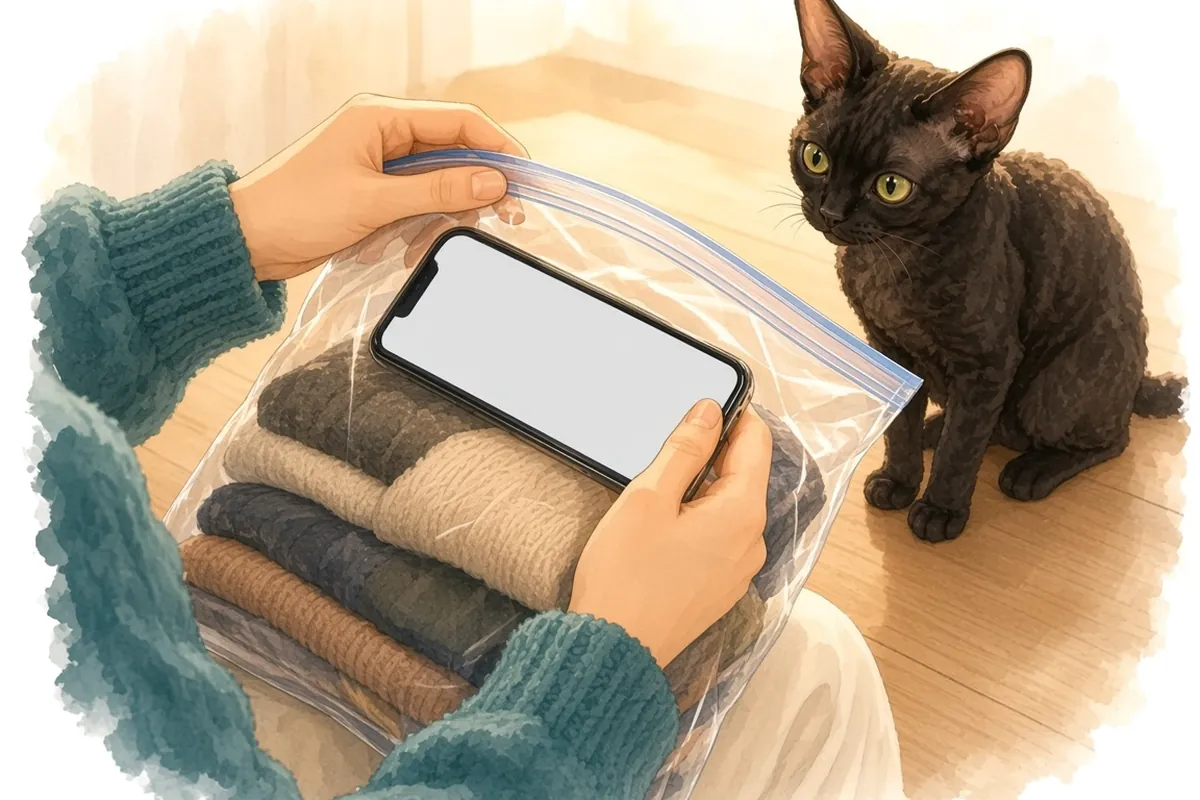
Next time you pack a vacuum bag, take one photo before the air goes out. One record, a name with the season in it, and the spot where the bag will live.
You can start free on iPhone, without an account.
Download TadaTuck on the App Store