TadaTuck for iPhone
Collection inventory: photograph the piece before the cabinet door closes
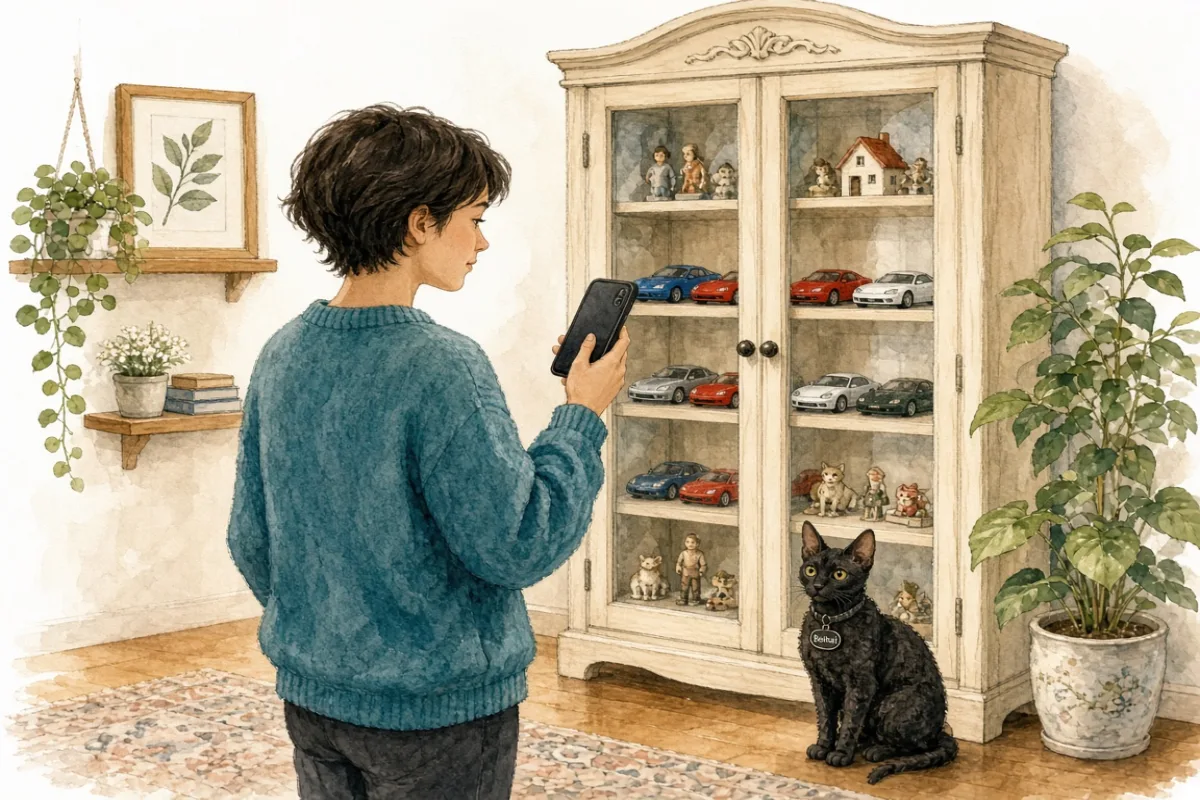
A collection inventory in TadaTuck is a photo catalogue of the figurines, 1:64 die-cast cars, enamel pins, and commemorative coins you keep across glass display shelves and reserve boxes, filed under a location like Display · Shelf 2 · Left · Red coupe so you can check which shelf or box holds a piece before opening every carton.
You keep this catalogue yourself. The app cannot see inside an unphotographed box, and it does not estimate market worth.
Download TadaTuck on the App Store01
Saturday afternoon when you want to swap the display shelf
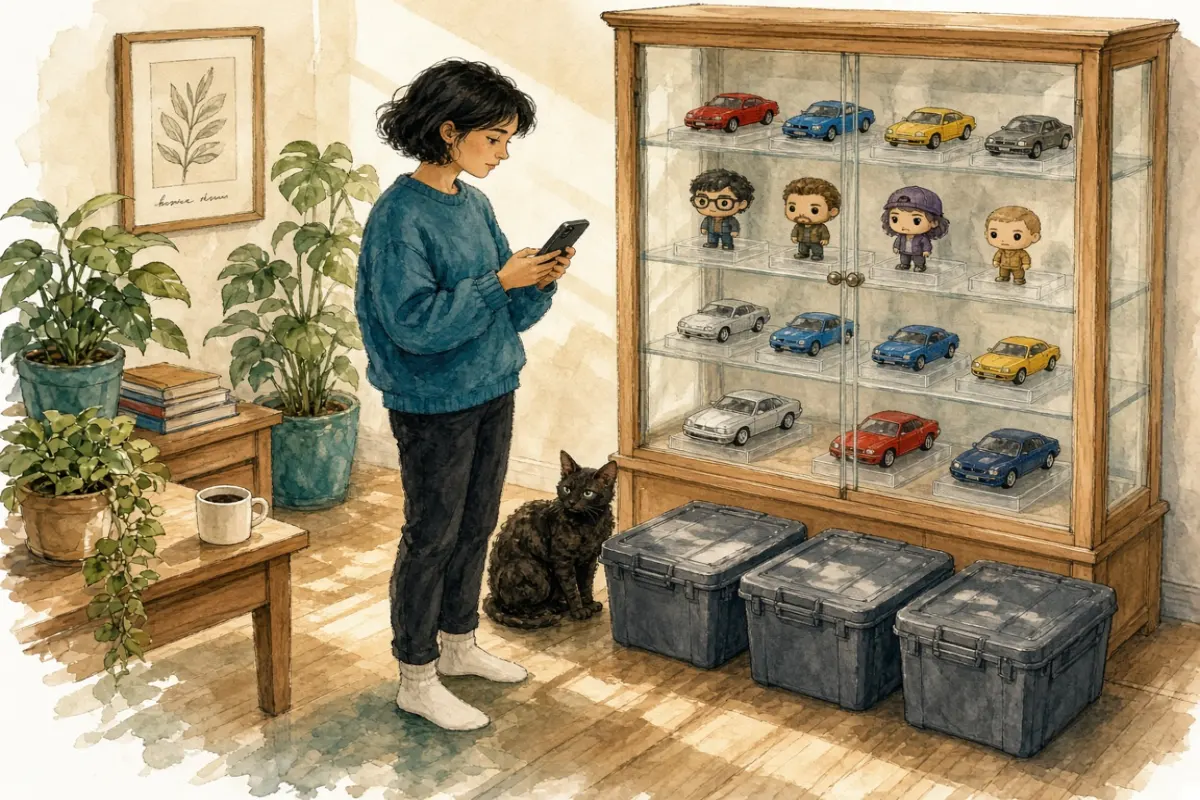
On Saturday afternoon you decide to refresh the middle tier of your glass case: the red rally coupe and three mecha figures go back into their blister packs, and the silver touring cars come out. Twenty pieces fit under the lights. Eighty more sit inside four charcoal cases on the upper study shelf.
From below, all four cases look identical. Without a photo catalogue, finding the silver touring wave means lifting down each case, undoing the clasps, and peeling back bubble wrap layer by layer.
Pieces behind glass are easy to admire; boxed waves resting in dark closet cases are the ones that slip from memory. New to this kind of app? Read what a home inventory app is.
02
Name display shelves, cubbies, and collector boxes
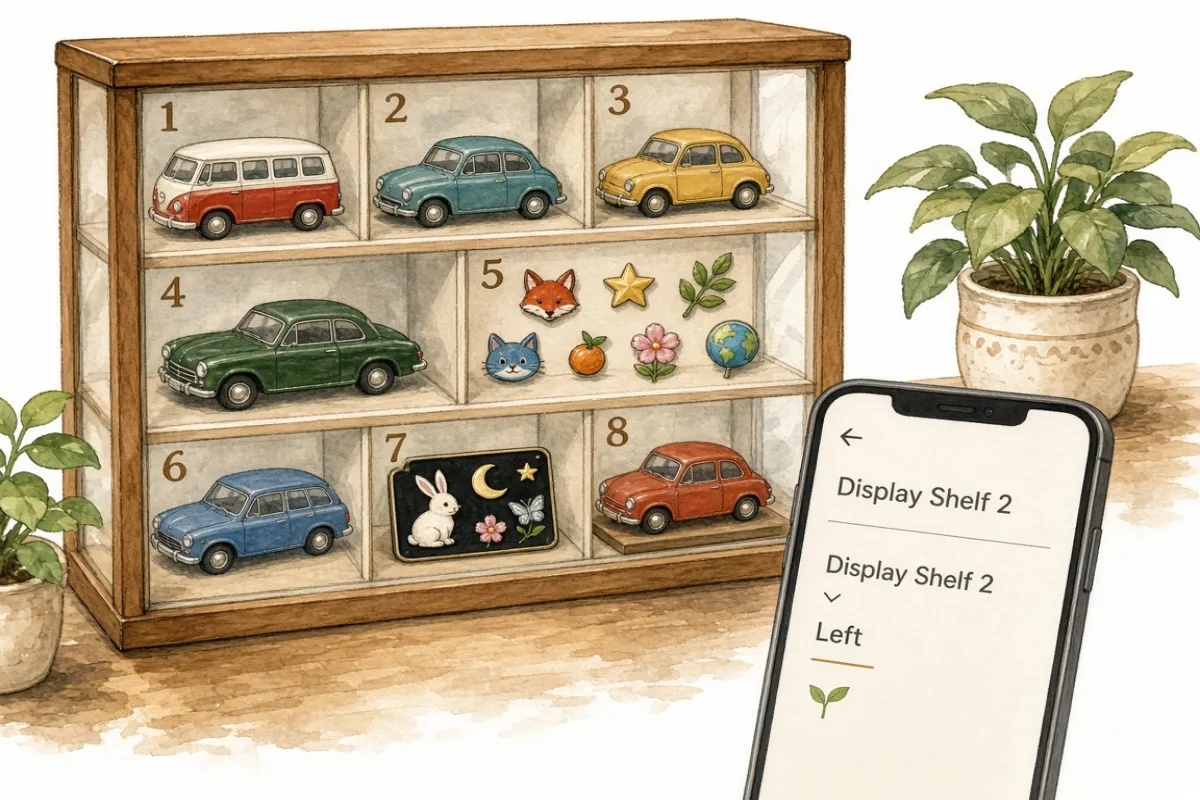
Name locations the way your eyes scan the study, from the cabinet down to the tier, cubby, or reserve box:
Display · Shelf 2 · Left · Red coupeStudy · Glass case · Tier 3 · PinsCloset · Upper bin · Mecha box B
TadaTuck lets you nest storage spaces—cubby inside shelf, shelf inside cabinet—and reorder any level whenever you rearrange. Each space name accepts up to 40 characters, so Shelf 2 · Left · Riser is plenty while the photo captures the sculpt and livery.
Unlike packing up a flat for a van—where a moving box inventory tracks household cartons headed to a new address—a collection catalogue stays with your display case and reserve boxes over the years.
03
Display shelf vs. reserve box: two ways to catalogue
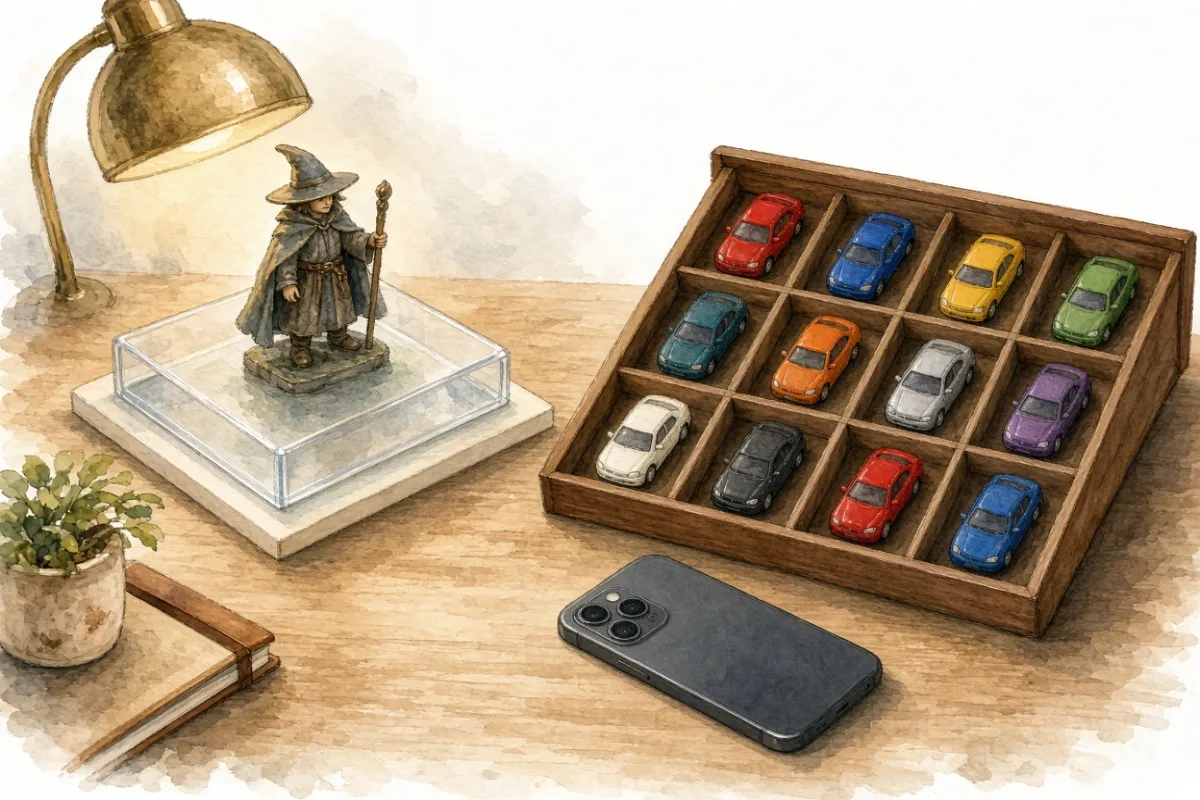
Most collections split between open glass and boxed reserve:
- One entry per displayed centrepiece. For standout statues, signed scale models, or framed pin boards on open tiers, snap the piece in its cubby and file it under that shelf.
- One entry plus an open-tray photo per reserve case. For a compartment tray of twenty 1:64 cars or a carton of boxed vinyl figures, skip logging every item individually. Take one overhead photo of the open tray before closing the clasps, and save a single entry for that batch.
Type item names yourself or let on-device recognition propose a name and category from 30 categories, checking the suggestion before you save. Optional Cloud AI uploads only photos you approve. Afterwards, search by title, category, location, or colour.
04
Put series or wave cues in the title yourself
Collectors usually think in release waves, scales, or themes rather than generic nouns.
Put that cue straight into the title when you save: 1998 JDM Wave 2 · Silver coupe or Space Series · Pin board A. One search for the series keyword then surfaces both the piece standing on Tier 2 and the reserve box in the closet.
Adding series cues is your own naming habit; the app does not automatically check set completion or flag missing numbers in a wave.
05
Five collector groups to photograph first
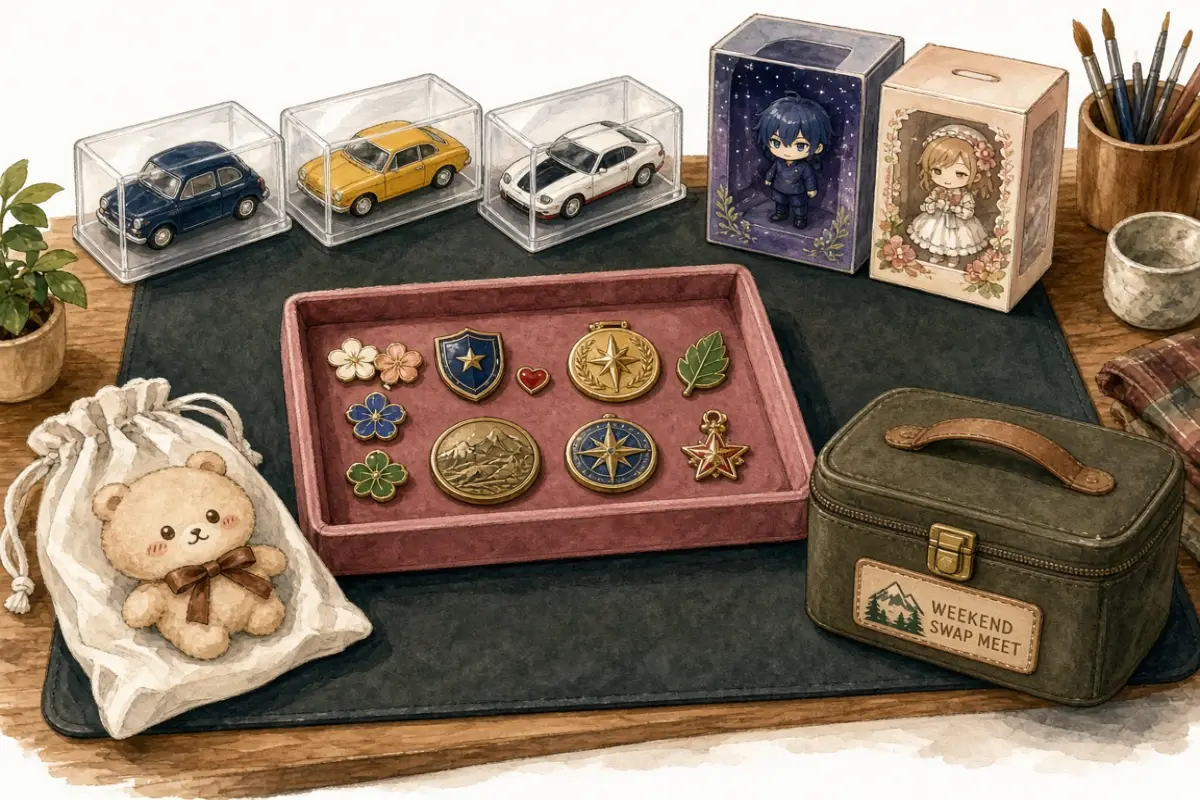
Begin with the five groups most likely to hide out of sight:
- Rotated figurines and scale models: pieces that trade places between the glass cabinet and reserve boxes every few months.
- Opaque reserve cases and blister cartons: matching storage boxes where outer lids hide which release wave sits inside.
- Velvet-tray small collectibles: enamel pins, commemorative coins, medals, and keychains stacked in foam or velvet trays.
- Boxed alternate parts and display stands: extra hands, faceplates, acrylic risers, and bases stored in a desk drawer.
- Pieces packed for a club meet or lent to a friend's showcase: items temporarily away from their usual cubby.
If your shelves hold brick builds with numbered polybags and instruction booklets rather than pre-painted models or pins, see our LEGO inventory guide.
06
When you rotate a wave between cabinet and reserve
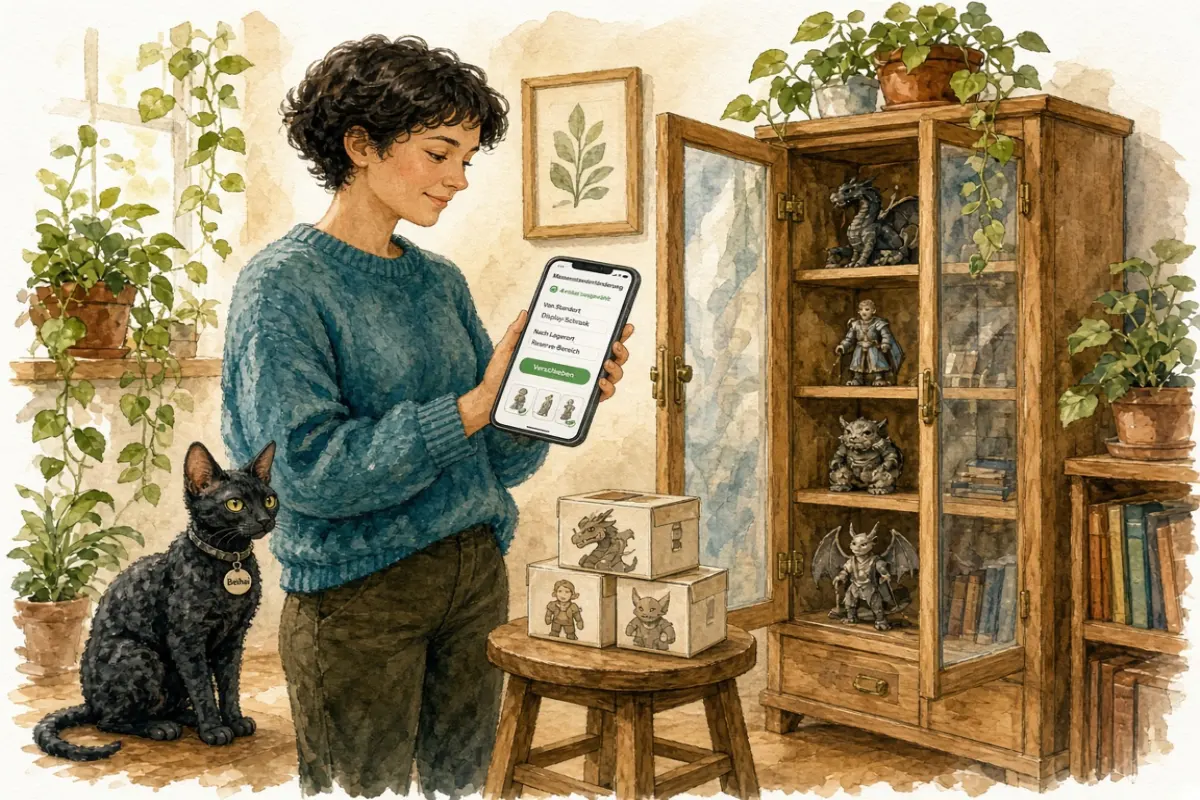
Display swaps happen in waves: five fantasy statues leave Tier 1 for Closet · Box C, while five sci-fi mechs take their place under the lights.
When several pieces move from the glass case into the same reserve box together, pull them up in search, select them in Infinite View, and bulk-edit their location in one step.
07
Where collector logs go wrong
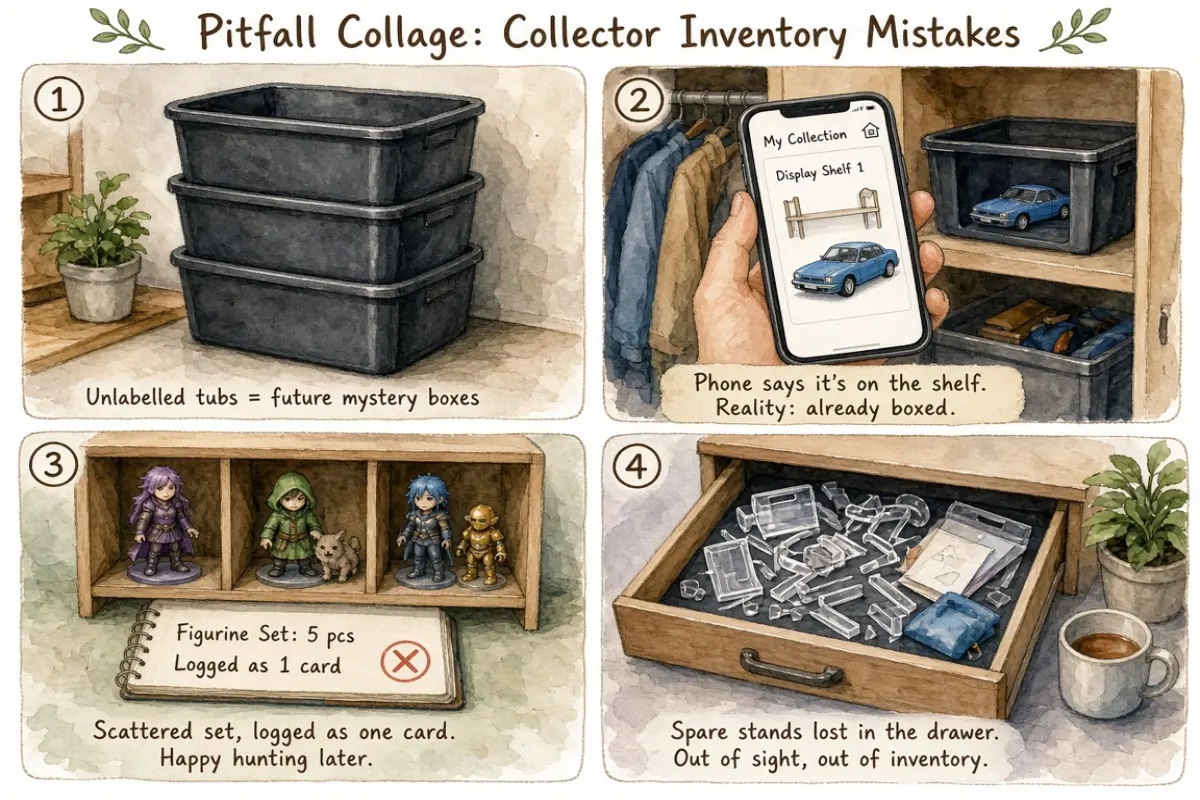
Identical opaque cases with no open-tray shot
Once four charcoal cases sit stacked on the upper closet shelf, every lid looks the same. Shoot the open tray before closing the clasps so you never unstack all four just to check a paint variant.
Swapping the display without updating the entry
You pack the red coupe back into Box B in autumn, leaving the entry pointed at Display · Shelf 2. Six months later you think the car vanished because it is neither behind glass nor listed under Box B.
Logging a five-piece wave as one entry when it sits in three spots
One figure stands on the desk, two sit in the glass case, and two stay in the closet. Split the entries by actual location and keep the same series keyword in each title.
08
What this method won't handle
TadaTuck does not estimate market worth, does not verify authenticity or condition grades, will not nudge you about release dates, does not read printed box codes, and does not tally individual coins or pins for you.
It also cannot surface a box you never photographed. Your records are for personal reference only; TadaTuck does not guarantee that any insurer, landlord, or third party will accept these photos or location notes. When a single collectible could be anywhere in the house, see where did I put it.
A FEW GOOD QUESTIONS
FAQ
Do I need to photograph every piece in my collection?
No. Start with the pieces you rotate between display and reserve, the opaque boxes that look alike from outside, and small items like pins or spare parts that are easy to misplace. Pieces that never leave the front of a glass shelf can wait.
Can TadaTuck tell what’s inside a closed collector box?
No. It finds only the pieces and trays you photographed and saved. Take a photo of the open tray or blister box before closing the lid.
How should I name cabinet shelves and bins?
Combine the cabinet or closet, the shelf tier or cubby, and a short visual or series cue, such as Display Shelf 2 Left or Closet Box B Mecha. Storage space names hold up to 40 characters, so keep them compact.
What if I move a set from display to storage?
Change its location when you pack it away. When several pieces move from a shelf into the same storage box together, select them in the search results and edit their location in bulk.
Do I need Cloud AI?
No. Manual entry or on-device recognition works fine on its own. If you enable Cloud AI, check what it suggests before saving.
Where are my records stored?
On your iPhone by default. Pro users can turn on iCloud sync across their own devices.
Before the next piece goes into the cabinet, photograph it
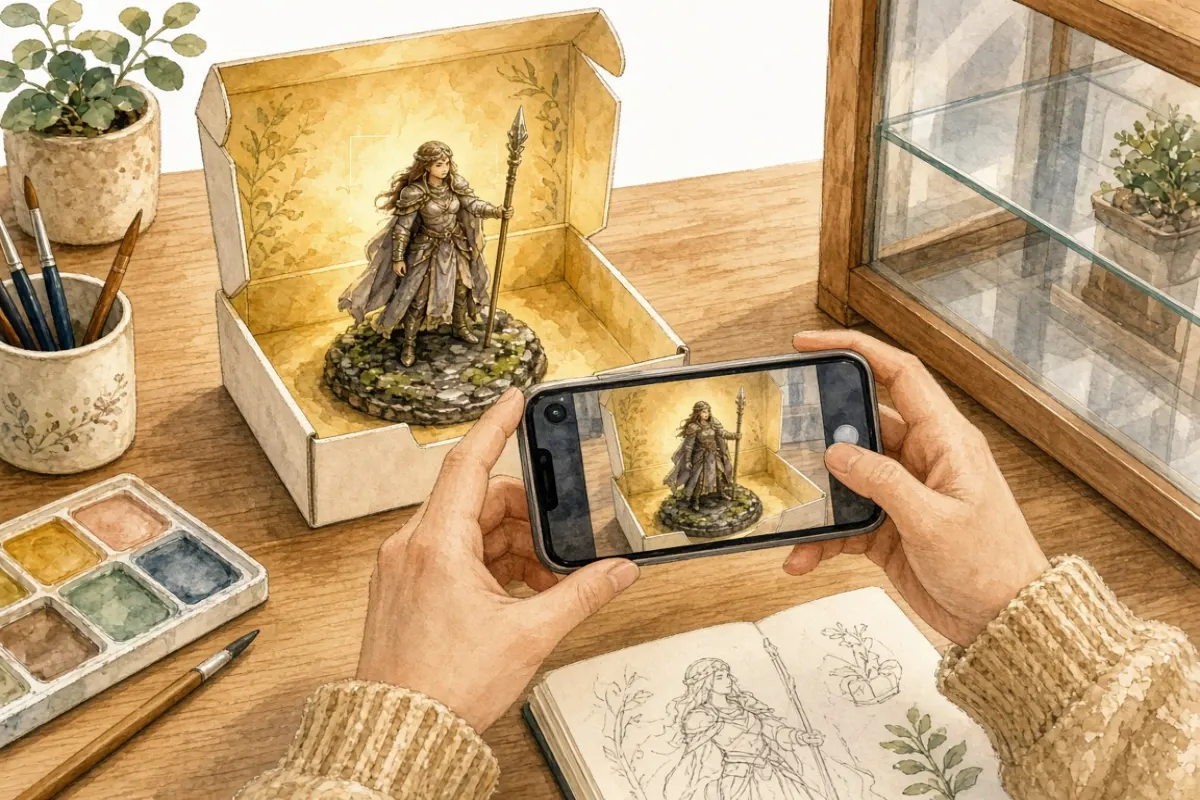
Next time a new model car arrives or a figurine returns to its reserve box, snap one photo before the lid or cabinet door closes. Add a short series cue and file it under its shelf or box.
You can start free on iPhone, without an account.
Download TadaTuck on the App Store