TadaTuck for iPhone
Home inventory for insurance: photograph what you own before you need the list
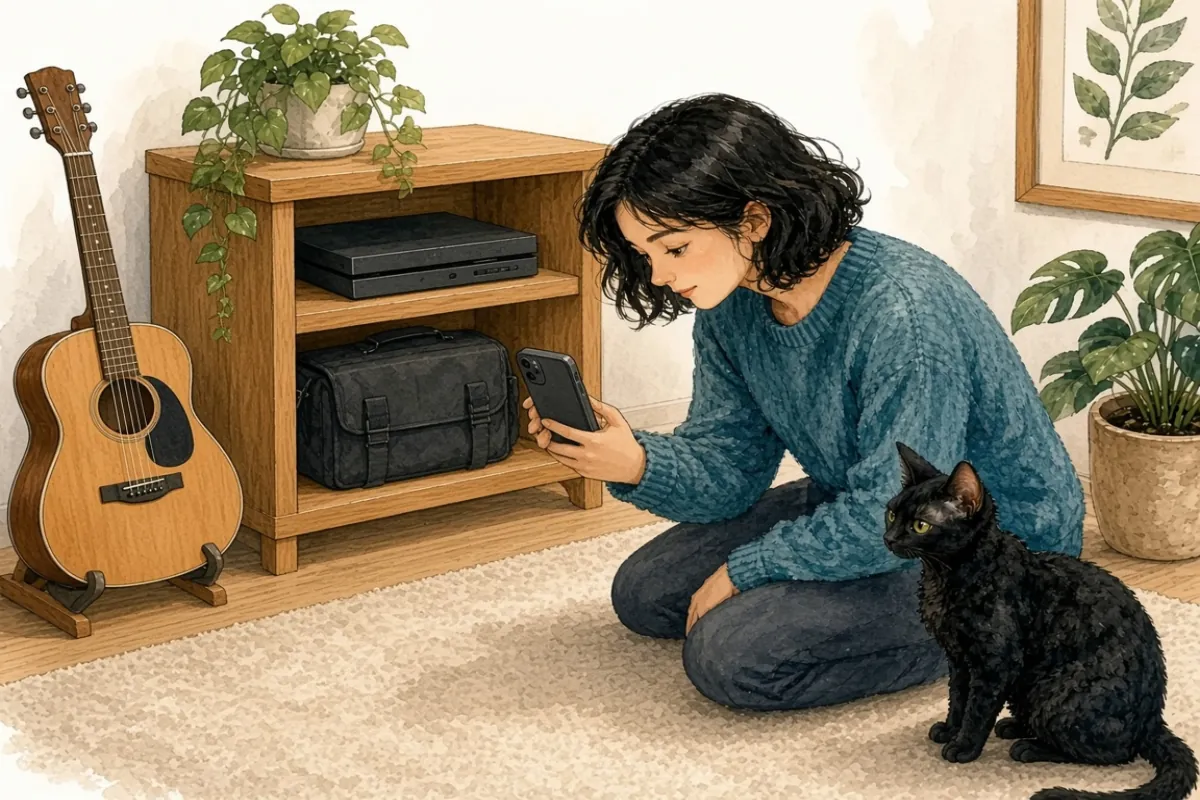
A home inventory for insurance in TadaTuck is an ahead-of-time photo log of household appliances, electronics, instruments, and valuables, filed under the room and shelf where each piece sits so you can recall what you had and where it lived.
You maintain this log yourself. TadaTuck does not file claims and does not guarantee that any insurer, landlord, adjuster, or third party will accept these records.
Download TadaTuck on the App Store01
The evening you try to list a room from memory
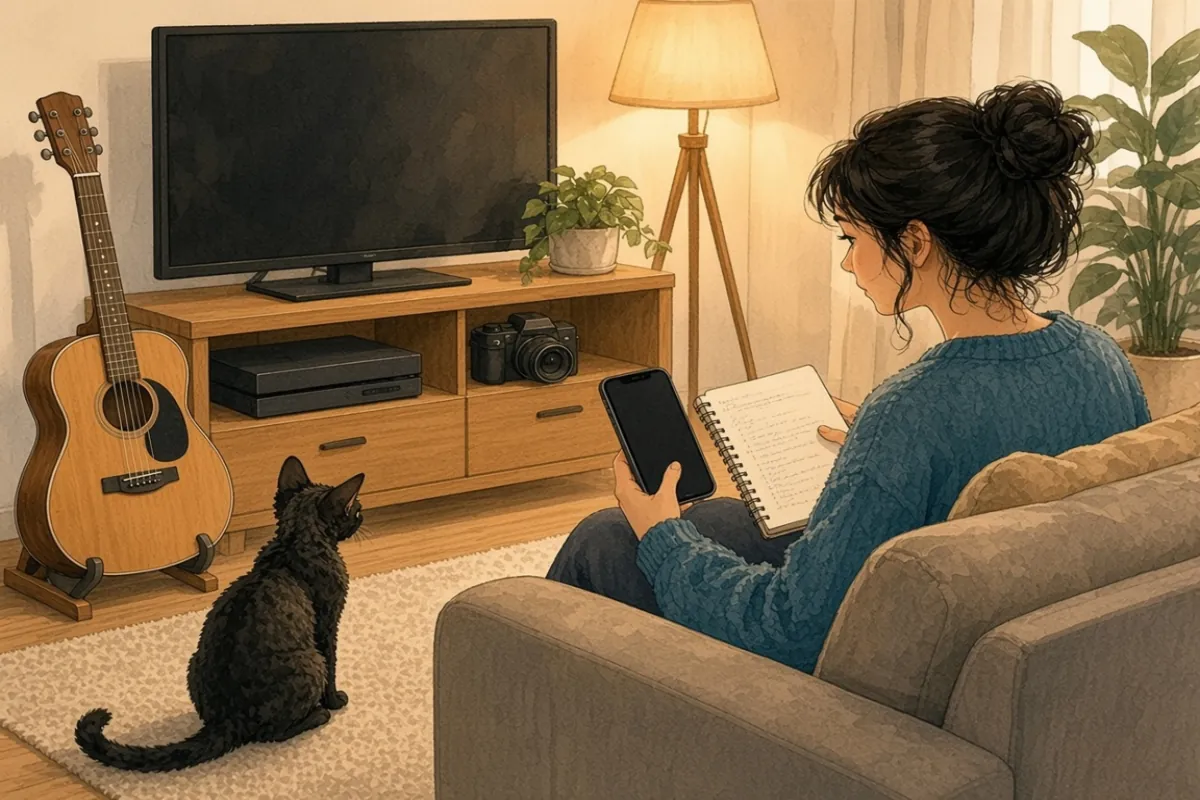
Sit at the table tonight and try listing everything on the living-room shelves without looking up. The television and sofa come to mind at once. The mirrorless lens in the lower cabinet, the grinder on the sideboard, and the guitar case behind the door take longer—or slip past.
Or a friend mentions after a lease renewal how hard it was to recall what sat in each room from memory.
Keeping photos ahead of time puts a room-by-room reference in your pocket. New to this kind of app? Read what a home inventory app is.
02
Plain note: personal reference only, no guarantee of acceptance
Read this boundary first:
- Personal reference only. Every photo, title, and room path in TadaTuck is a private memory aid maintained by you.
- No guarantee of acceptance. TadaTuck does not guarantee that any insurer, adjuster, landlord, or mover will accept these photos or location notes as proof of ownership, condition, or loss.
- Not insurance or legal advice. Nothing in the app or on this page is insurance, legal, or claims advice, and keeping a log here makes no promise of changing a claim outcome.
- Check your policy. Documentation rules and coverage terms depend on your insurer and policy.
03
Name rooms and shelves the way you walk past them
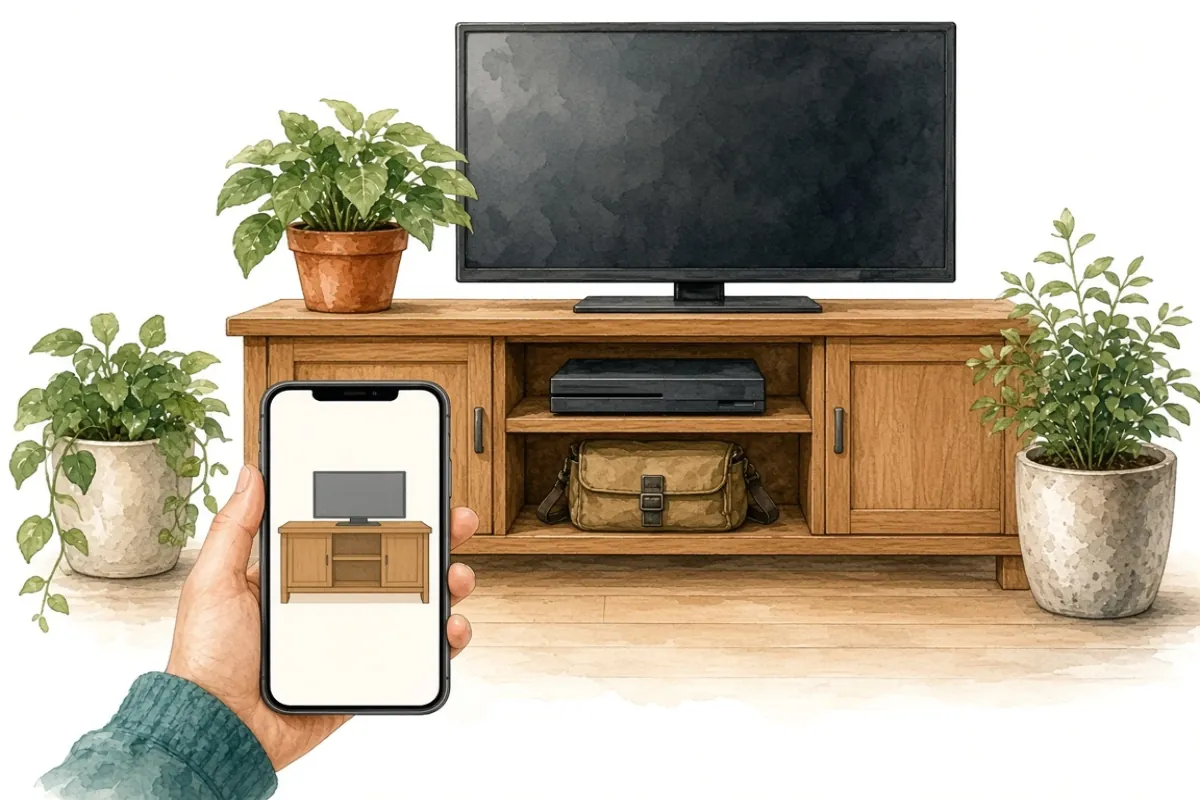
Group records by room and furniture piece:
Living room · Media shelf · Game consoleStudy · Desk cabinet · Camera shelfBedroom · Wardrobe top · Jewelry box
In TadaTuck, storage spaces nest and reorder at every level. Names hold up to 40 characters, so Media shelf · Left is plenty; let the photo show the item.
For bicycles or gear outside the main rooms, a garage inventory layout keeps those corners tidy too.
04
Two shots per item: where it sits, and a closer frame
Skip mugs and paperbacks. You can start with the pieces hardest to describe from memory: appliances, cameras, computers, instruments, watches, or a bicycle.
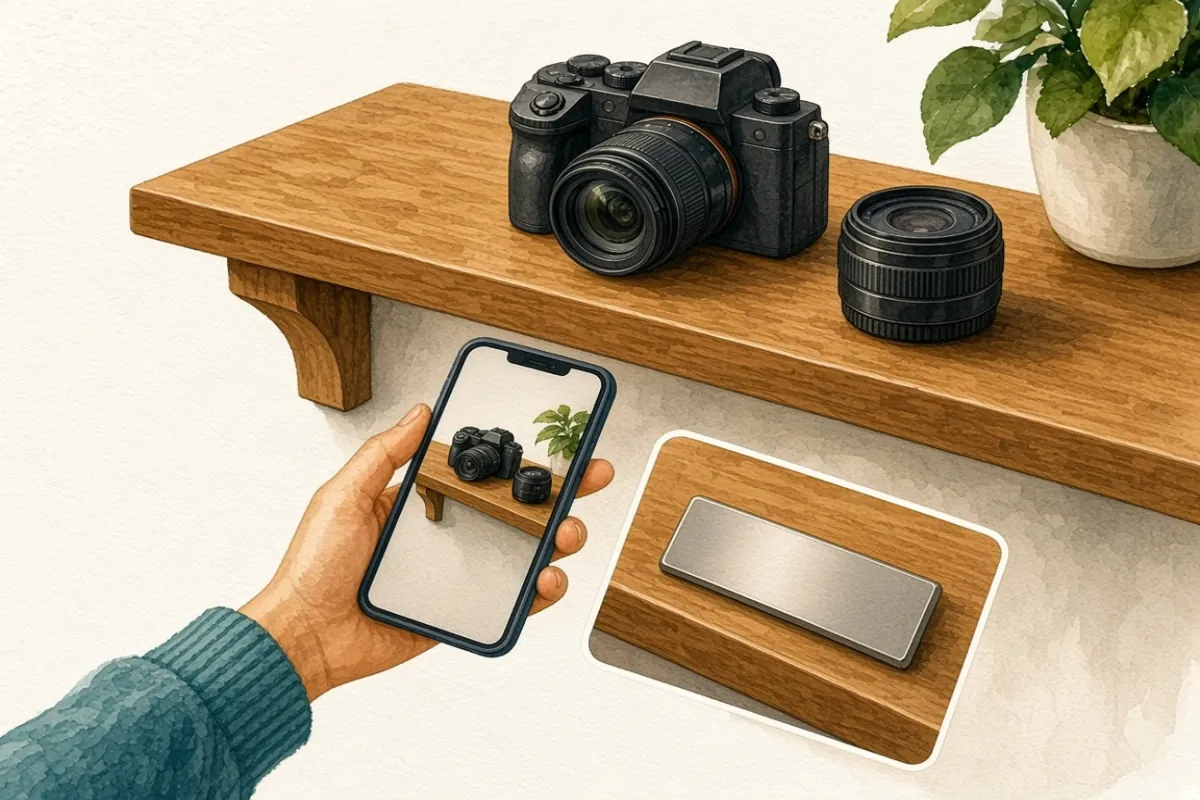
Two photos per item work well:
- One shot in place. Photograph the item on its shelf, desk, or stand so the room context shows.
- One optional close-up of the nameplate. If an appliance, camera, or frame has a model plate or serial stamp, you can take a second close-up photo of that label as your own habit.
Add items by hand or let on-device recognition suggest a name and category across 30 categories, then review before saving. Optional Cloud AI uploads only selected photos with your permission. Later, search by name, category, location, or a clue like colour.
05
Photo log vs. formal claims software
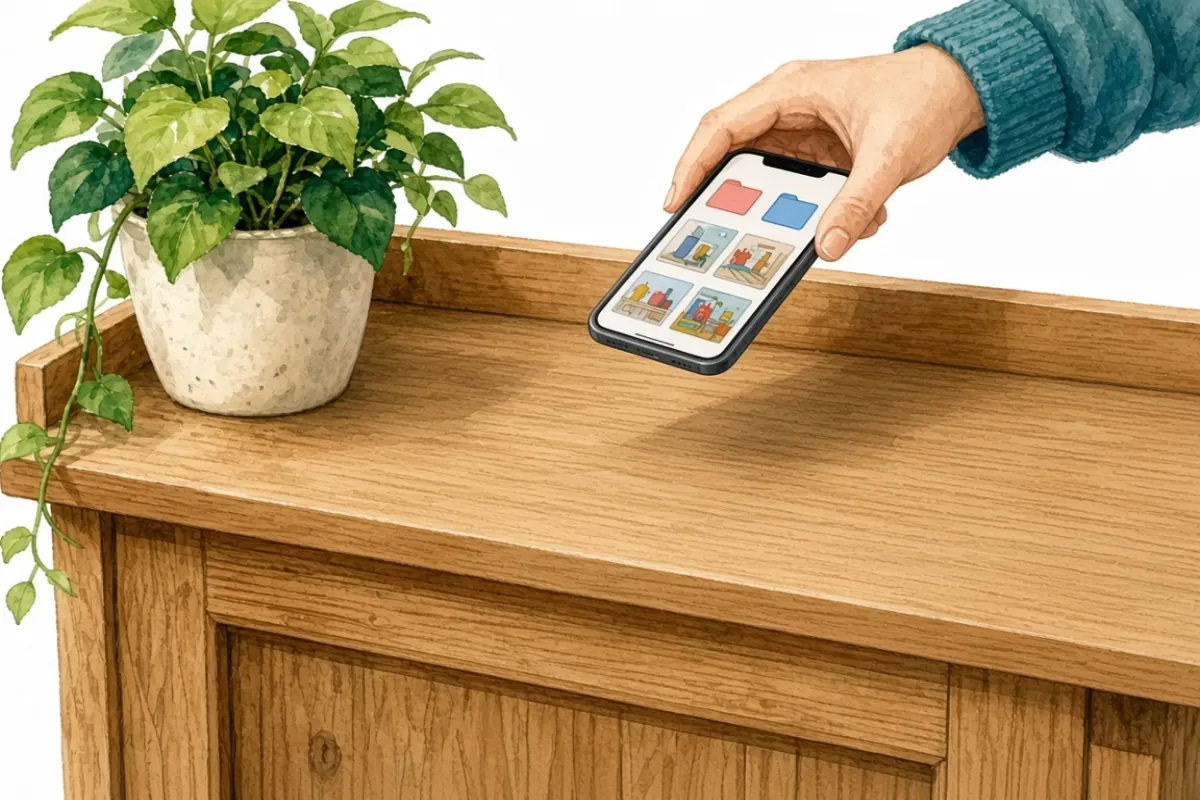
Household list searches often mix two different tools:
- What TadaTuck is: a personal iPhone photo log where you snap household items, file them into nested room and shelf spaces, and search what you have and where it sits.
- What TadaTuck is not: it does not connect to insurance carriers, generate claim forms, store policy binders, or calculate coverage figures.
Comparing household photo logs with stock tools built around asset tags? See our Sortly alternative for home page. If you need dedicated claims software, this page does not cover that category.
06
Six household groups to photograph first
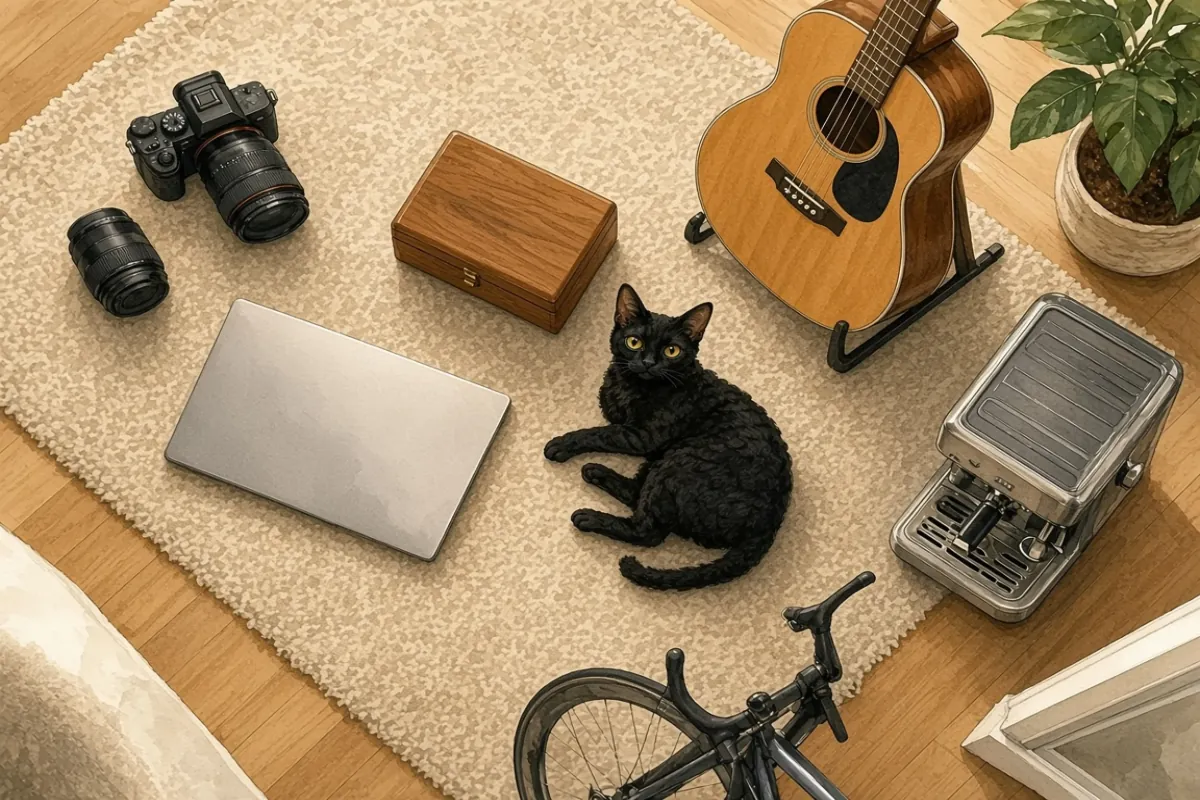
Pick one room and start with these six groups:
- Living-room and bedroom electronics: television, soundbar, game console, projector, purifier, dehumidifier.
- Computers, tablets, and camera gear: laptops, monitors, mirrorless bodies, and lenses in the study cabinet.
- Jewelry boxes and watches: photograph the box and its drawer or shelf; never photograph safe passcodes.
- Musical instruments: guitars, keyboards, violins, and amplifiers in their cases or stands.
- Bicycles and mobility gear: road bikes, folding bikes, or boards in the hallway, balcony, or storage room.
- Countertop kitchen machines: espresso machines, grinders, stand mixers, and cookware sets.
Leave policy paperwork and coverage math out of item cards. Seasonal coats, tool trays, and brick sets have their own guides.
07
When a room changes or you move flats
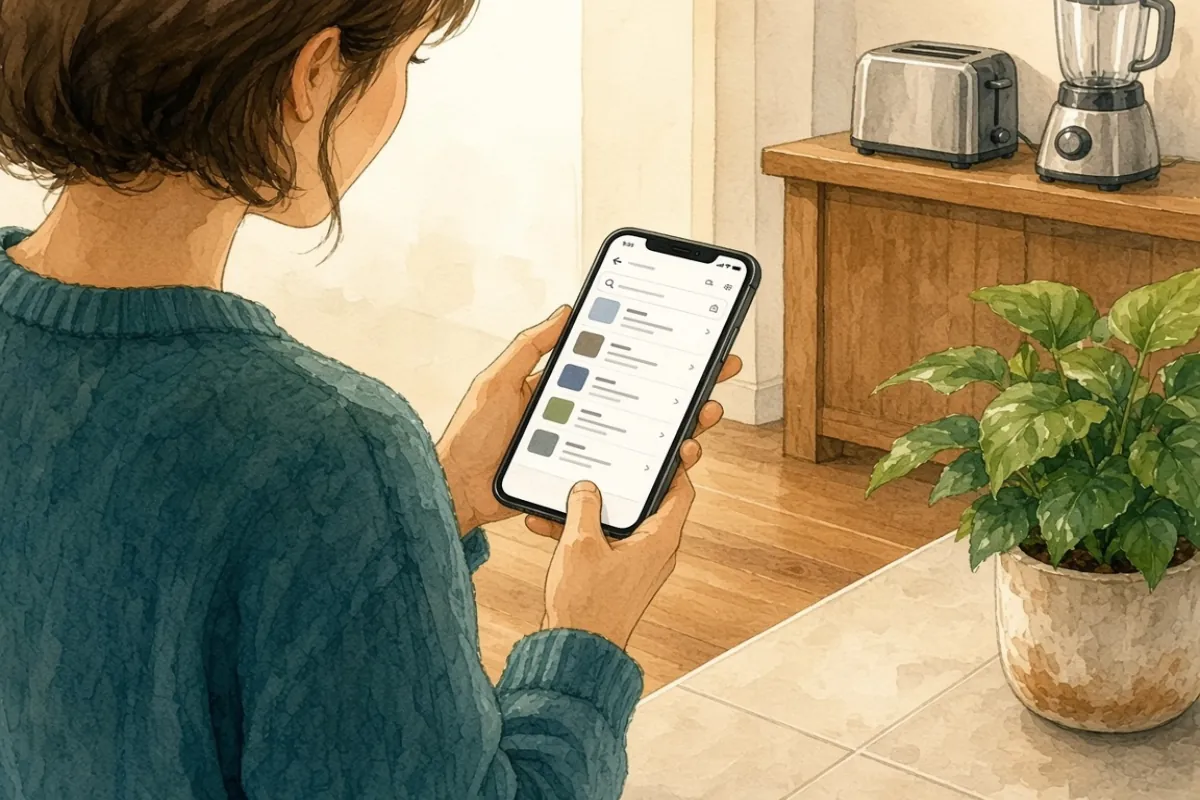
When several items move to a new shelf or room together, pull them up in search, select multiple records in Infinite View, and edit them in bulk so their location matches the new spot.
08
Where ahead-of-time photo logs go wrong
Tight close-up with no room context
A frame filled with black plastic could be any speaker. Step back so the shelf beside it shows where the item lived.
Waiting until after something happens
Reconstructing a study shelf after a leak or move means guessing from memory. Ten quiet minutes on Sunday captures what is there while the room is calm.
Assuming an insurer will automatically accept the app
A personal photo app is not an agreement with an underwriter. Treat your records as your own memory aid, and check your insurer's written rules separately.
Dumping everything into one "Misc" folder
Putting forty electronics into one folder makes the list hard to scan. Name the room and shelf so each group stays small.
09
What this method won't handle
TadaTuck does not submit claims, estimate item worth or coverage limits, connect to insurers, or replace your policy documents or official process.
It cannot surface an item you never photographed. For a single misplaced object at home today, where did I put it covers that search.
A FEW GOOD QUESTIONS
FAQ
Will my insurer accept TadaTuck photos?
TadaTuck does not guarantee that any insurer, adjuster, landlord, or third party will accept your photos or records. Everything you save is for personal reference only, and TadaTuck does not file or manage claims. Check your insurer's policy requirements directly.
Is TadaTuck an insurance or claims app?
No. TadaTuck is a household photo and location log for iPhone. It helps you remember what items you have and which room or shelf they sit in, and it does not connect to insurance companies.
What should I photograph first for a home inventory?
Start with items harder to replace or recall from memory, such as major appliances, computers, cameras, musical instruments, jewelry boxes, and bicycles, and save each one under the room and shelf where it lives.
Do I need to record purchase prices or serial numbers?
TadaTuck is a photo-and-location log rather than a financial ledger, so do not use item records to track monetary figures, and there are no required fields beyond what you choose to save. If an item has a serial number or model plate, you can take an optional second close-up photo of that nameplate for your own reference.
Do I need Cloud AI?
No. Adding items by hand or using on-device recognition is enough. If you use Cloud AI, review what it suggests before saving.
Where are my records stored?
On your device by default. Pro users can choose to turn on iCloud sync across their own devices.
Start with the three hardest-to-replace items in the living room
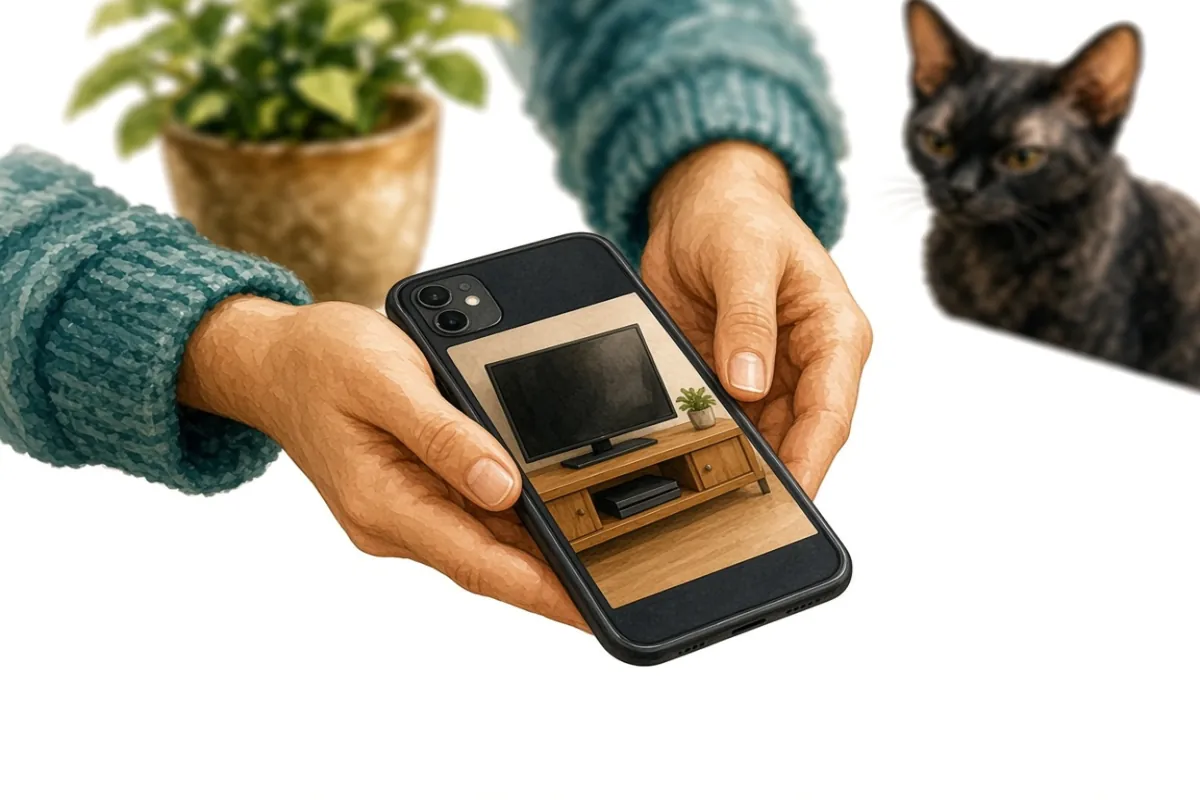
Before closing the curtains tonight, pick three pieces in the living room or study you would hate to describe from memory. Snap one photo in place, add a closer shot of the model plate if you like, and file them under their shelf.
You can start free on iPhone, without an account. Records in TadaTuck are for personal reference only; the app does not file claims or guarantee that any insurer or third party will accept them.
Download TadaTuck on the App Store