TadaTuck for iPhone
A Sortly alternative for keeping track of things at home

If you only want to remember where things are at home, TadaTuck is a lighter option. You photograph an item, save the storage space it sits in, and search for it later. Records stay on your iPhone by default, and you can start without an account. If you need barcodes, multi-user access, or stock alerts, Sortly is the better fit. [P1]
This comparison is built from each app's public pages, not from a hands-on test of Sortly. Sortly information was checked in October 2026, and features may change.
View TadaTuck on the App Store01
What each app is built for
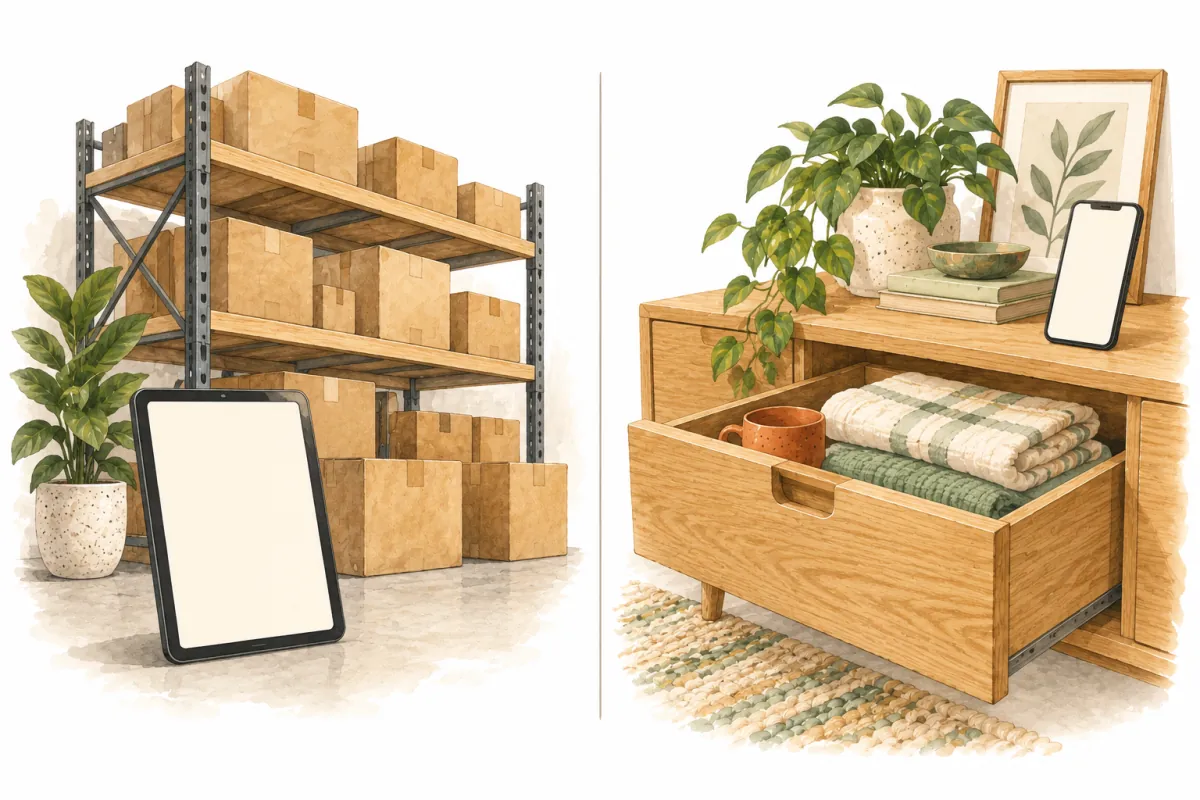
Sortly describes itself as "all-in-one inventory software that helps businesses of every size". [P2] Its site lists solutions for industries such as construction, medical, and warehouse. [P2] It also has a page called "Home Organizing Inventory Software", so it is not only a business tool. [P3]
On the App Store, Sortly sits in the Business and Productivity categories. [P1] Its description lists barcode and QR code scanning, barcode and QR label generation, custom folders, custom fields and tags, item photos, pick lists, low stock alerts, date-based alerts, inventory reporting, customizable user access, offline access, and automatic syncing across all devices and all users. [P1] The home page adds that you can record location, color, size, and value, and use it on a phone, tablet, or computer. [P3]
TadaTuck does one narrower job. It is an iPhone app for the things in your own home. You photograph an item or add it by hand, file it under a storage space, and find it again by searching. On-device recognition can suggest a name and category, and Cloud AI is there if you want it. Either way, you check the details before saving. Storage spaces nest inside each other, from a room down to a small box, and you can reorder them at each level.
So the two take different routes. Sortly is a general inventory platform covering business and home, with a long feature list. [P1] [P2] [P3] TadaTuck only records household things on an iPhone, keeps them on the device by default, and lets you begin without signing up.
02
Side by side

Each cell names its source. Where a public page doesn't say, the cell says so.
| Sortly | TadaTuck | |
|---|---|---|
| Built mainly for | Businesses, with a home solution page (P2, P3) | Household items (S1) |
| Platforms | Phone, tablet, computer (P3) | iPhone (S2) |
| Item photos | Yes (P1) | Yes (S1) |
| Recording where things are | Custom folders, plus a location field (P1, P3) | Nested storage spaces (S1, S2) |
| Organizing details | Custom fields and tags (P1) | 30 categories and organizing clues (S2) |
| AI identification | Not stated on its public pages | On-device recognition; Cloud AI optional (S1) |
| Where data lives | Automatic syncing across all devices, all users (P1) | On device by default; Pro users can choose to turn on iCloud sync (S1) |
| Account to start | Not stated on its public pages | Start without an account (S2) |
03
When Sortly is the better choice
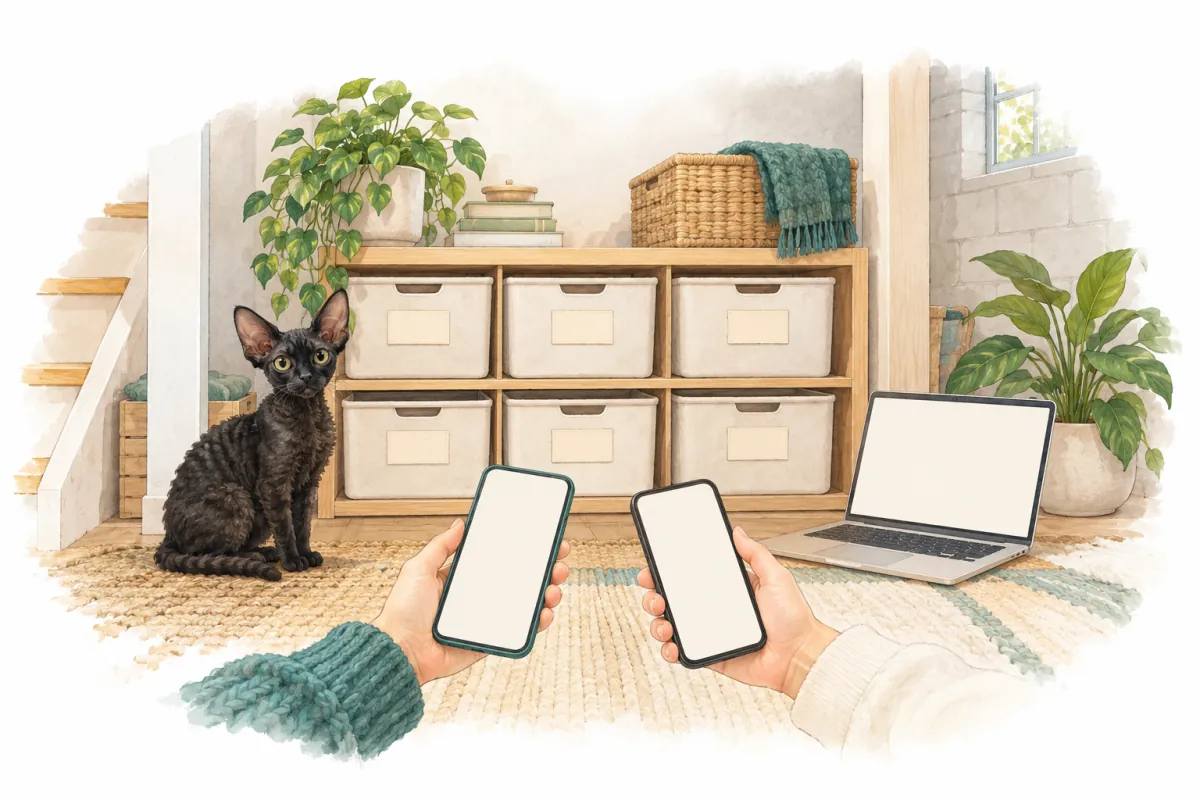
Sortly is worth a look if any of these sound like your house.
- You want a label on every bin. Sortly scans barcodes and QR codes and generates labels for them. [P1] Its home page mentions printing those codes. [P3] If you'd like to stick a code on each basement bin and scan it to see what's inside, that is the workflow it describes.
- Several people keep one list. Sortly lists customizable user access and syncing across all users. [P1] A household where two or three adults all add and move things may want that.
- You'd rather work from a computer. Sortly runs on phone, tablet, and computer. [P3] If you prefer to type a long list at a desk, that matters.
- You track how much is left. Sortly includes inventory reporting, low stock alerts, and date-based alerts. [P1] A pantry, a craft supply cupboard, or a home workshop where running out is the real problem fits here.
- You want size and value on each record. The home page mentions recording value, color, and size alongside location. [P3]
04
When TadaTuck fits better
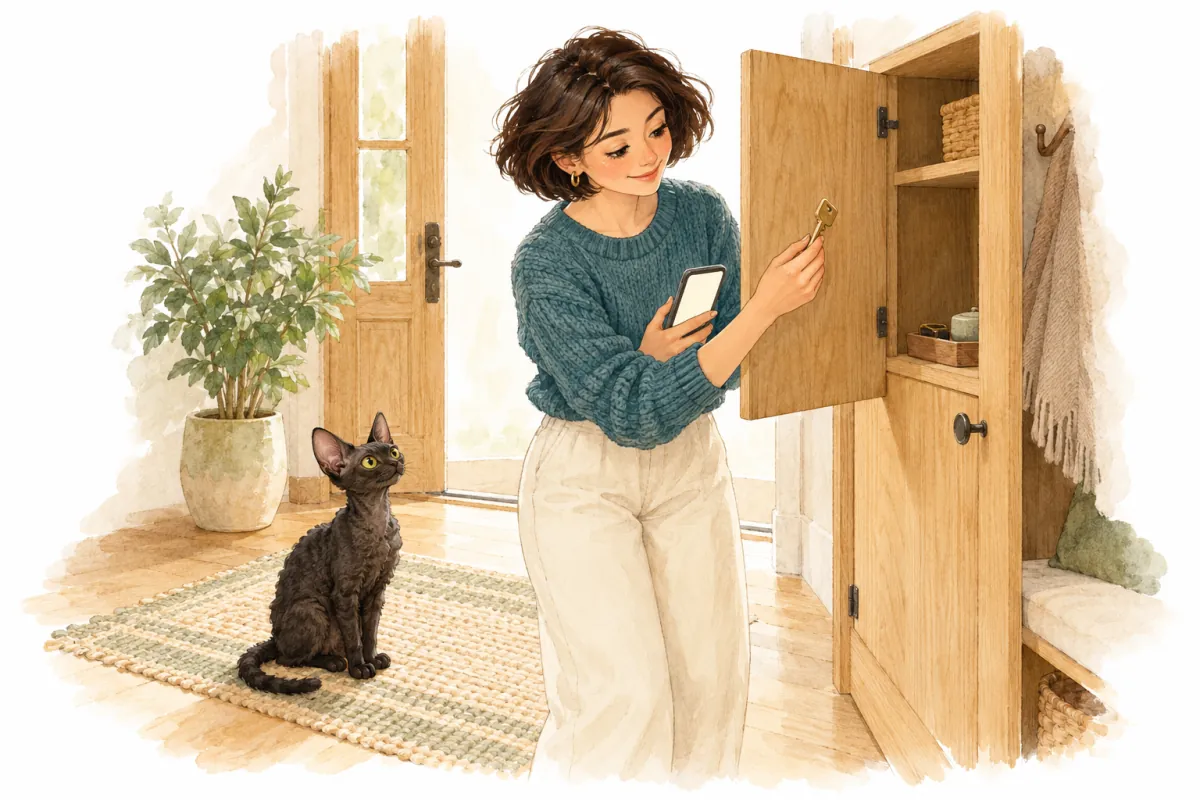
TadaTuck answers a smaller question: where did I put it?
- You only need the place. Where is the spare car key? Which tote has the winter gloves? You don't need counts or custom fields to answer that. A garage inventory is a typical case: bins up on a rack, a photo of what went into each, and the shelf it sits on.
- You want to start with one drawer. There's no field system to design first. Pick the drawer you open most, photograph five things in it, and name the space something like
Hall table · Top drawer. A storage space name can be up to 40 characters, so short paths work best. Add the next space when you need it. - You'd like your records to stay on your phone. They are stored on the device by default. Pro users can choose to turn on iCloud sync. Cloud AI uploads selected photos only when you allow it.
- You search by memory, not by code. Search by name, category, location, or a clue you remember, such as a color: "green tin", "striped bag". With a photo on each record, you recognize the right result at a glance.
If you're still deciding whether you need this kind of app at all, what a home inventory app is covers the basics.
05
Moving over from a spreadsheet or another app

If your current list lives in a spreadsheet or in another app, you don't have to carry every row across. A simpler habit is to start again with the ten things you look for most often.
Write those ten down from memory. For many people it's things like the passport folder, the spare car key, the good scissors, the bike pump, the holiday tablecloth, and the box of drill bits. Then go and find each one, photograph it where it actually is, and save it under that storage space. That way the record matches the shelf, not what the old list claimed.
Keep the old list while you do this. When you open a cupboard for some other reason, add what you see in it. After a few weeks the records cover the spaces you really use, and the rest of the old list may not matter.
If you entered a run of records in a hurry, you can select several in the search results and edit them in bulk. When something moves, change its location while it's still in your hand.
06
What TadaTuck won't do for you
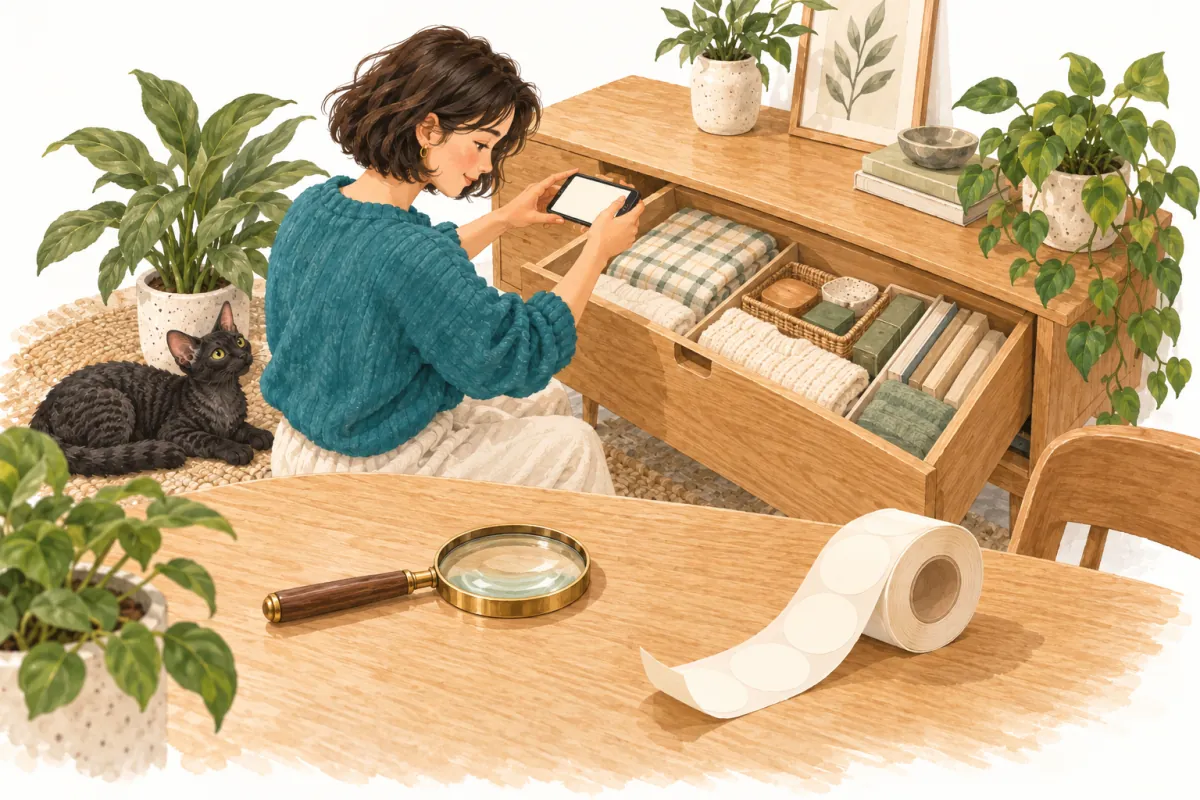
It only finds what you saved. A cupboard you never photographed won't come up in a search, and the app doesn't know what is inside a sealed box.
Recognition is a suggestion. Check the name and category before you save, especially for things that look alike.
It keeps track of where things are. It doesn't tell you what anything is worth.
A FEW GOOD QUESTIONS
FAQ
Is TadaTuck a full replacement for Sortly?
It depends on what you use Sortly for. If you want to remember where things are at home, TadaTuck does that job. If you need barcodes, user access, or reports, Sortly is the better fit.
Can Sortly be used for home inventory?
Yes. Sortly has a page called "Home Organizing Inventory Software". The page you are reading covers a different, lighter option: TadaTuck, for keeping track of household things on an iPhone.
Does TadaTuck scan barcodes?
TadaTuck finds things by photo, name, location, and the clues you remember, such as a color. You search for "green tin" or "hall closet" rather than a code.
Where is my data stored in TadaTuck?
On your iPhone by default. Pro users can choose to turn on iCloud sync. You can start without an account.
Do I need Cloud AI?
No. Adding items by hand or using on-device recognition is enough. If you use Cloud AI, check what it suggests before you save.
Try it on one drawer first

Pick the drawer you open most. Photograph what's in it, give the drawer a short name, and search for one of those things tomorrow. If that's all you needed, you have your answer.
You can start free on TadaTuck for iPhone, without an account.
Get TadaTuck for iPhone09
Sources
- [P1] Sortly: Inventory Simplified, App Store listing: https://apps.apple.com/us/app/sortly-inventory-simplified/id529353551
- [P2] Sortly homepage: https://www.sortly.com/
- [P3] Sortly, Home Organizing Inventory Software: https://www.sortly.com/solutions/home-inventory-software/
- [S1] TadaTuck homepage: https://tadatuck.com/
- [S2] TadaTuck on the App Store: https://apps.apple.com/us/app/tadatuck/id6786318142
Sortly information checked October 2026; features may change.
Sortly is a trademark of its owner. TadaTuck is not affiliated with Sortly.