TadaTuck for iPhone
Tool inventory: photograph the bit set before the lid closes
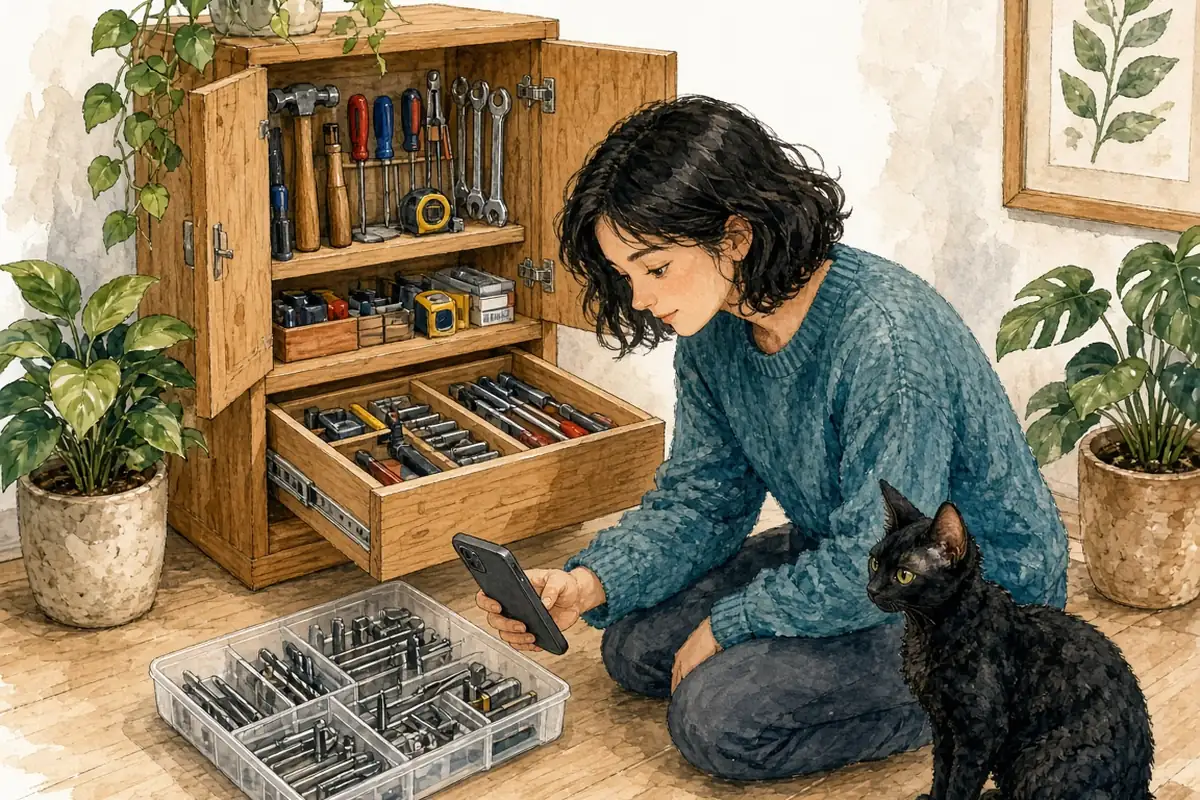
A home tool inventory is a photo log of drills, bit sets, screw trays and the odd wrench that leaves the house. In TadaTuck on iPhone you file each shot under a path such as Garage · Tool cabinet · Drawer 2 · Bit set, then search that path instead of emptying every drawer.
You keep the log. A closed screw box you never photographed stays invisible to the app.
View TadaTuck on the App Store01
The 8mm bits that aren't in the drill case
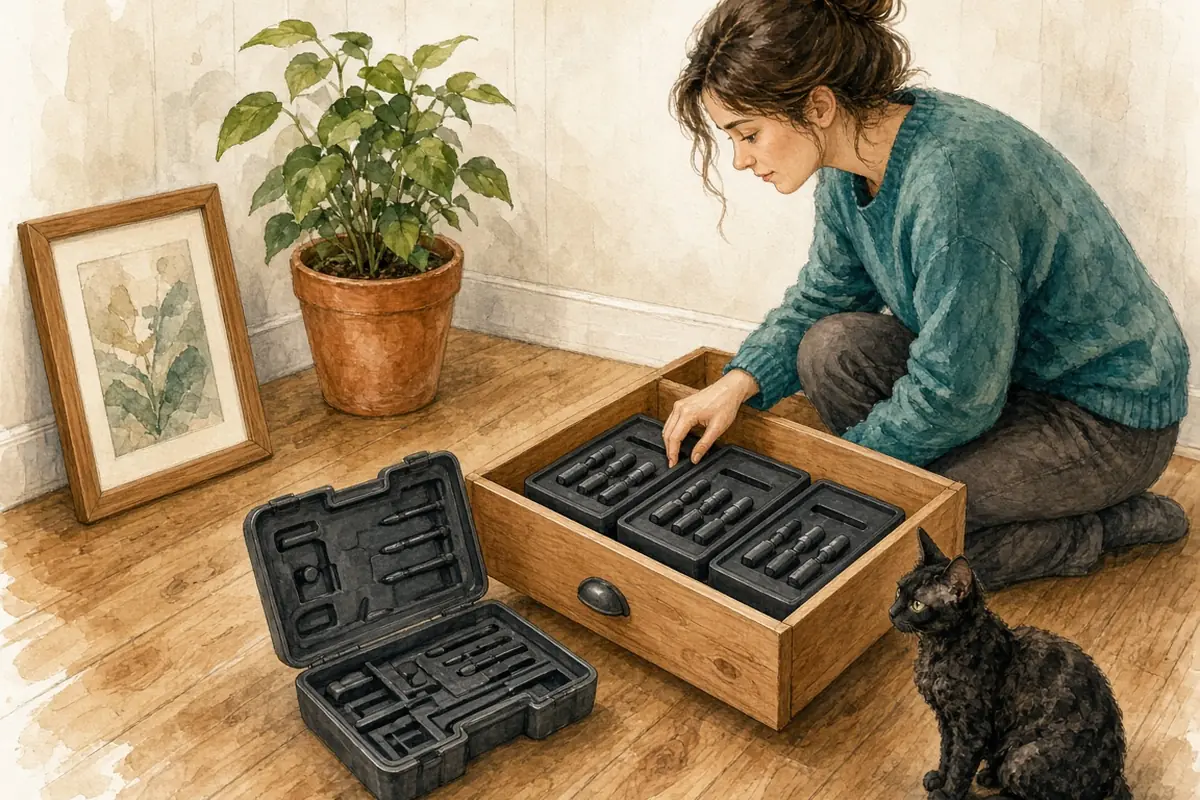
Saturday was for hanging a frame. The cordless drill sat in its case; the 8mm bits did not. Last month they lived in a clear tray on Drawer 2. This month three black cases share that drawer and look identical from above.
Or a neighbor hands back the adjustable wrench you lent in spring. You know it belongs in the tool cabinet, not which drawer, and the spare pliers that filled in for it have wandered too.
Weekly drivers stay on the pegboard. Bit cases, screw kits and loans that sit for months are what disappear. New to this kind of app? Start with what a home inventory app is.
02
Name the cabinet the way your hand opens it
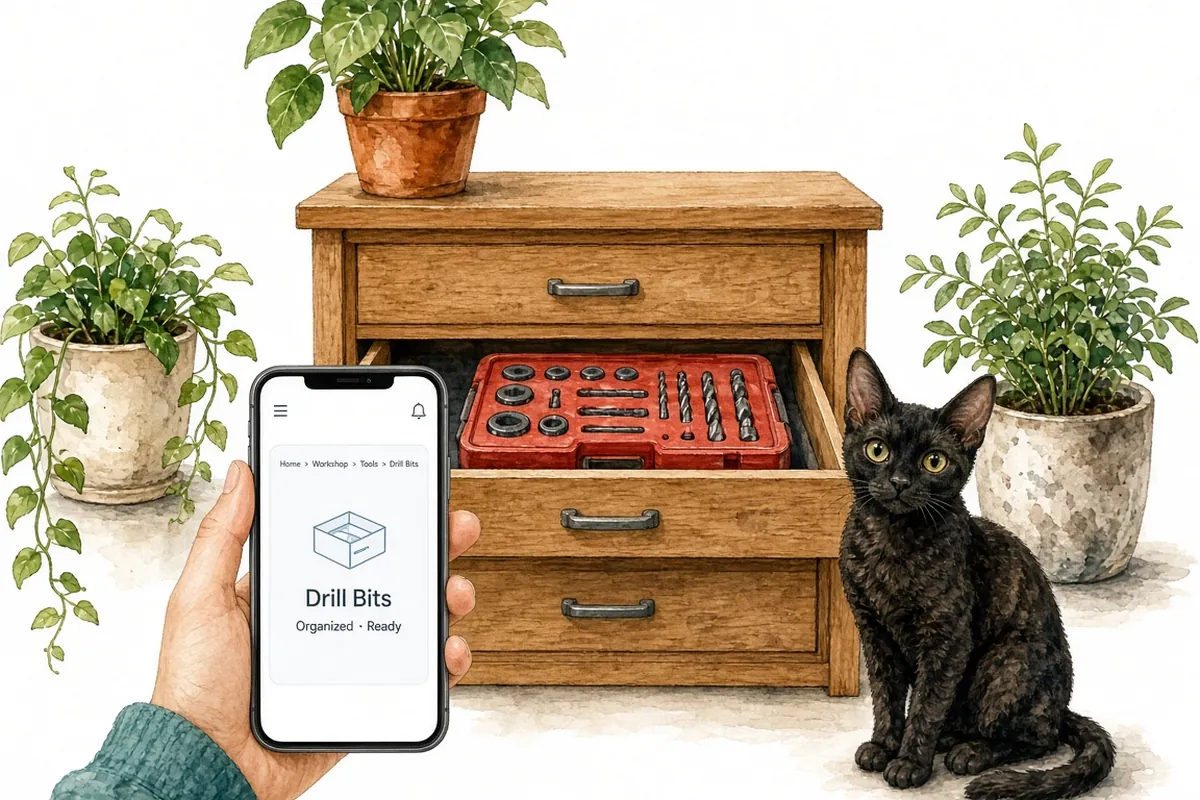
Build names in reach order: zone, cabinet, drawer or shelf, tray.
Garage · Tool cabinet · Drawer 2 · Bit setBalcony · Metal cabinet · Top · Screw kitHall · Entry drawer · Left · Wrenches
In TadaTuck, spaces nest (tray inside drawer, drawer inside cabinet) and each level can be reordered. Cap is 40 characters, so Drawer 2 · Red case is enough; the photo carries the rest.
A cabinet on the garage wall can follow the same nesting as a garage inventory; this page stays on drills, bits and screw trays.
03
Drill and accessories: keep them on separate cards
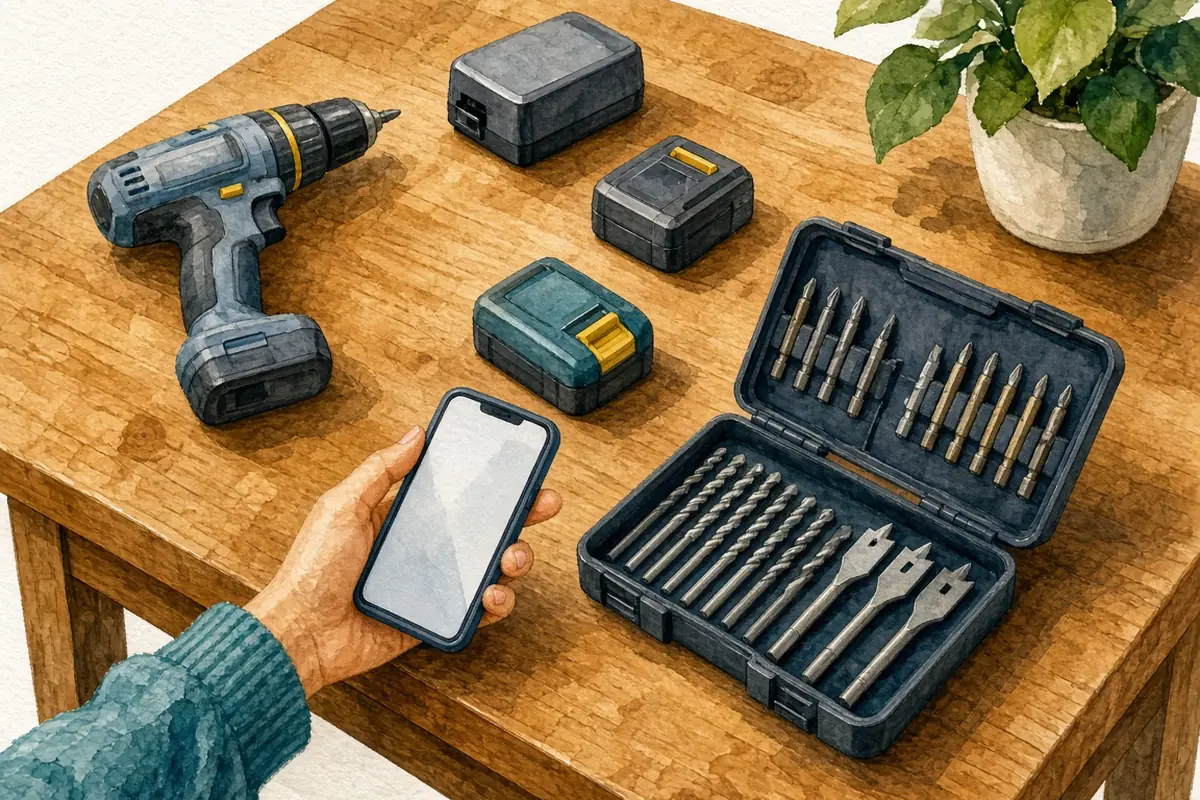
Drill body, charger, spare battery and bit case rarely share one shelf. Give the drill its own card, the bit case another, the charger a third, each with its own spot. Nothing in the app glues them into a kit; separate cards simply match how they sit.
Shoot the open bit tray so sizes read clearly, then the closed shell: lid colour, tape label, the scuffed corner that marks it among other black cases.
Fill the name by hand, or let on-device recognition propose name and category and check it before saving. Later, a remembered clue such as red case or 8mm is enough to search.
04
Screw boxes: one tray, one card
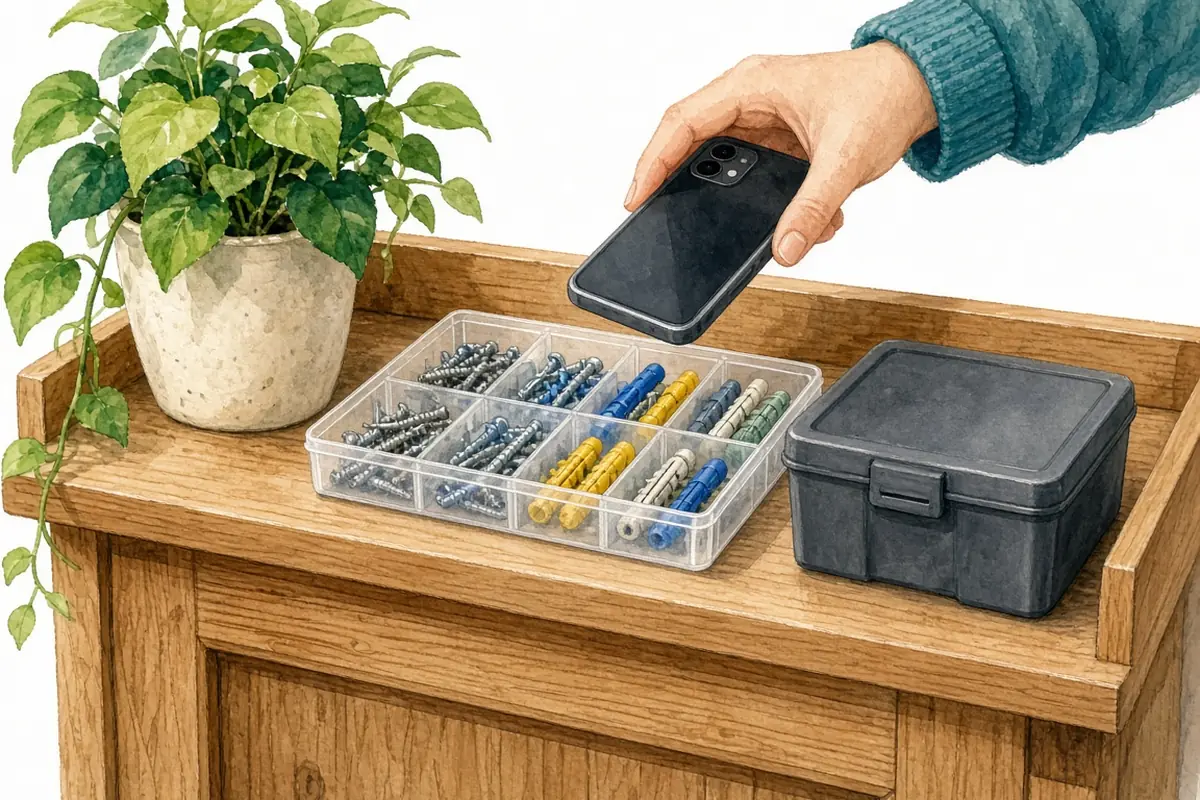
Clear or opaque compartment trays both go blank once the lid snaps shut. Photograph the open grid before the tray returns to the shelf.
One card per tray is enough. Put a size hint in the title: M4 screws · Clear tray, Wall plugs · Blue lid. No need to tally every screw; the open shot shows the mix.
When garage and balcony each hold a "clear screw tray", put the place in the title so search does not merge them.
05
Lent tools: rewrite the spot, then rewrite it back

Before a wrench or ladder leaves, photograph it and set the location to something you will recognise, like Lent to Sam, or a small space you keep for loans. When it returns, point the card back at the real drawer.
That rewrite is your habit. Nothing pings the borrower, and nothing tallies who owes what.
If a return lands in a different drawer than usual, fix the spot while the tool is still in your hand.
06
What to record first
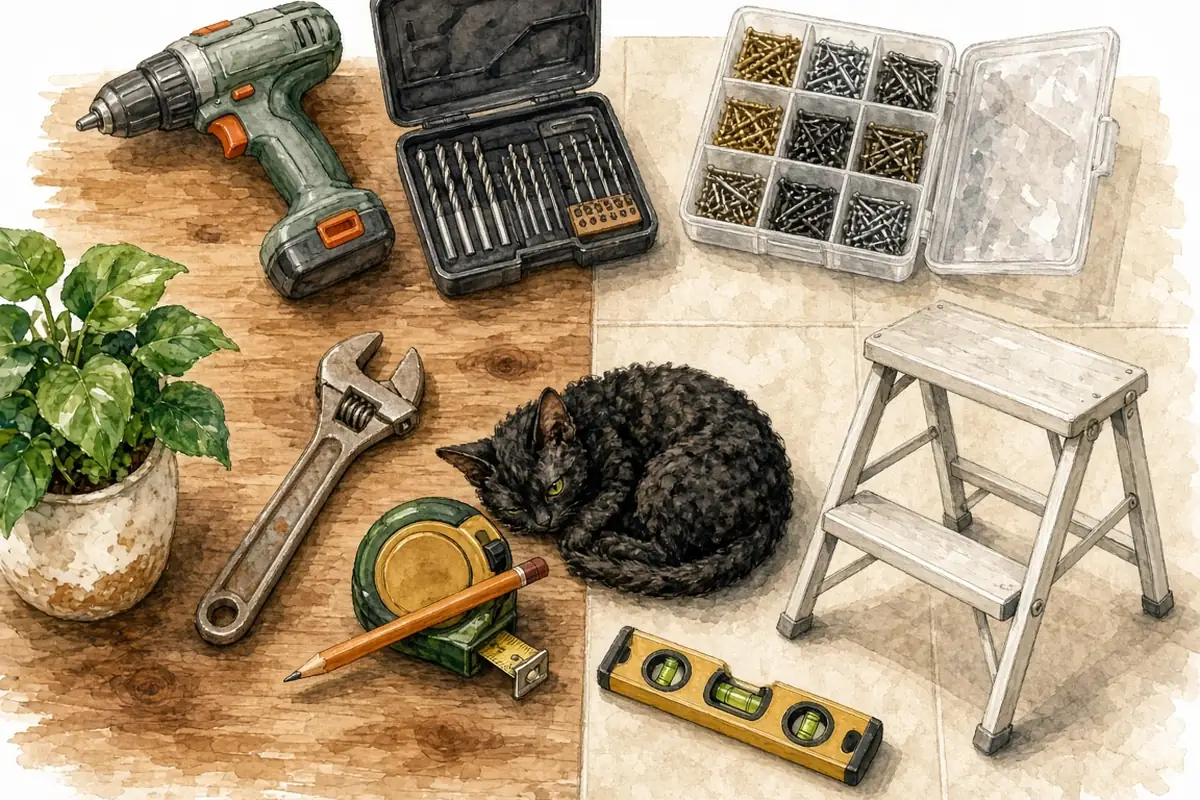
Start with what you open rarely and always hunt for:
- Drill or impact driver, plus bit and drill-bit cases.
- Screw, nail and wall-plug compartment trays.
- Pieces you lend: wrenches, pliers, a spare hammer.
- Daily hand tools you actually reach for.
- Measuring kit: tape, level, pencil pouch.
- Step stool or folding ladder parked in the garage or on the balcony — just the spot.
- Still-out loans sitting at someone else's place.
Leave warehouse tags and vehicle service logs alone. Snow gear and camping bags live on the garage page; cable clutter lives on the electronics-drawer page.
07
When a drawer gets emptied
Sorting day moves bit cases from Drawer 2 onto a top-shelf tray and shoves screw kits toward the balcony. Edit each card's spot before the tray goes down.
When a whole batch lands in the same drawer, search, multi-select the results, and edit them together.
08
Common home-tool record mistakes
Closed bit cases look identical
Lid down, size stamps vanish. Without the open-tray shot you open them one by one. Photograph first, then close.
Drill, charger and battery hunted as one object
Drill in the cabinet, charger on a hallway shelf, battery in a bag. One card cannot name three places. Split the cards when the pieces live apart.
Lent out, card never updated
The wrench left in April; the card still says Drawer 1. Or it returned into Drawer 3. Rewrite the spot on the way out and on the way back.
Two cabinets, same screw-tray title
Garage and balcony both say M4 tray. Search dumps both. Add the place to the title.
09
What this method won't handle
It will not count screws or bit sizes for you, will not nudge anyone to bring a loan back, will not read model stamps on the tool body, and is not built for warehouse crews or company asset lists.
A tray you never saved will not appear in search. When a single wrench has no place in memory at all, where did I put it covers the wider hunt.
A FEW GOOD QUESTIONS
FAQ
Do I need to photograph every tool I own?
No. Begin with drill accessories, screw boxes, and the tools you often lose or lend out. The screwdriver already on the hook can wait.
Can TadaTuck tell what's inside a closed screw box?
No. It finds only the boxes you photographed and saved. Take the photo before the lid goes on.
How should I name drill-bit cases and drawers?
Include the cabinet or drawer and how the case looks or what its label says. Storage space names max out at 40 characters, so keep them brief.
What if I lend a tool to a neighbor?
Change its location to a temporary spot you will recognise. When it comes back, move the record to the real drawer. If you shifted a whole batch of tools to a new drawer, you can select them in the search results and edit them in bulk.
Do I need Cloud AI?
No. Adding items by hand or using on-device recognition is enough. If you use Cloud AI, check what it suggests before you save.
Where are my records stored?
On your device by default. Pro users can choose to turn on iCloud sync.
Before the next bit set lid closes, photograph it
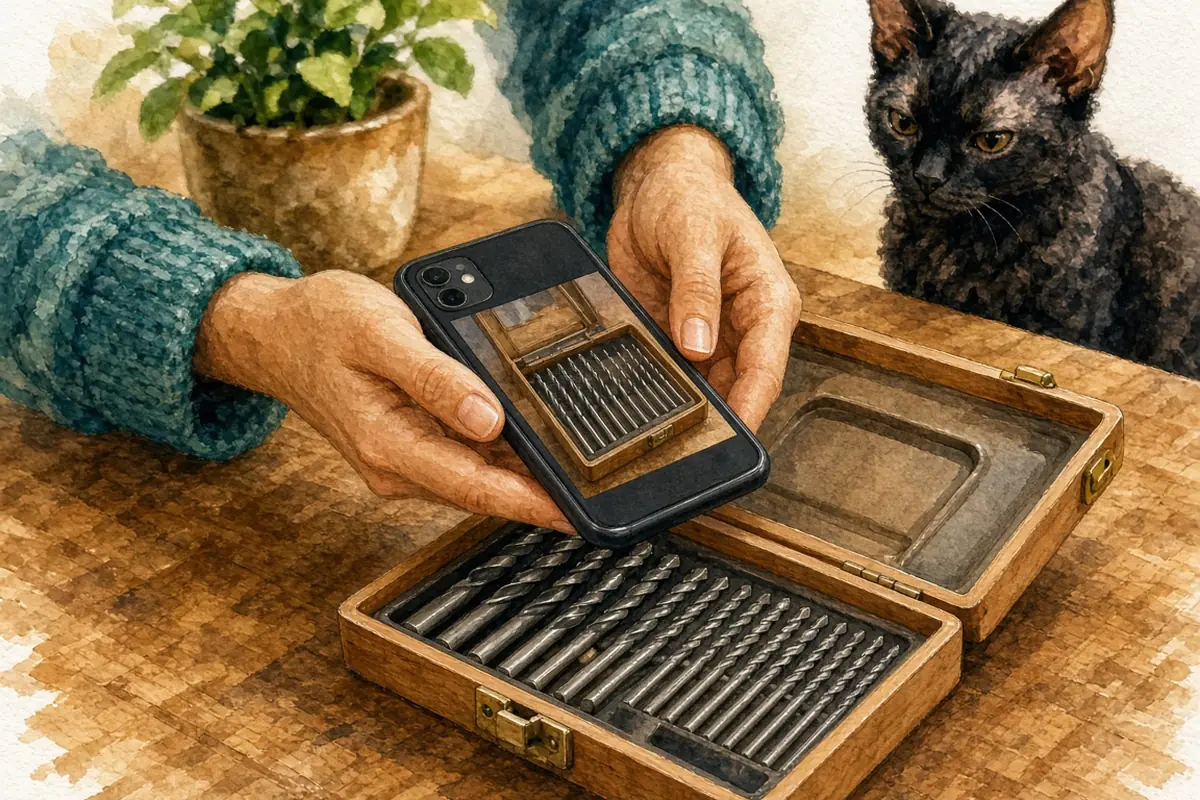
Next time a bit case or screw tray is about to shut, take one open-tray photo. One card, a short title with a size or colour clue, and the drawer it will live in.
iPhone, no account required — you can start free.
Download TadaTuck on the App Store