TadaTuck for iPhone
Storage unit inventory: photograph the stack before you lock up
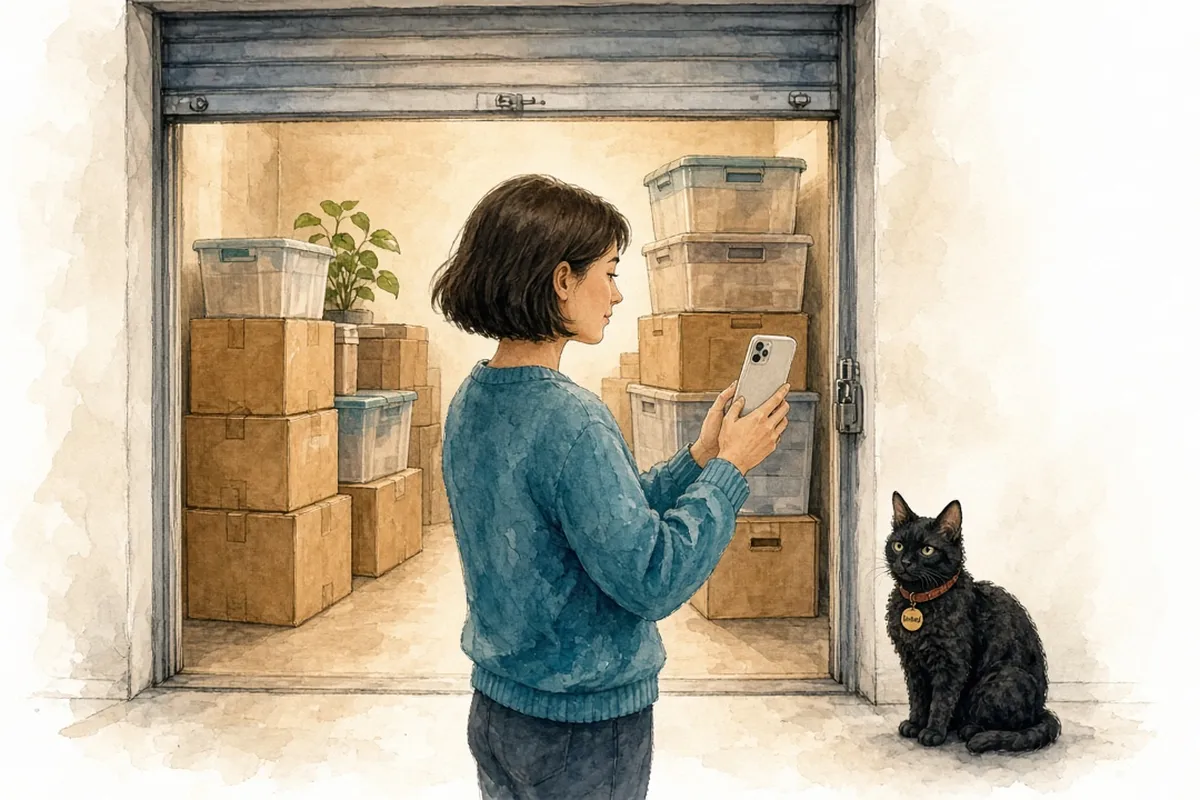
A storage unit inventory in TadaTuck is a photo log of the bins, cartons, and furniture you keep in a long-term rented self-storage locker, filed under a path such as Unit 214 · Aisle B · Row 3 · Top shelf so you can check which row holds an item before driving over.
You maintain this record yourself. The app has no way of knowing what sits inside a sealed carton you never photographed.
Download TadaTuck on the App Store01
Standing in front of the roll-up door in December
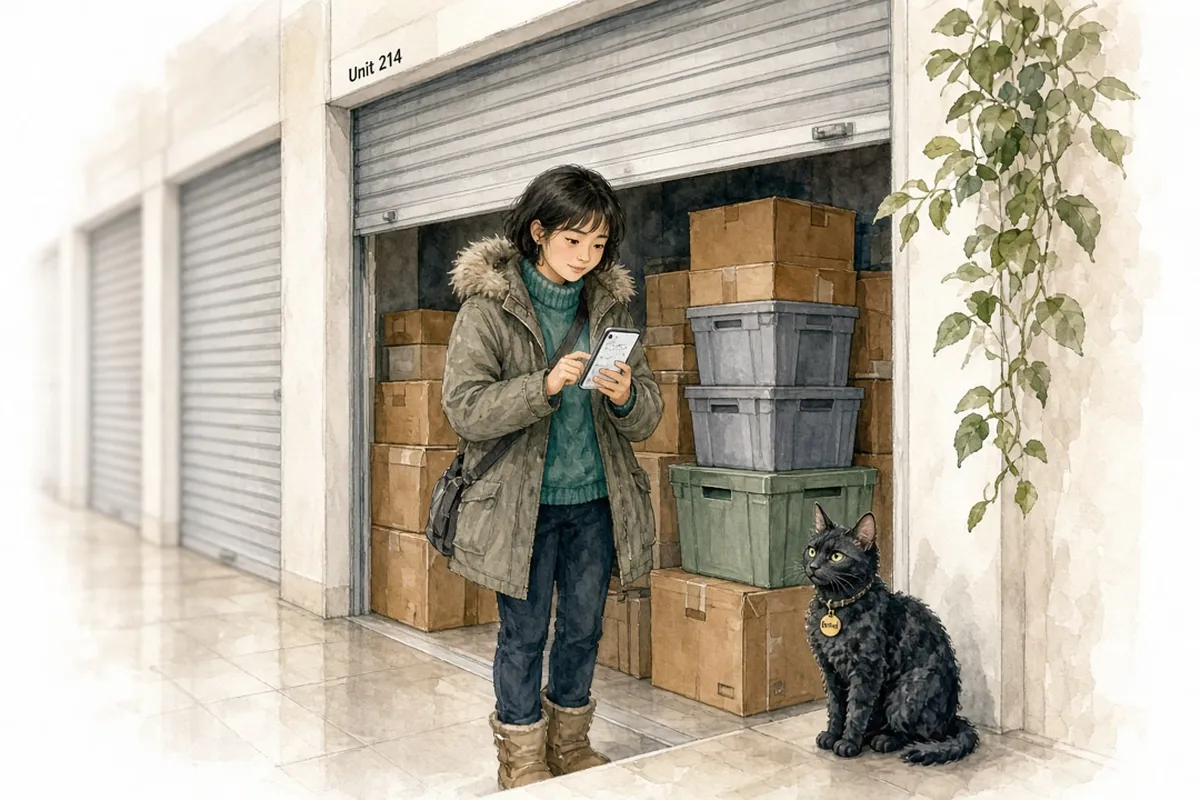
In December you drive across town to the storage facility for the snowboard bag and space heater. When you roll up the metal door, four rows of brown cartons and grey totes stand chest-high. You remember sliding the board along the right wall in April, before later visits added suitcases and spare chairs in front of it.
Or you want to downsize to a smaller locker, and standing at the threshold you cannot recall which back-row cartons hold old tax folders and which hold kitchenware to donate.
A rented locker gets visited once a season. Between visits, every cardboard wall looks alike. New to this kind of tool? Read what a home inventory app is.
02
Name the unit by locker, aisle, row, and tier
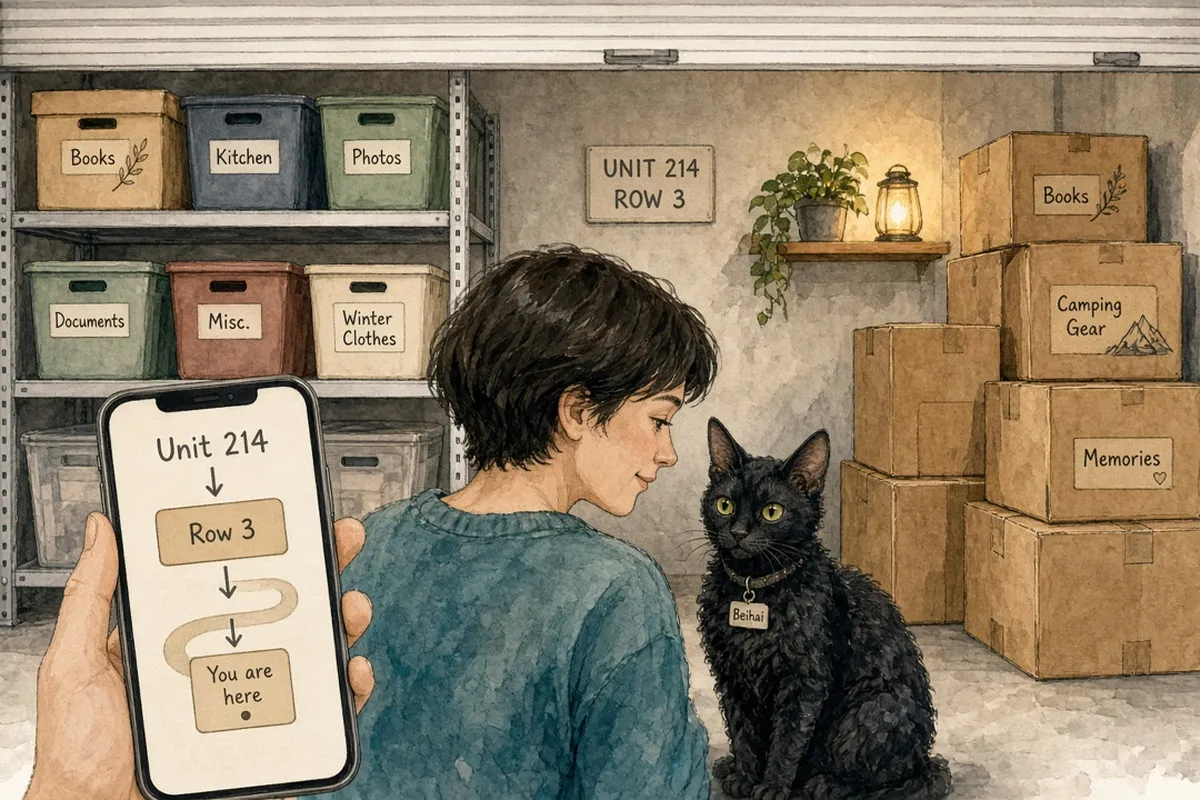
Write space names in the order you step through the shutter, from the unit number down to the shelf or floor stack:
Unit 214 · Aisle B · Row 3 · Top shelfUnit 214 · Back wall · Row 4 · FloorUnit 8 · Left wall · Floor stack · Blue bin
In TadaTuck, storage spaces nest inside one another and reorder at any level. Names take up to 40 characters, so Row 3 · Top · Clear tote fits easily while the photo shows the contents.
This differs from moving day: a moving box inventory tracks cartons going onto a truck to be unpacked at a new flat, whereas a storage-unit log tracks stacks parked behind a roll-up door for months or years.
03
Photograph the visible front layer before pulling the door down
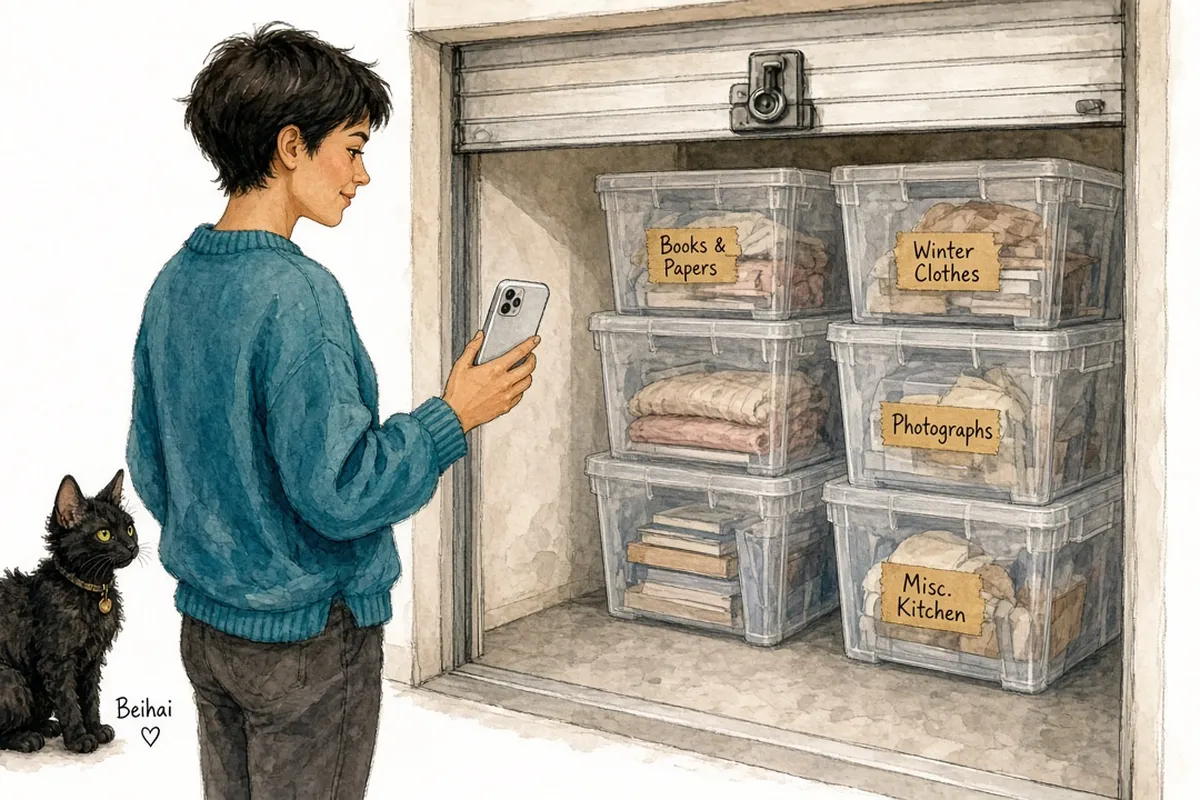
Two photo habits keep a deep locker readable without unstacking every row:
- When a bin enters the locker, shoot what goes inside. Before closing a tote or taping a carton destined for the back wall, snap its contents and file the card under that row and tier. Boxes buried behind newer stacks rely on the photo from entry day.
- Before pulling the shutter down, shoot the outer face. At the end of a visit, take one wide frame of the front stack and tape labels facing the corridor. Next quarter, that shot shows what blocks the back wall before you leave home.
Enter titles manually or let on-device recognition suggest a name and category across 30 categories, reviewing before you save. Optional Cloud AI uploads only photos you choose, with permission. Later, search by title, category, location, or a visual clue like colour.
04
Update the row during your quarterly visit
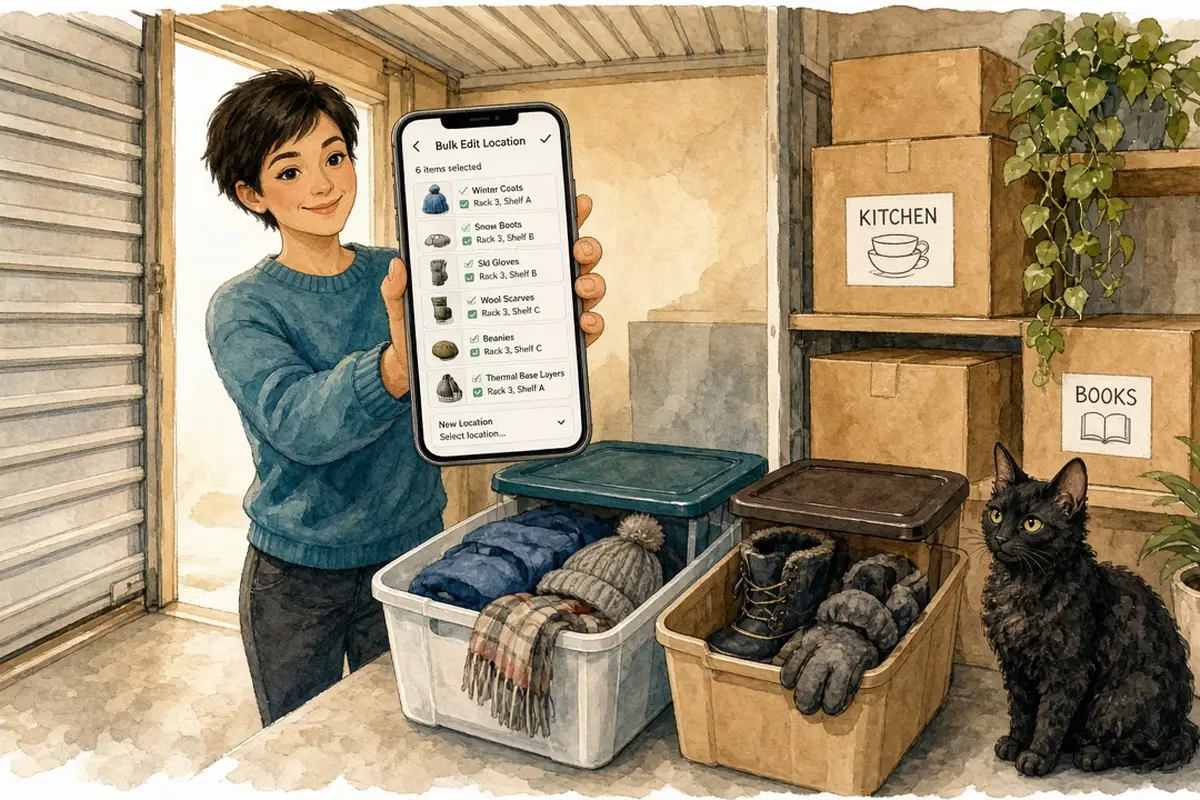
Every visit rearranges the locker. You pull a winter tote from Row 2, slide two suitcases toward the threshold, and push a boxed fan into the back corner.
Locking up without updating the log leaves stale directions for spring. While the bins are still in hand, point their cards to the new row. When several totes shift from the back wall to the front row together, pull them up in search, select multiple items in Infinite View, and bulk-edit their location at once.
05
Five groups of things that stay in a rented unit
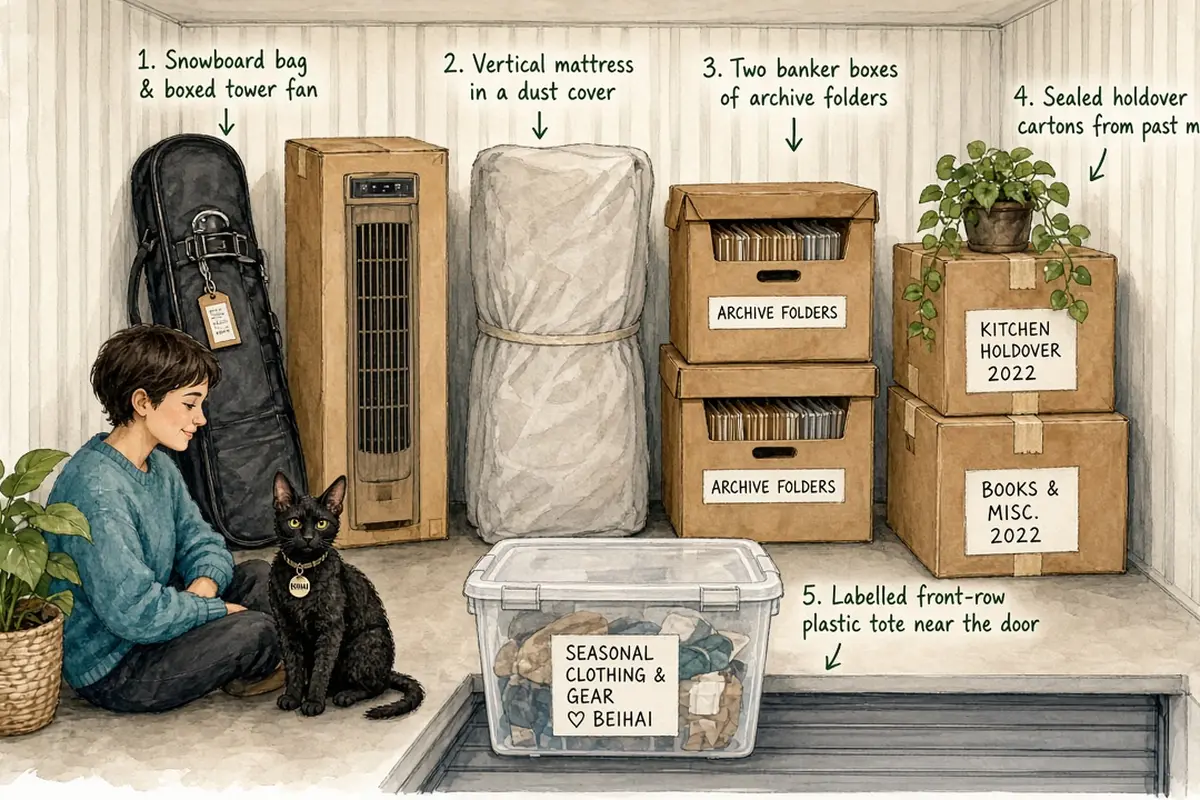
Skip cataloguing every paperback in the locker. Focus on the five groups people actually drive across town to fetch:
- Off-season sports and climate gear: snowboard bags, skis, surfboards, portable heaters, boxed tower fans.
- Upright furniture and mattresses: disassembled bed frames, dining chairs, or a bagged mattress along the side wall.
- Archive and keepsake banker boxes: old paperwork, photo albums, childhood keepsakes—one card per banker box is plenty.
- Holdover cartons from an earlier move: boxes that went straight into the facility and still wait for sorting.
- Front-row "grab next trip" totes: the one or two bins parked just inside the shutter for your next visit.
For snow shovels, tents, or bike pumps kept on racks at home rather than at a rented facility, use a garage inventory instead.
06
Where storage-unit logs go wrong
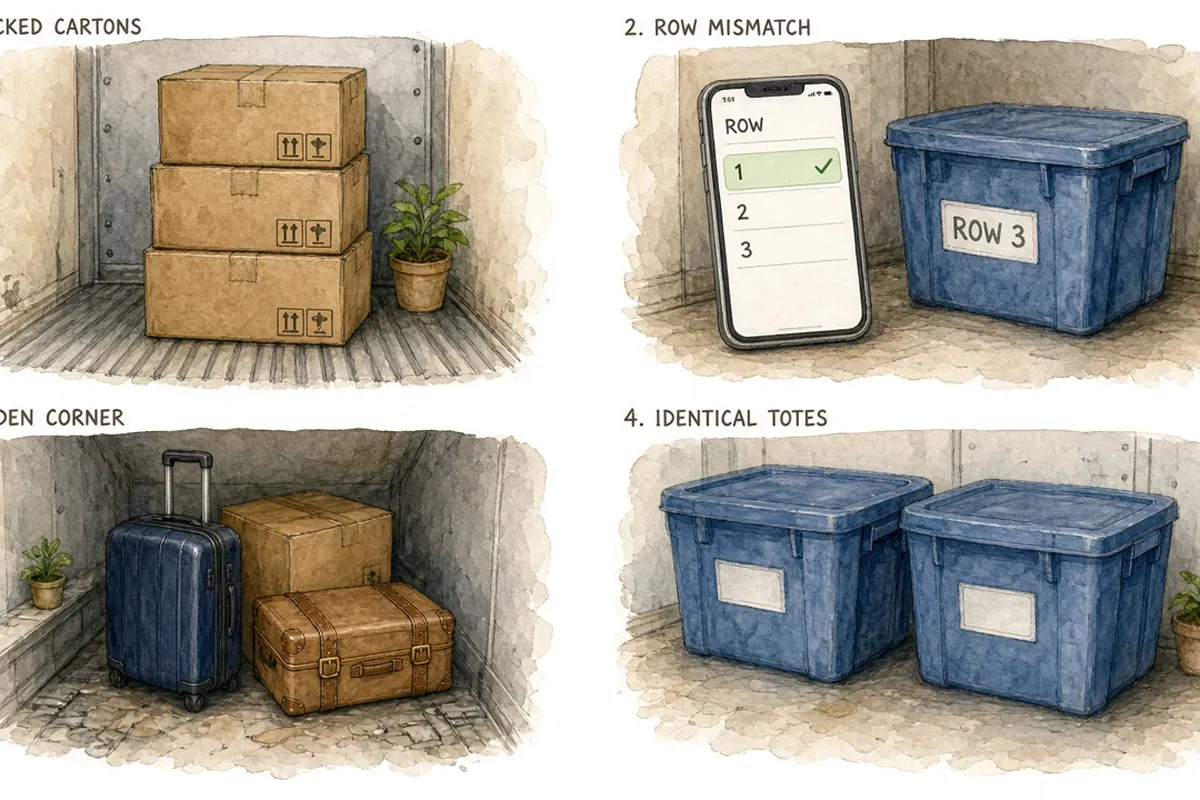
Identical brown cartons with no entry photo
Stacked three high under corridor lighting, brown cartons look identical. Without an open-box photo from entry day, you end up slitting tape down the whole row.
Restacking the locker without updating the row
You pull a bottom tote out in October and set the upper cartons along the opposite wall. If the card still reads Row 3 · Top, your March trip starts in the wrong aisle.
Deep-corner boxes buried behind newer stacks
A narrow locker fills from back to front. Put Back wall · Behind suitcases in the space name so you know the front stack has to move first.
Two people using the same "Blue bin" title in one locker
If you and a housemate or relative keep totes in the same rented locker and you log the unit on your iPhone, three totes all titled Blue bin blur together in search. Prefix each title on your phone—such as Sam · Blue bin · Camping—so each stack stays distinct.
07
What this method won't handle
TadaTuck cannot see inside a sealed carton you never photographed, will not nudge you about facility billing dates or quarterly visits, does not read warehouse labels, and is not a commercial warehouse management system.
Your records are for personal reference only; TadaTuck does not guarantee that any insurer, landlord, mover, or storage facility will accept these photos or location notes. When an item could be either at home or at the facility and you have no idea where to start, where did I put it covers that wider search.
A FEW GOOD QUESTIONS
FAQ
Do I need to photograph every box in my storage unit?
No. Start with the bins you fetch each season, the cartons stacked against the back wall that get blocked first, and the one or two totes right by the door that you plan to grab on your next visit.
Can TadaTuck tell what's inside a sealed carton?
No. It finds only the boxes and items you photographed and saved. Take a photo before you tape the carton or slide the bin into the stack.
How should I name aisles, rows and shelves?
Include the unit number, wall or aisle, row, and shelf tier—or a short cue like left wall or by the door—matching any tape label on the bin. Storage space names hold up to 40 characters, so keep them brief.
What if I restack boxes on a later visit?
Update the location before you pull the door down. When you shift several bins to a new row together, you can select them in the search results and edit their location in bulk.
Do I need Cloud AI?
No. Manual entry or on-device recognition is plenty on its own. When you turn on Cloud AI, look over its suggestions before saving.
Where are my records stored?
Records stay on your iPhone by default, and Pro users can optionally enable iCloud sync across their own devices.
Photograph the front row before you pull the shutter down
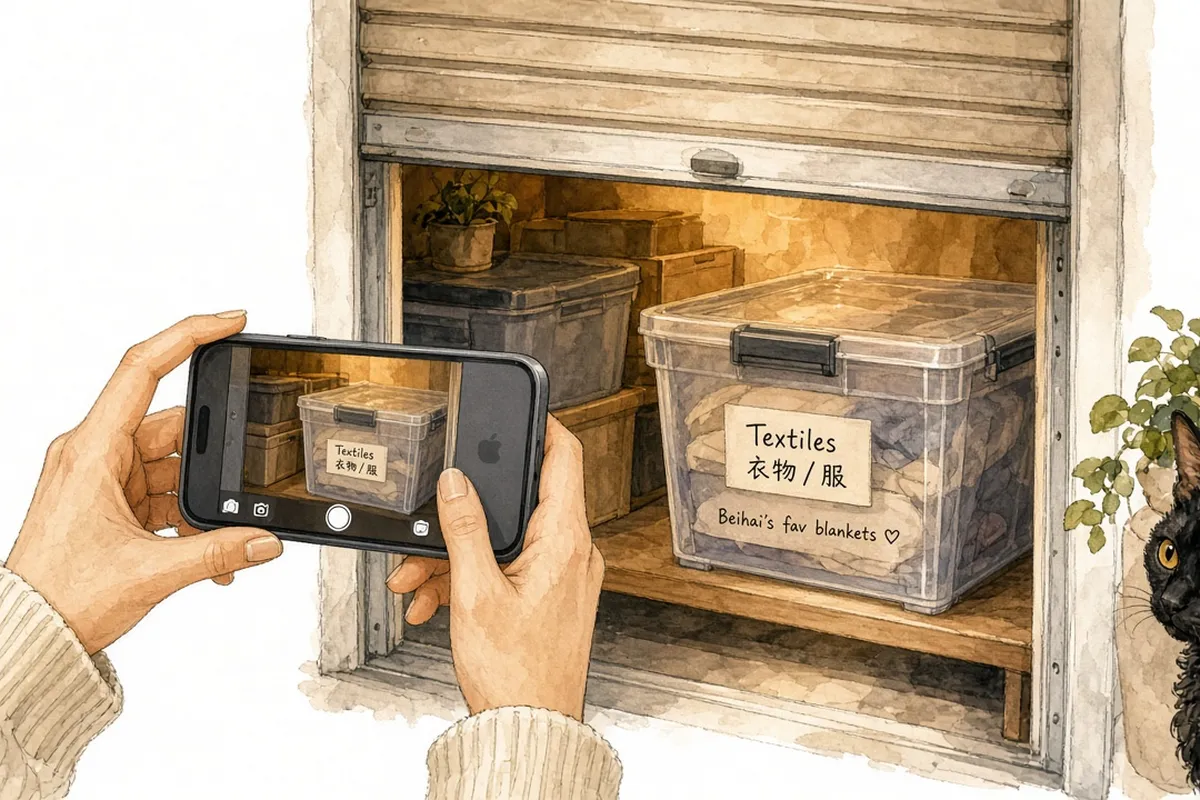
On your next trip to the unit, take two minutes before the padlock clicks shut: snap the open tote you just packed, shoot the outer stack facing the door, and file it under its row and tier.
You can start free on iPhone, without an account.
Download TadaTuck on the App Store