TadaTuck for iPhone
Where to keep spare keys: agree on a spot, then photograph it
Where to keep spare keys means agreeing on one indoor spot first—a hook, a drawer slot, or a small tin—then photographing the spare and saving a short location like Entry · Hook L · Spare door key. In TadaTuck for iPhone you keep that look, name, and spot so the next person opens the right place without guessing. The app will not know about a key you never photographed, and this page does not give outdoor-hide or anti-theft advice.
You do not need a spreadsheet. You do not need to photograph every key in the house.
Download TadaTuck on the App Store01
Before a trip, nobody agrees where the spare lives
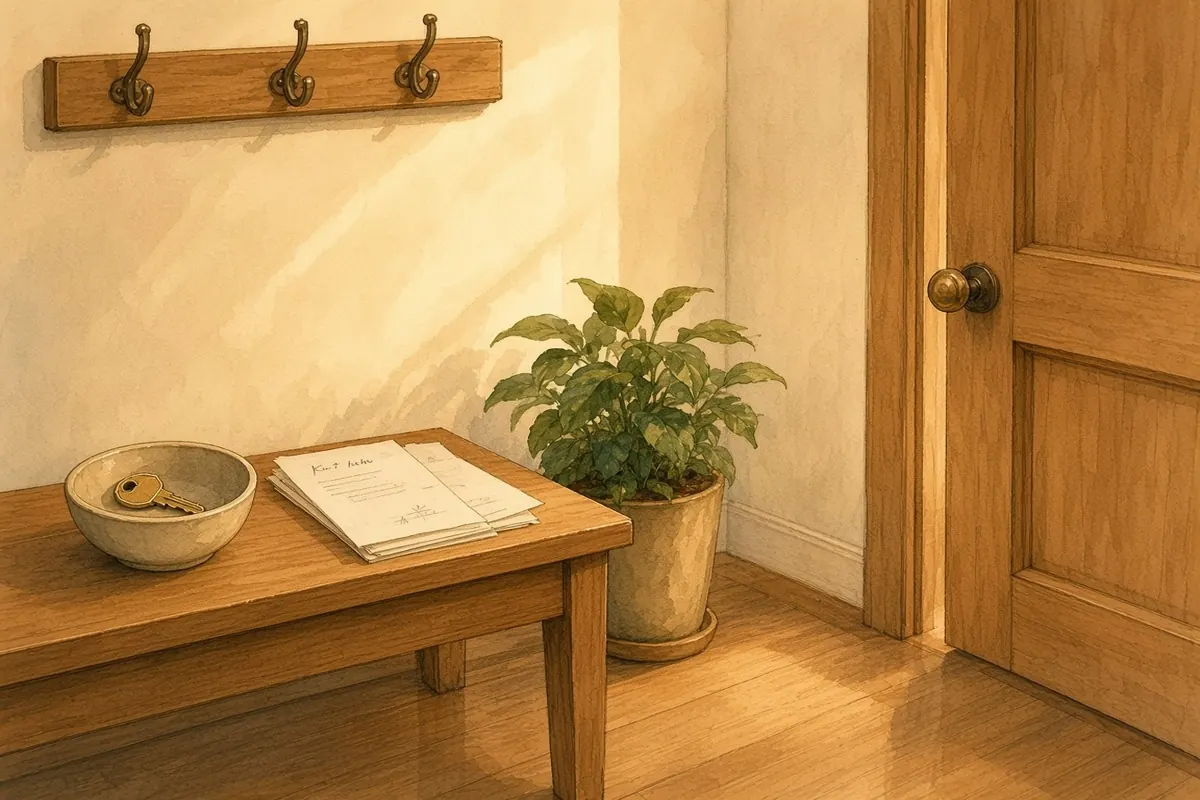
You are leaving a spare door key for a neighbor or roommate. One person points at the entry hook. Another opens a kitchen drawer. A third remembers a small tin on the desk—last week. The spare exists; the agreed indoor spot does not.
The same drift hits car fobs, access cards, garage remotes, and the spare held for a rental handoff. Two same-color cards in one tin are hard to tell apart when you are in a hurry. This page is the agree-and-note step before anything goes missing. When you are already hunting, use the lookup habits on Where did I put it? instead.
02
Name the spot with use + place cues
Write names the household will actually say out loud. Keep each storage-space name under about forty characters:
| Example name | Why it works |
|---|---|
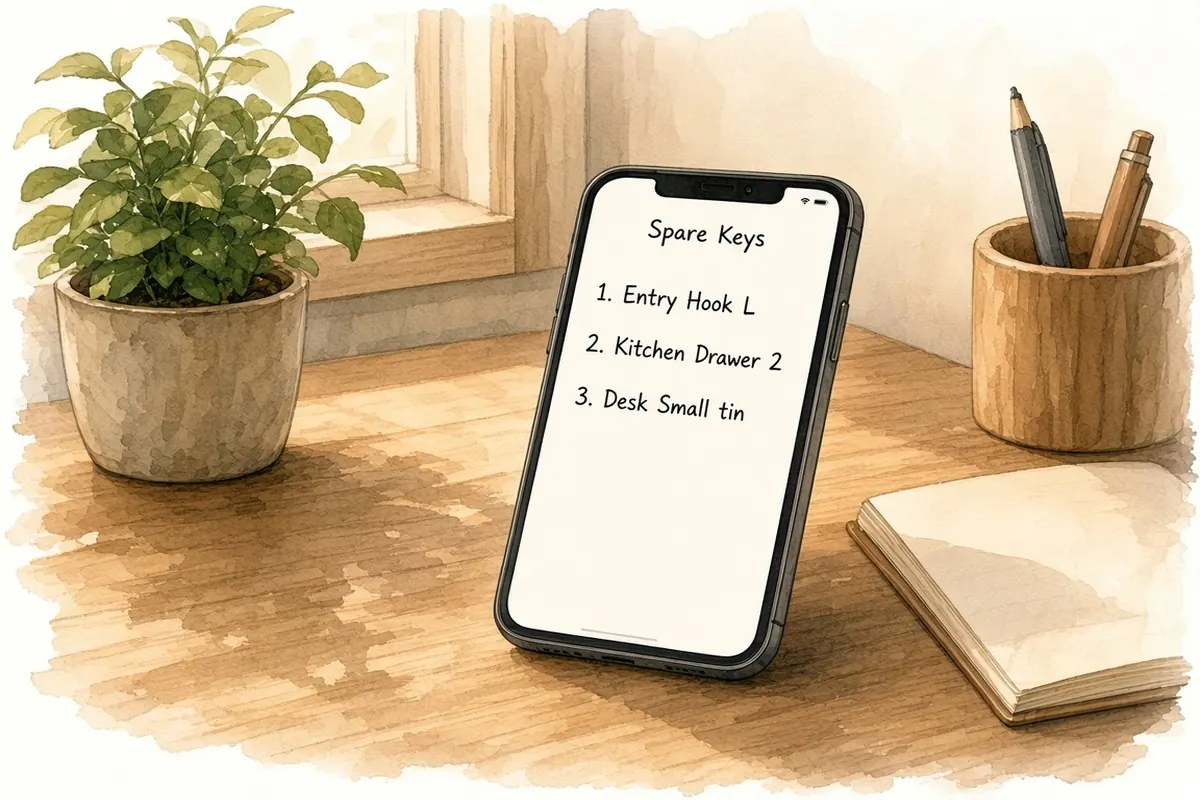
Entry · Hook L · Spare door key | Use + spot in one line |
Kitchen · Drawer 2 · Car fob | Separates car spare from house spare |
Desk · Small tin · Access card | Card vs metal key, clear spot |
Garage · Hook · Gate remote | Remote that is not a door key |
Desk · Tin · Rental spare | Temporary handoff spare |
Vague names like "key" or "spare" collide when you have several. Nested spaces you name yourself stay readable when each layer stays short.
03
Four steps: agree → photo → name → update after a move
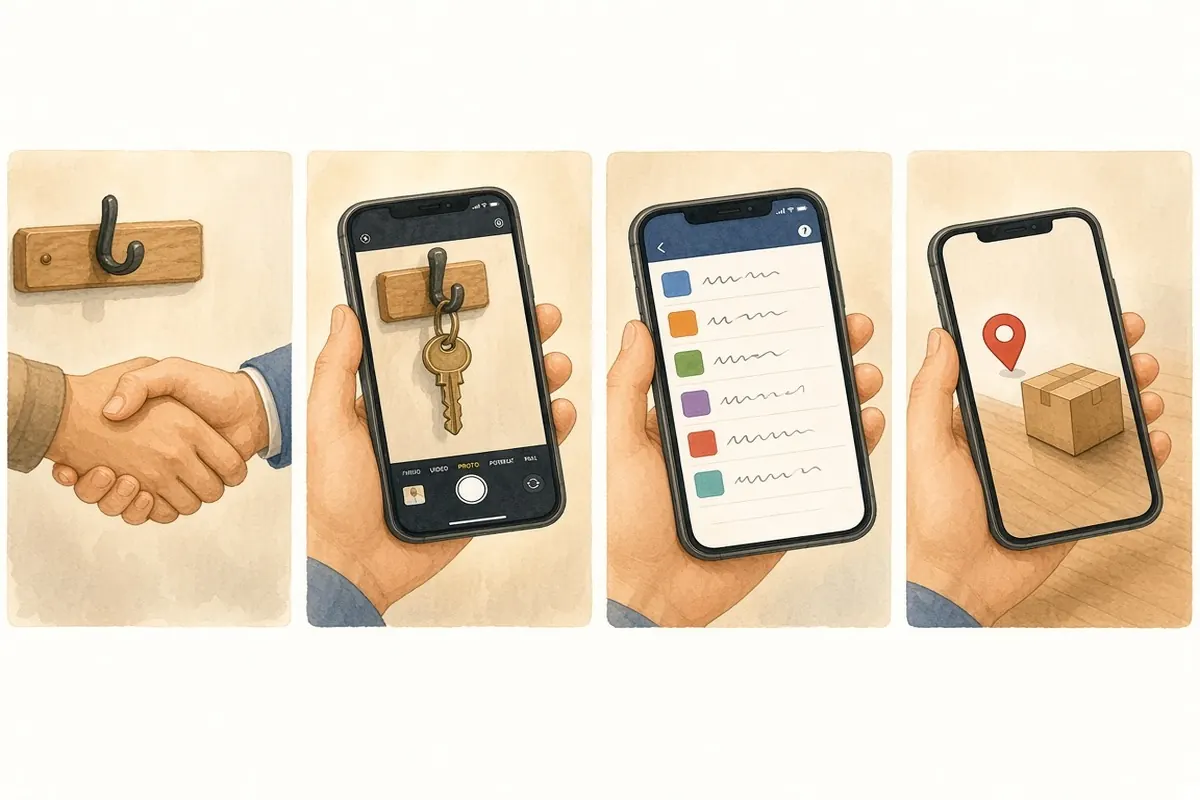
- Agree on one or two indoor spots with everyone who might need the spare—an entry hook, a labeled drawer slot, or a small tin on a shelf you both recognize.
- Photograph the overall look and the spot. Mid-distance frames of shape, color, tag, or fob shell are enough; tooth-detail close-ups are not required.
- Name the record with use + spot cues and save the location in your own words.
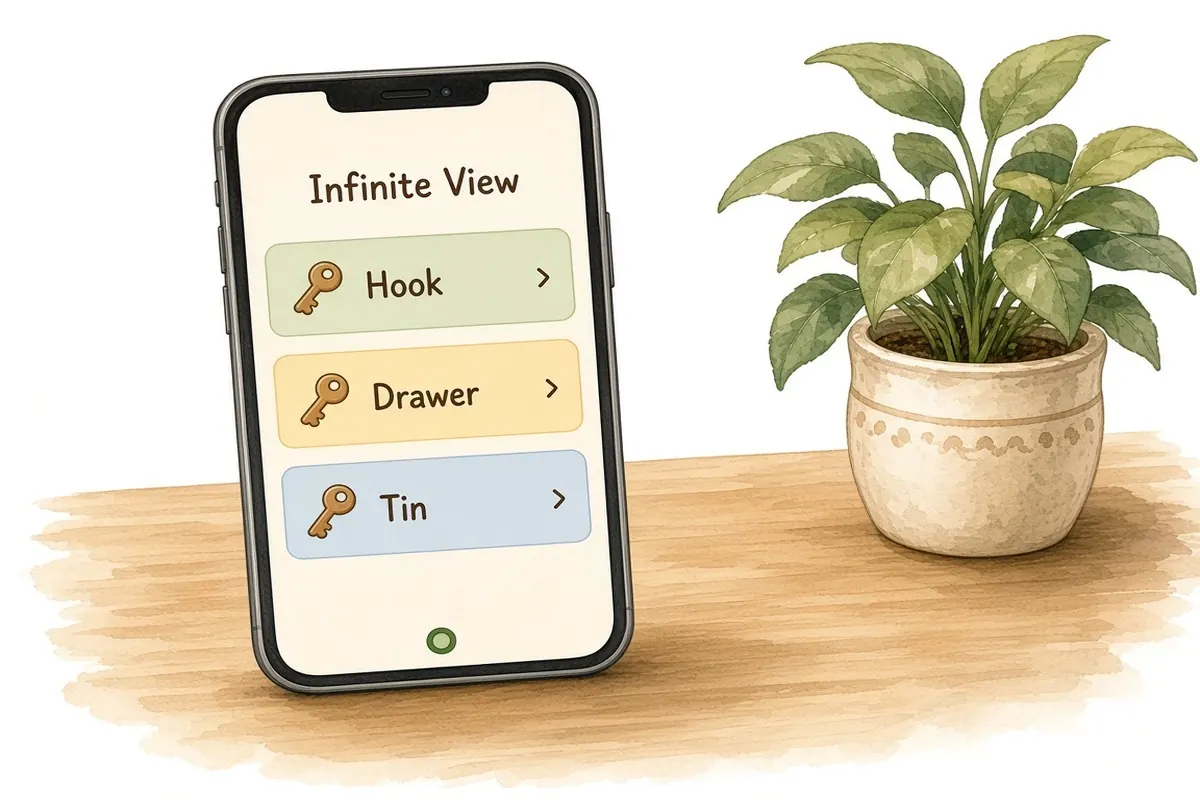
- Update the location when the spare moves—for a trip, a rental handoff, or a new hook. In Infinite View you can adjust several records in one pass when a whole set relocates. Treat bulk edit as a soft habit you choose when many spots change at once.
You can also add an item by hand. On-device recognition, or Cloud AI if you choose to use it, can help fill in details. Check them before you save. Outdoor hide spots stay out of scope; this page only covers indoor agreed places plus a photo and a location note.
04
Which spares to record first
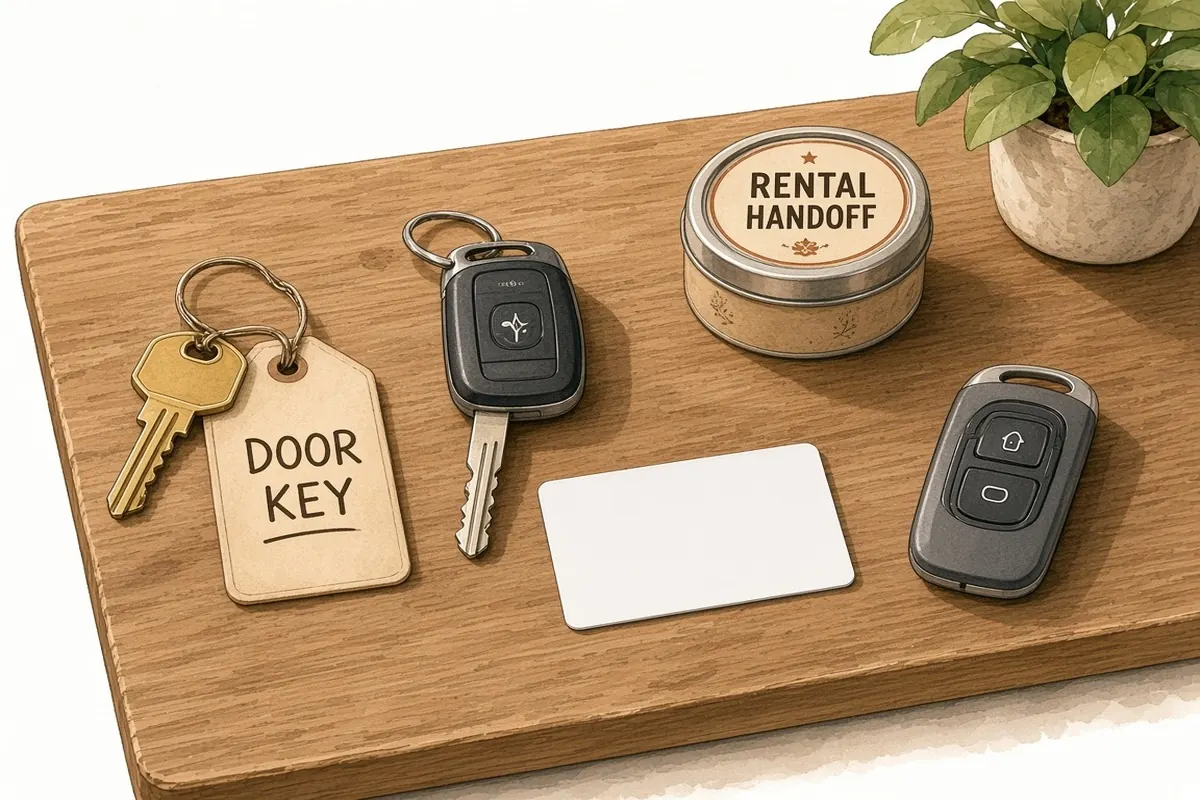
Start with the spares people actually ask for:
- The main-door spare
- A car key or spare fob remote
- An access or elevator card
- A garage or storage remote
- The spare held for a rental handoff
Skip locksmith specs and outdoor hide instructions. A drawer full of cables and chargers is a different habit—that lives on Electronics drawer inventory. Spare keys need an agreed hook, drawer slot, or tin, not a cable-pouch map. A garage remote that hangs with tools can also sit in a garage inventory space if that is how you already group gear—still photograph the agreed hook.
05
Pitfalls that waste the plan
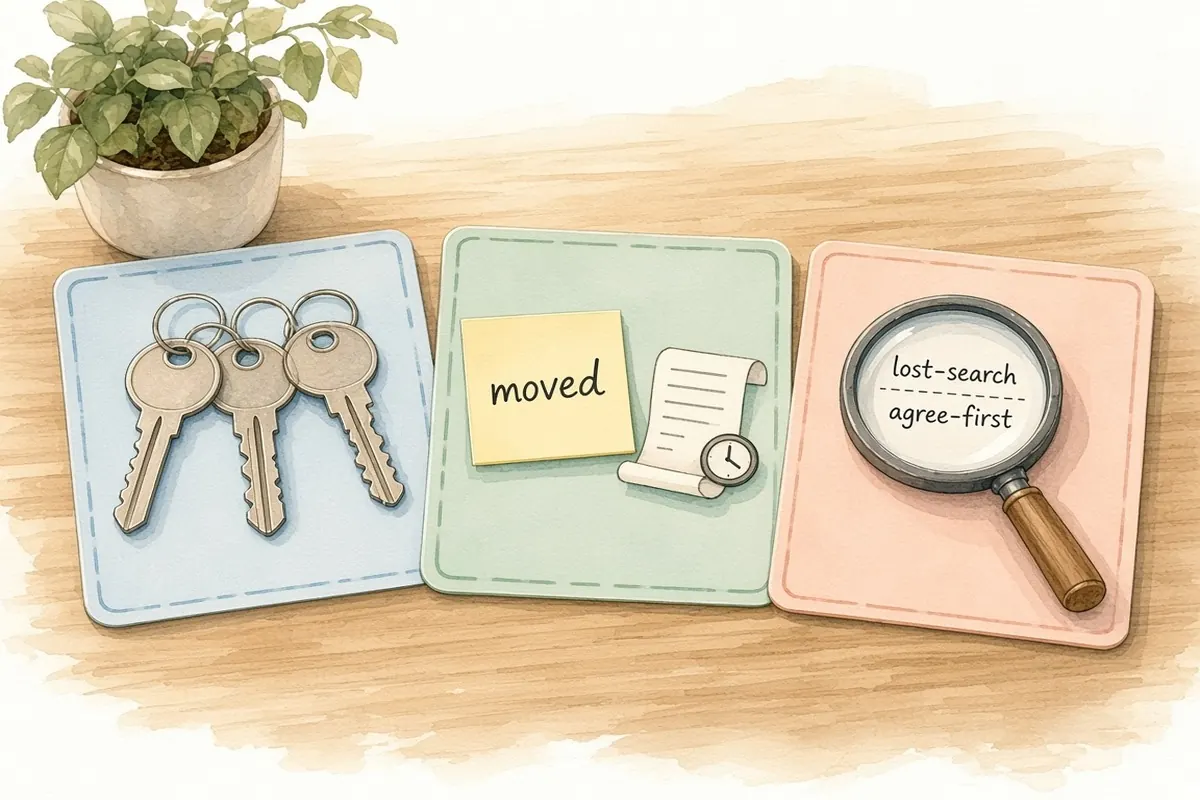
- Identical keys with no look or label photo — two silver door keys look the same in a drawer. A mid-distance photo of the tag, color sleeve, or hook position is what separates them later.
- Spot changed, record left behind — the spare moved to a new tin last month; the note still says the old drawer. Update when you put it down, not when someone asks.
- Framing this as a lost-item search — if the spare is already missing, switch to Where did I put it?. This page is the agree-and-note step before that scramble.
- Asking for outdoor hide how-tos — those are outside this page's scope. Stay with indoor agreed spots plus a photo and a location note.
06
What this page and TadaTuck will not handle for you
Honesty up front:
- TadaTuck does not invent records for keys you never photographed or typed in.
- It will not nudge you about a spare you forgot to update after a move.
- It does not read printed codes on packaging or key tags as a substitute for your photo and name.
- This page does not discuss outdoor hiding places or anti-theft effectiveness. It only covers indoor agreed spots, a photo, and a location note.
- It is not a smart-lock install guide and not a tutorial on cutting or duplicating keys.
For a broader home-inventory framing, see What is a home inventory app?.
A FEW GOOD QUESTIONS
FAQ
Should I hide spare keys outside my door?
No. This page does not discuss outdoor hiding places or anti-theft effectiveness. It only covers indoor agreed spots, a photo of the spare, and a short location note you can search later.
Do I need to photograph every key I own?
No. Start with the spares people actually ask for: the door spare, a car fob, an access card, a garage or storage remote, or the spare you hand to a guest. Add more only when a second spare starts drifting.
How is this different from “where did I put it”?
This page is the agree-and-note step before anything goes missing: pick an indoor spot, photograph the spare, and save the location. Where did I put it? covers lookup habits after something is already missing.
How should I name key hooks and drawers?
Put place + hook, slot, or tin cues plus what the spare unlocks in one short line—for example Entry · Hook L · Spare door key, Kitchen · Drawer 2 · Car fob, or Desk · Small tin · Access card. Keep each storage-space name under about forty characters.
Do I need Cloud AI?
No. You can photograph the spare or add it by hand. On-device recognition can suggest a name and category among the thirty options. Cloud AI only uploads a selected photo when you allow it. Check the details before you save either way.
Where are my records stored?
By default your records stay on this iPhone. If you use Pro, you can optionally turn on iCloud sync for your own devices. That is device sync for one person, not a household key cabinet.
Start with one spare and one indoor spot
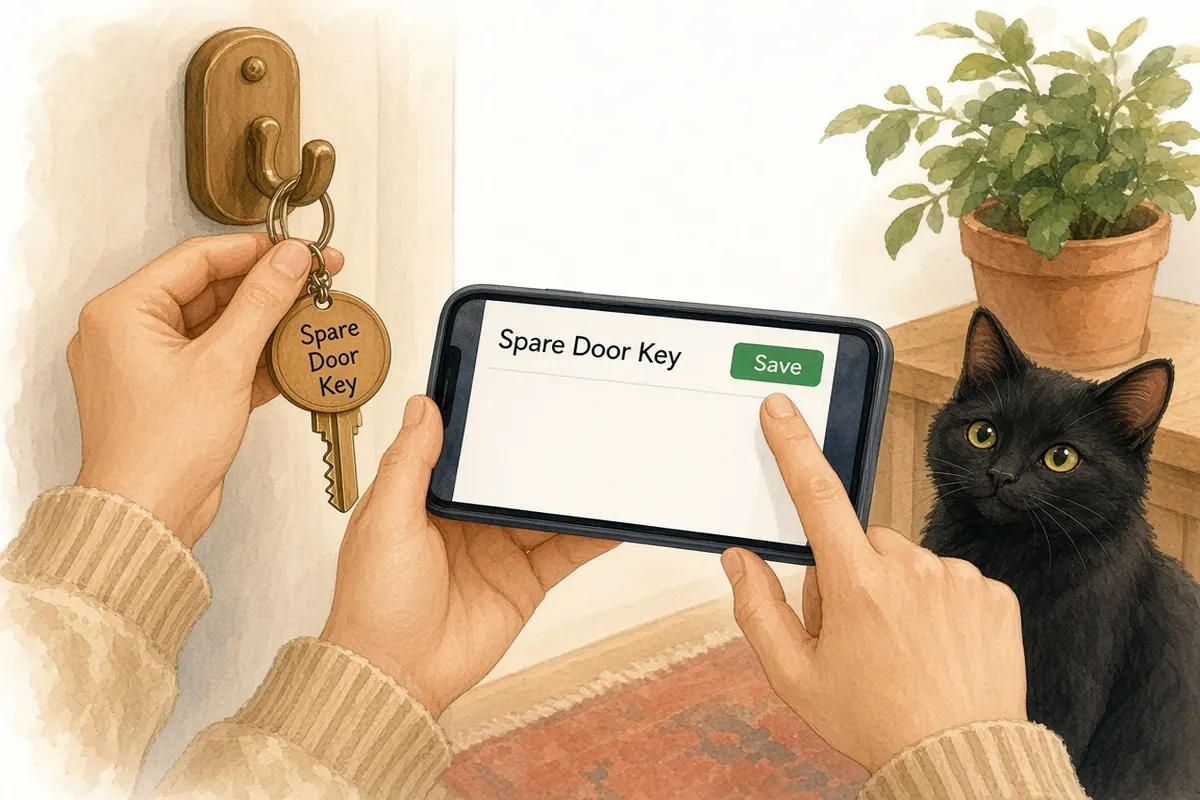
Pick the spare that caused the last scramble—door key, car fob, access card, garage remote, or rental handoff. Agree on one indoor spot. Photograph the look and the spot before it goes in. Name it with use + spot cues. Save the location.
That is enough for the next person who asks "where is the spare?" to open the right place first.
Download TadaTuck on the App Store](https://apps.apple.com/us/app/tadatuck/id6786318142) — free to start. Or begin from the [TadaTuck home page